Complete before-and-after gallery
All 25 pairs from the retained review package are included below. Open an image for its original resolution. The GIF pairs retain both versions of each interaction.
Board overview
The candidate shows the expanded navigation rail with text labels; the retained baseline has the rail collapsed. The same five tasks occupy the same columns. This default-layout difference changes the card width and is not a performance comparison.
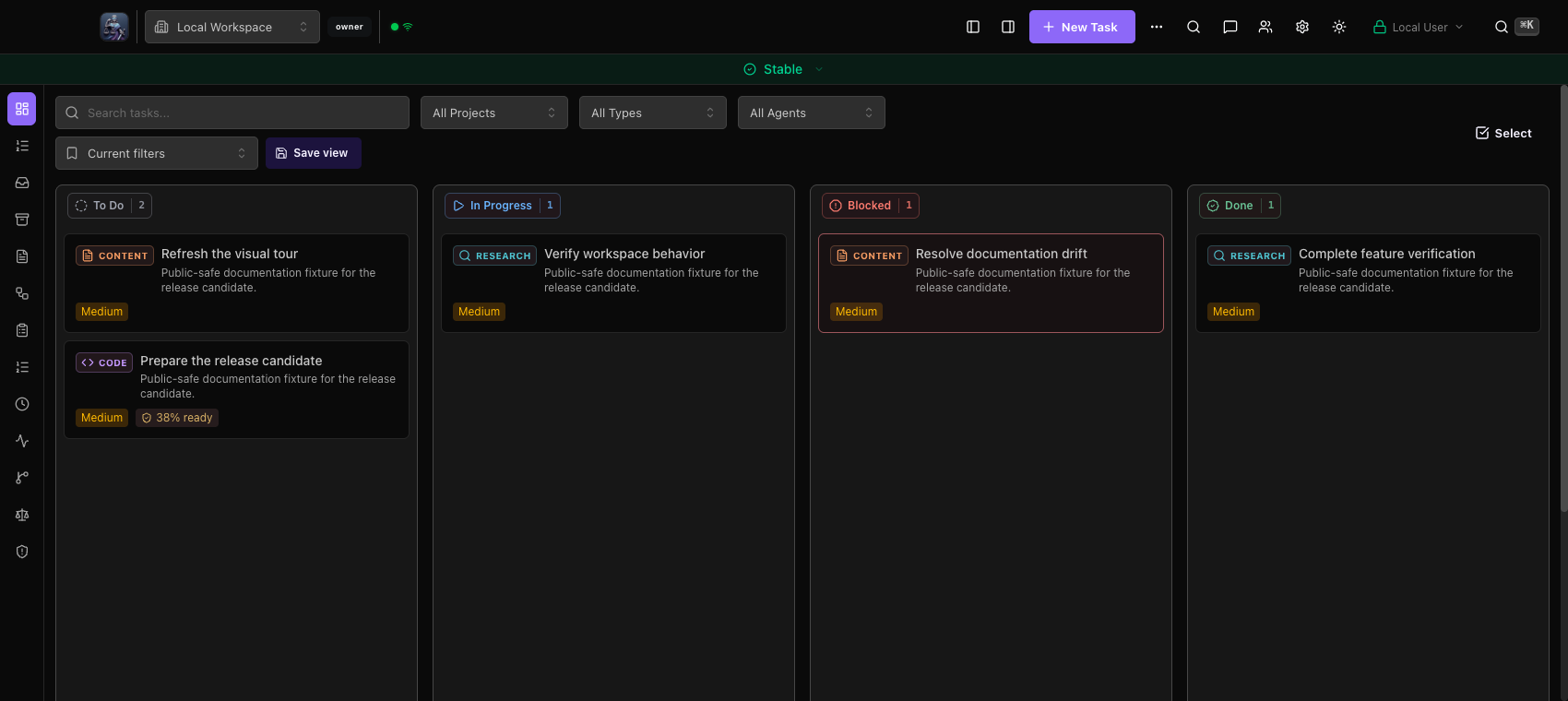 Board overview · 6.1.7
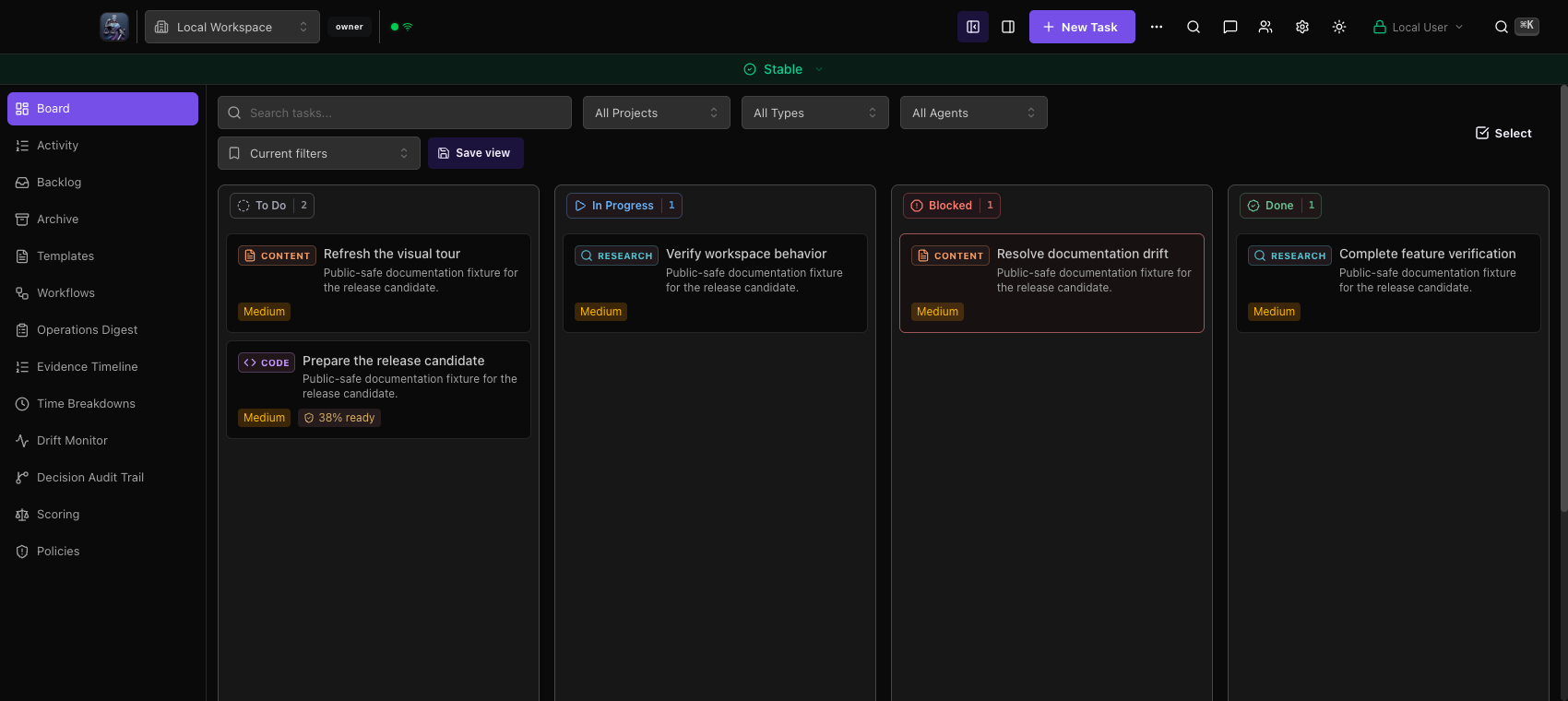 Board overview · 6.2.0
Board to workspace
Both recordings use the same input sequence: board, open in Plan, select Plan, switch to Overview, close to board. Sampling is 8 fps with eight held frames after each completed stage; actual action duration can differ. The candidate uses the lighter task surface and background blur.
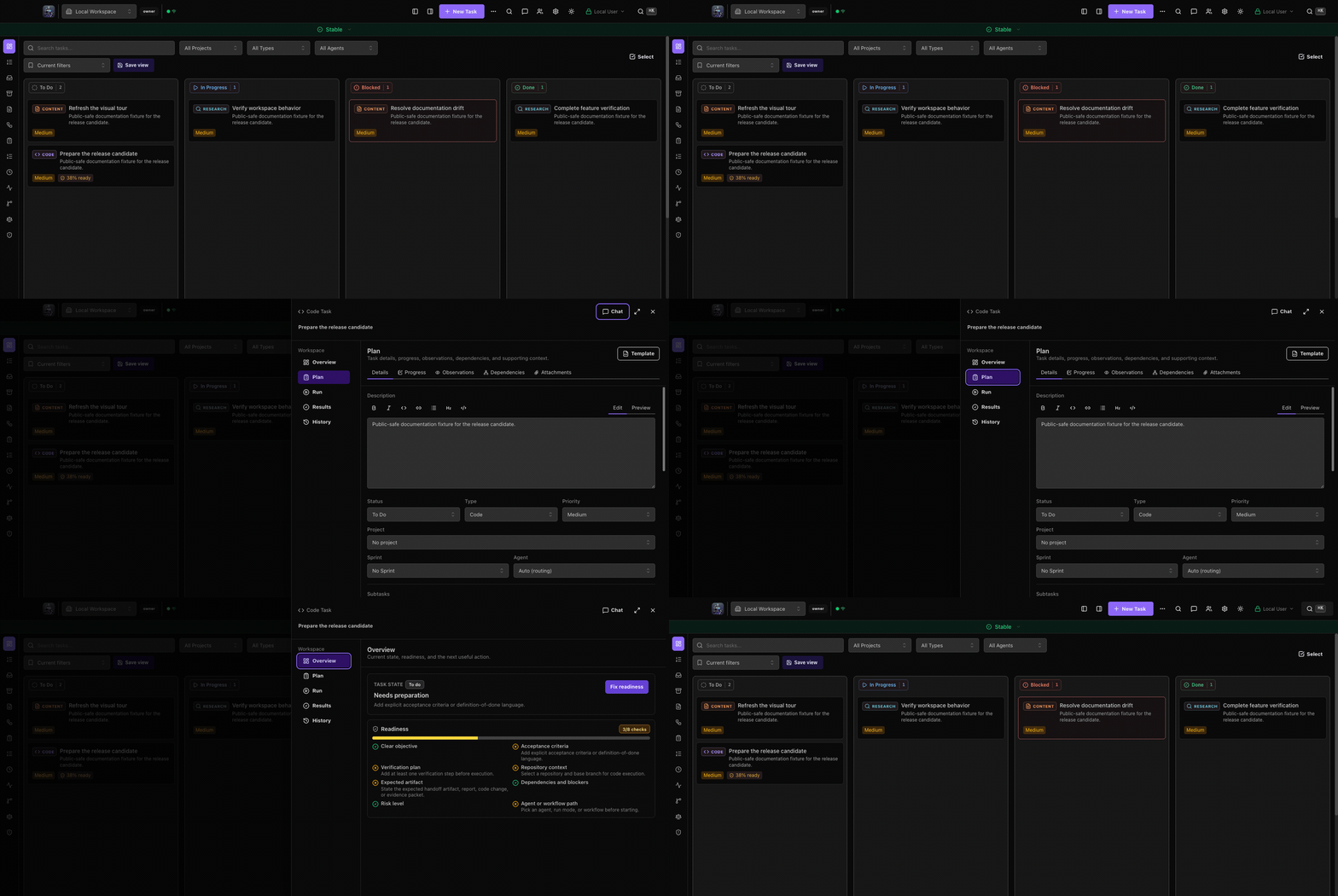 Board to workspace · 6.1.7
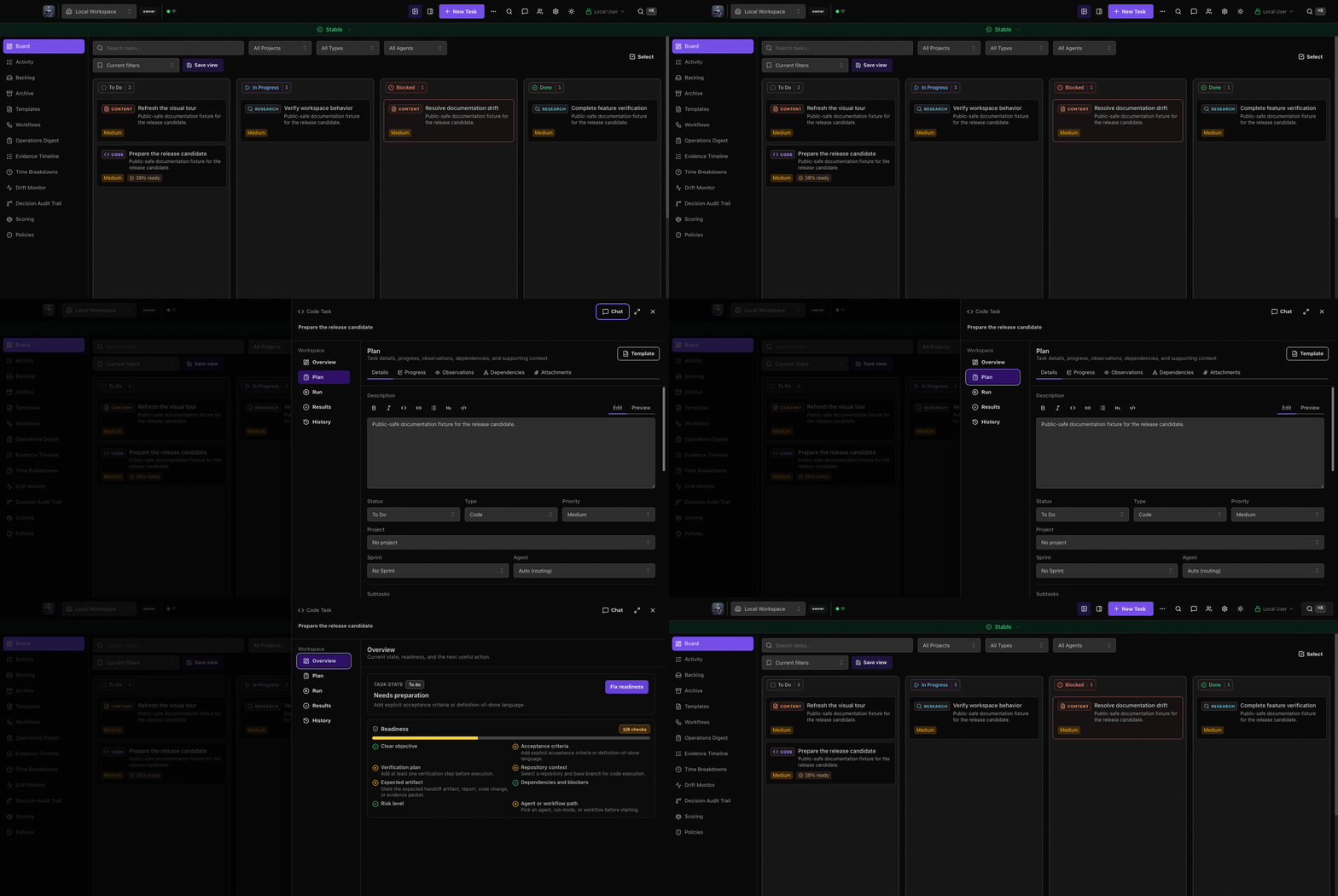 Board to workspace · 6.2.0
Task workspace
The task remains in Plan with the same description and status. The candidate uses a lighter workspace surface and blurs the board behind it; detail loading and focus behavior were checked separately.
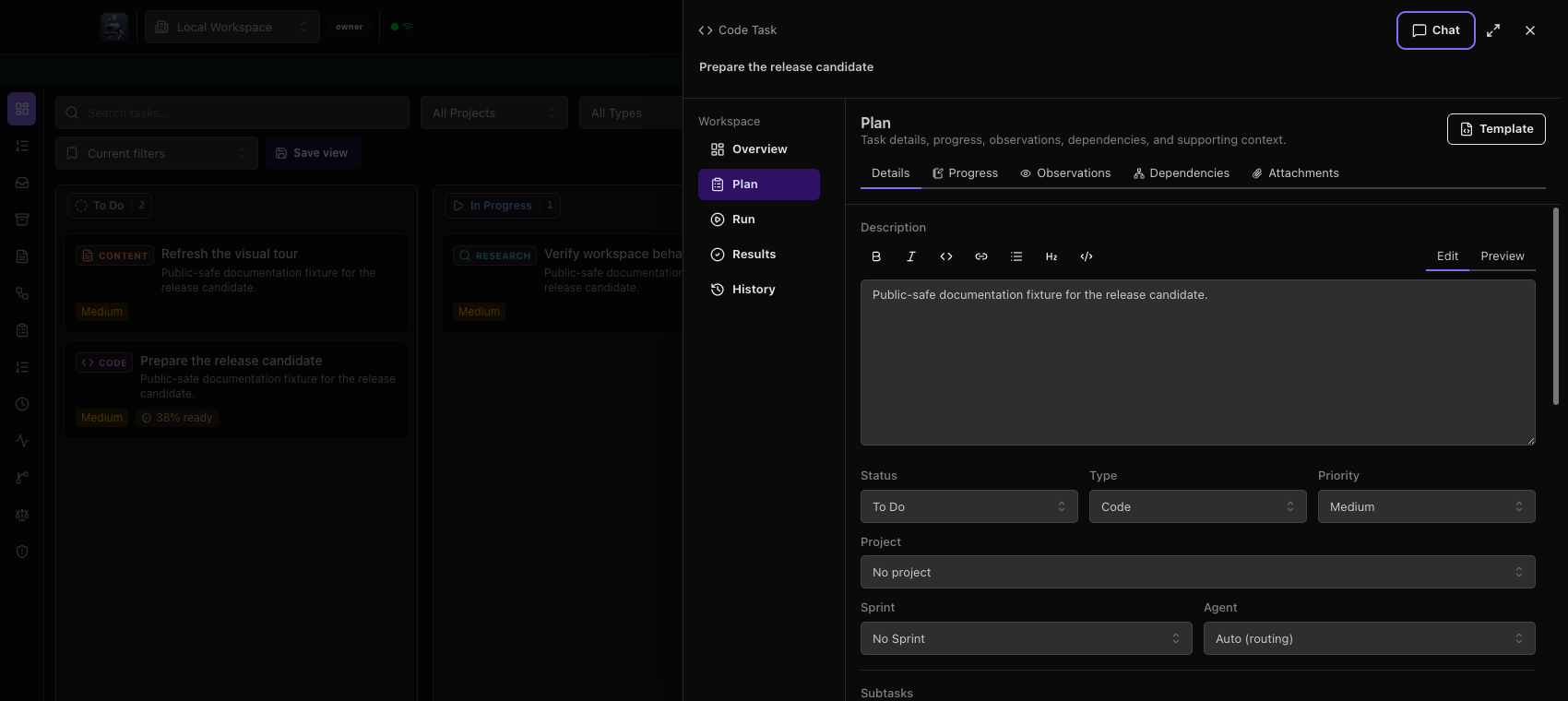 Task workspace · 6.1.7
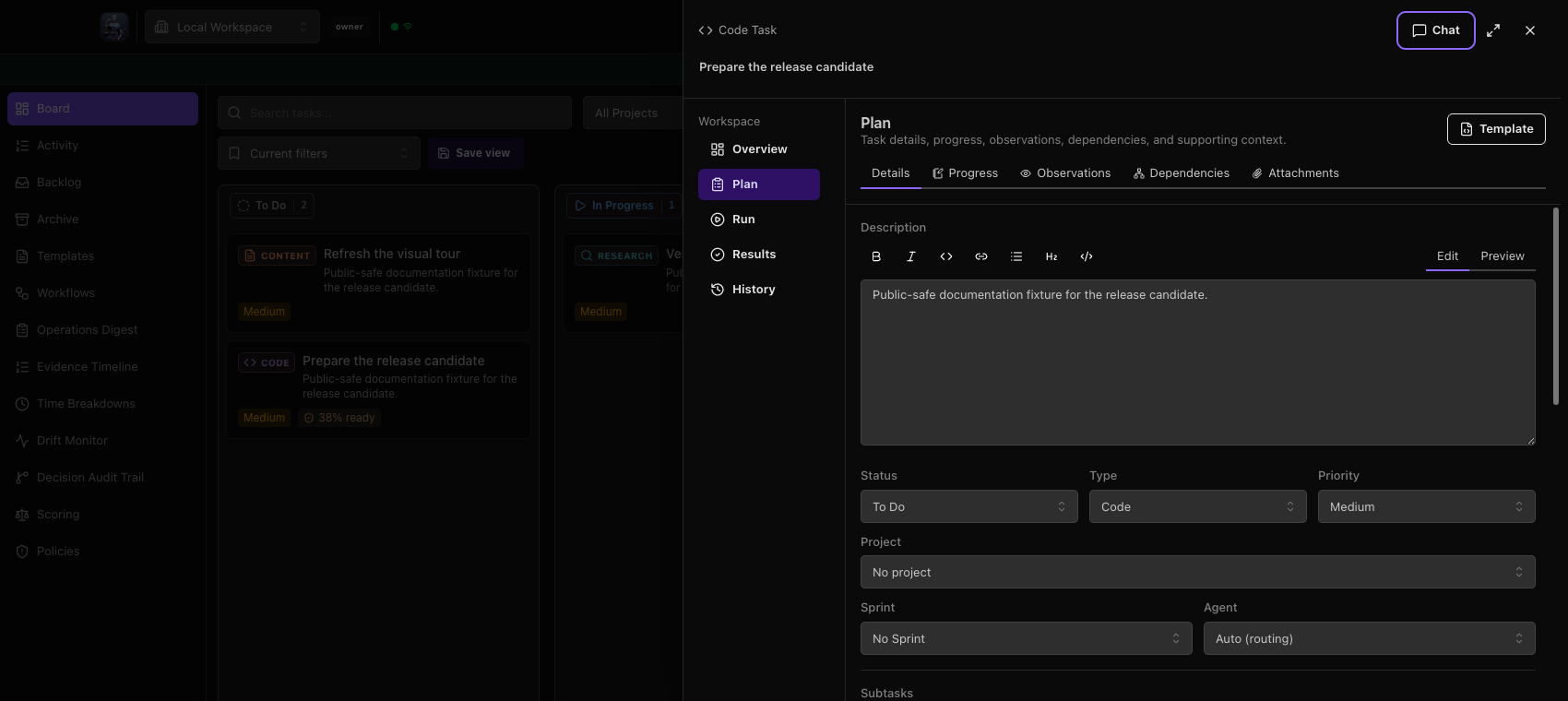 Task workspace · 6.2.0
Settings navigation
The baseline places Settings over the board. The candidate uses a separate modeless native window, adds search above the section content, and replaces the Dark mode switch with a System/Light/Dark appearance selector. Persistence was checked separately.
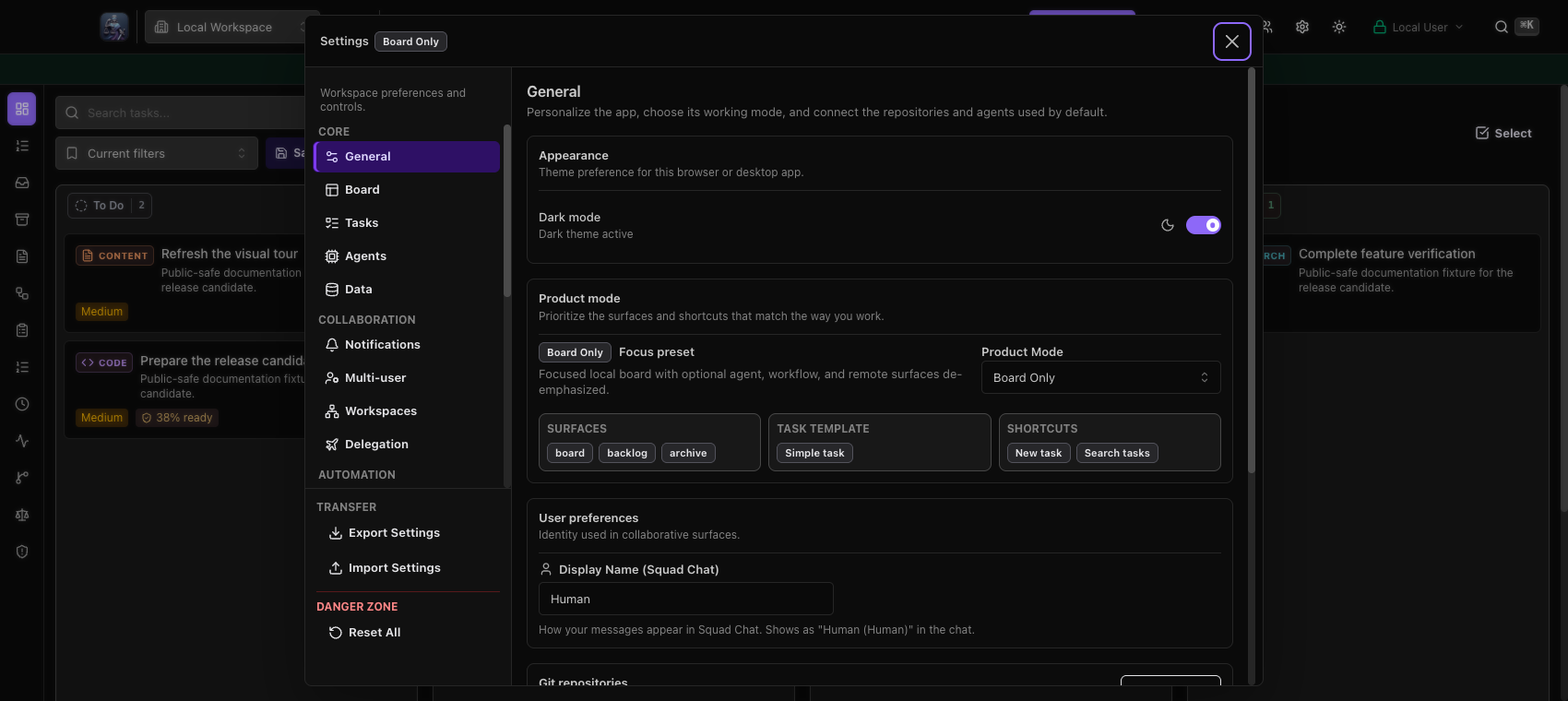 Settings navigation · 6.1.7
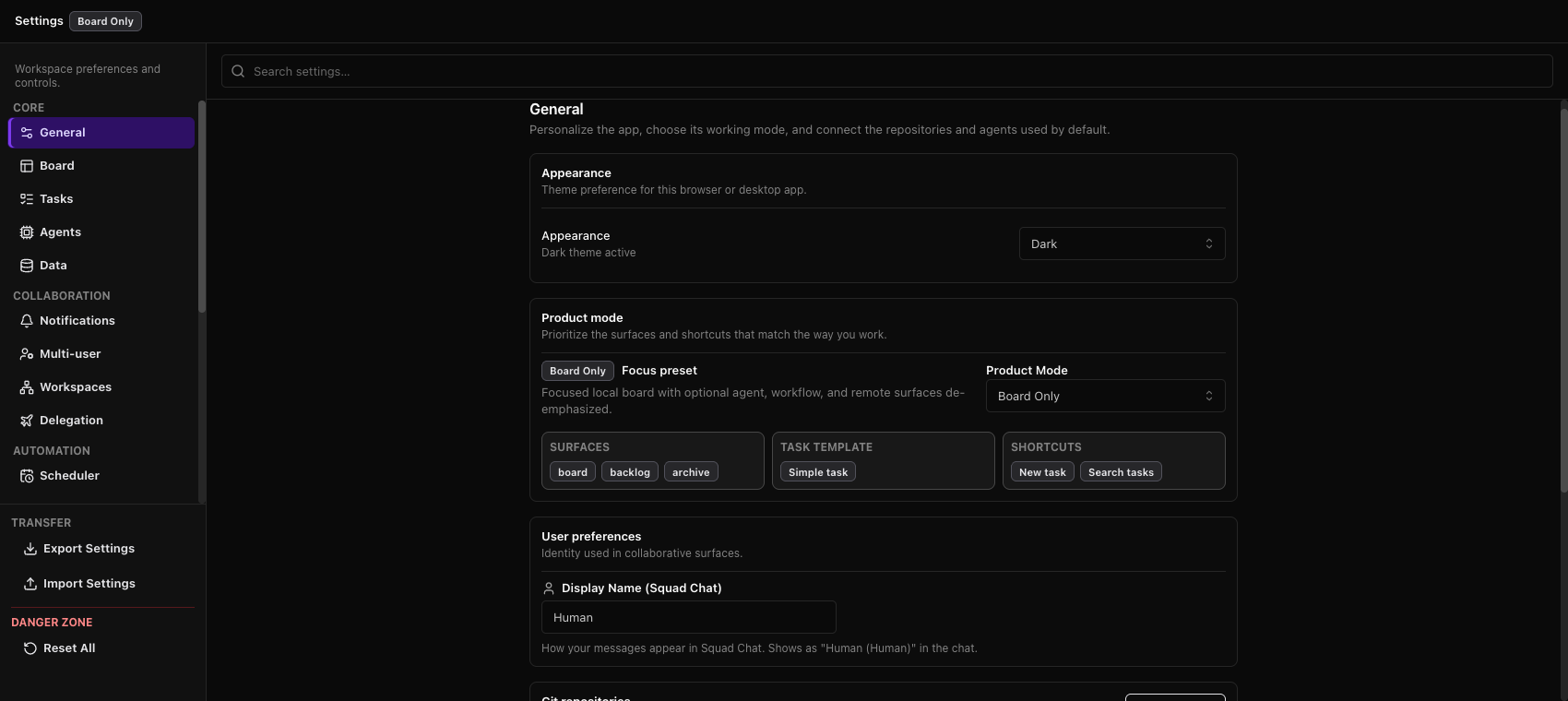 Settings navigation · 6.2.0
Agent providers
The Agents controls remain in the same section within the new native Settings window. The wider surface exposes the provider list alongside persistent section navigation and search.
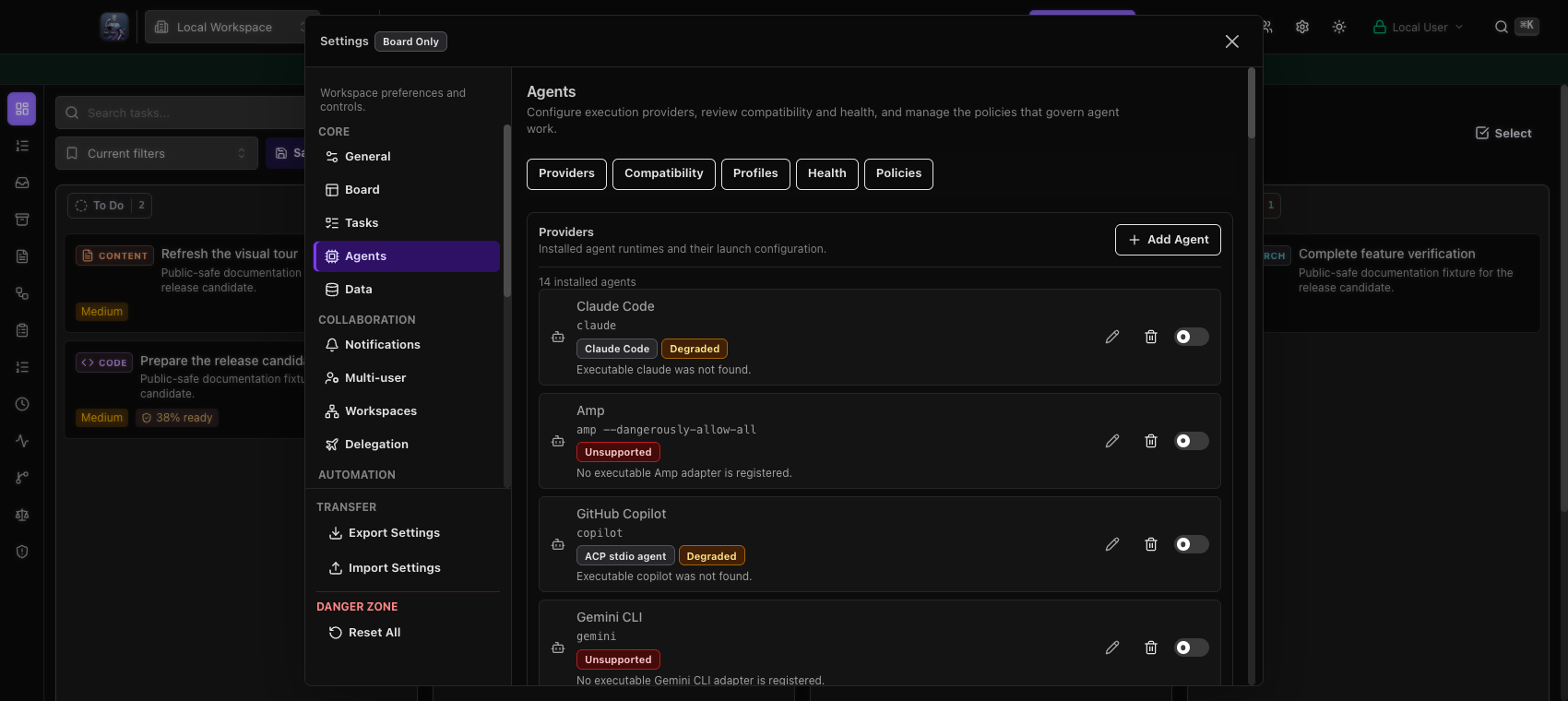 Agent providers · 6.1.7
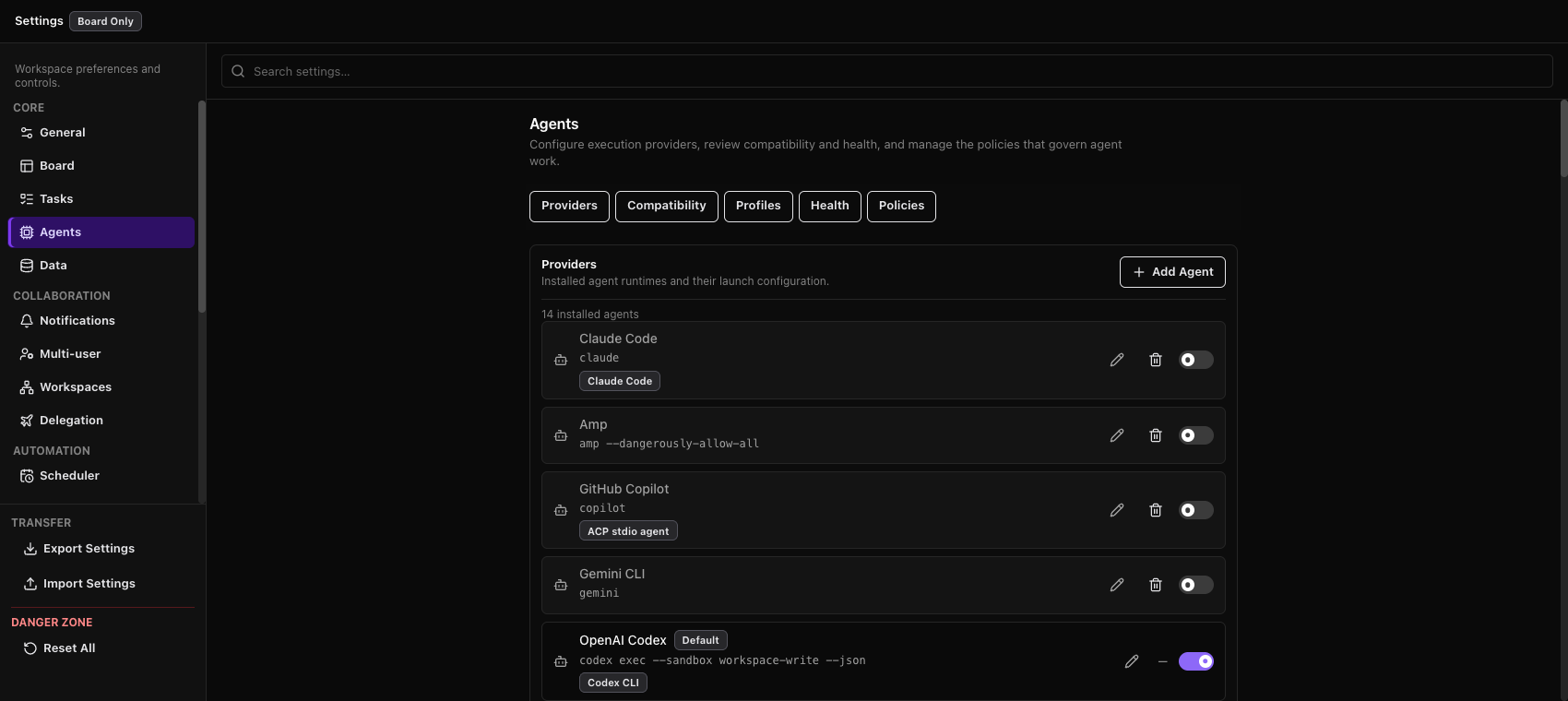 Agent providers · 6.2.0
Maintenance
Maintenance moves with Settings into its own native window. Storage and health values belong to each disposable capture profile; they are not a before/after operational measurement.
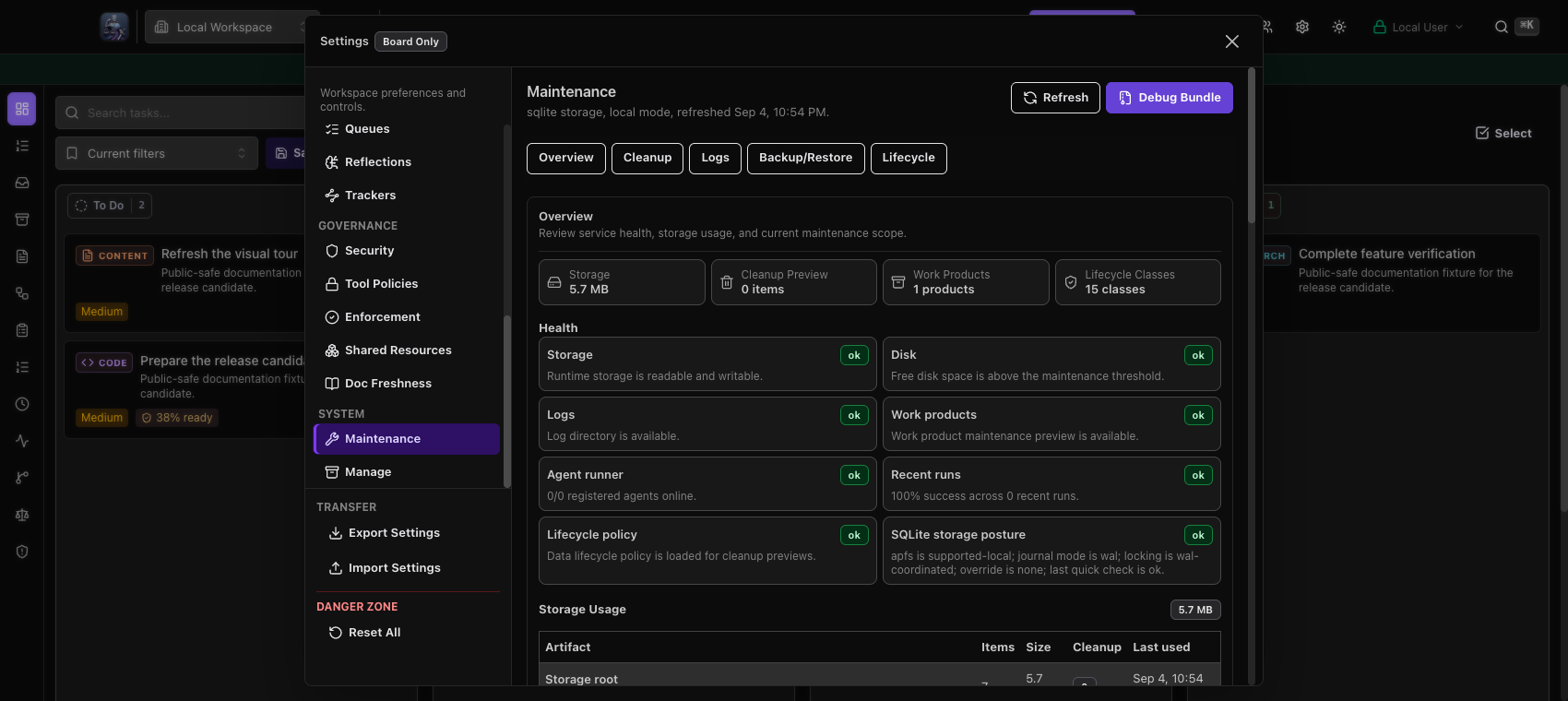 Maintenance · 6.1.7
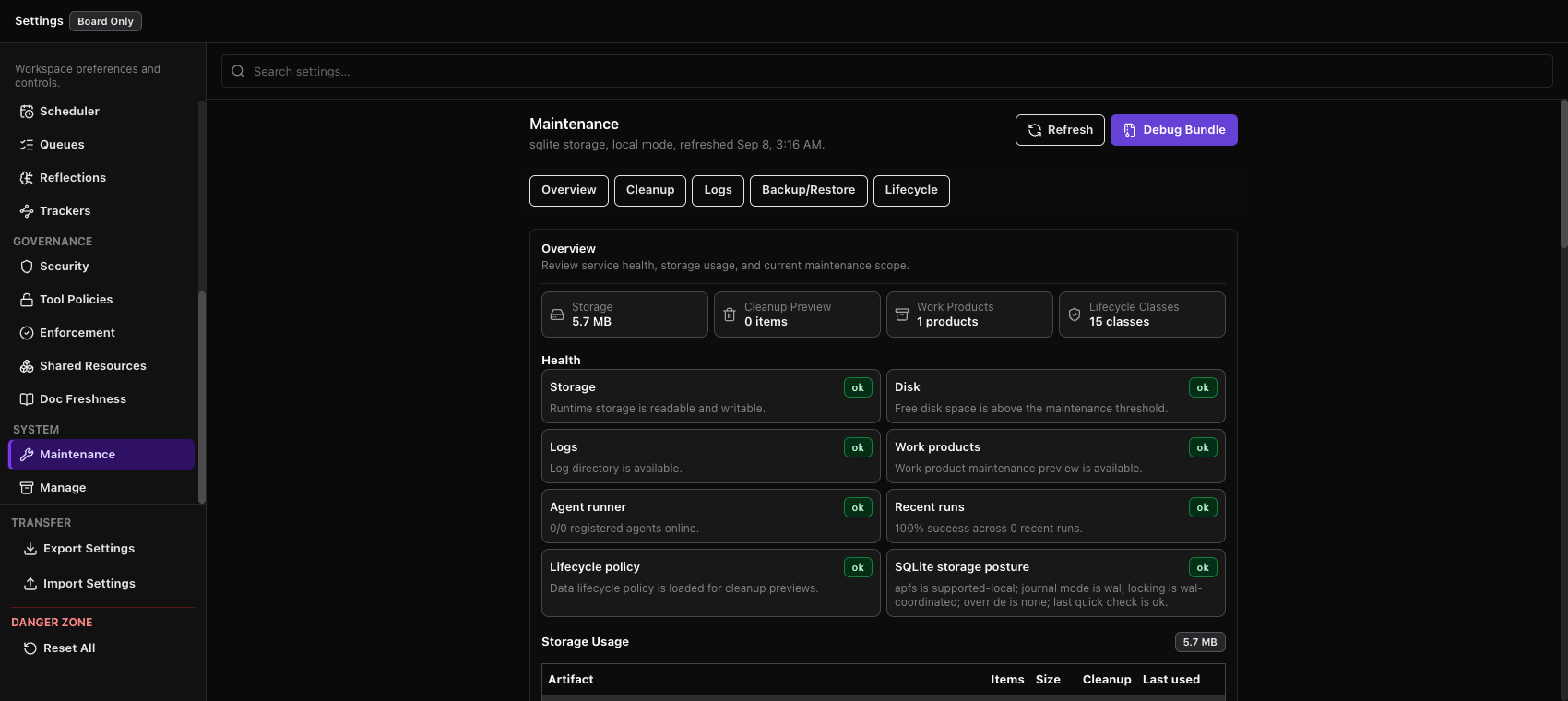 Maintenance · 6.2.0
Notifications
Notifications remains grouped by health, adapters, delivery and preferences inside the separate Settings window. Fixture connections are disabled. Targeted notification storage updates were checked separately.
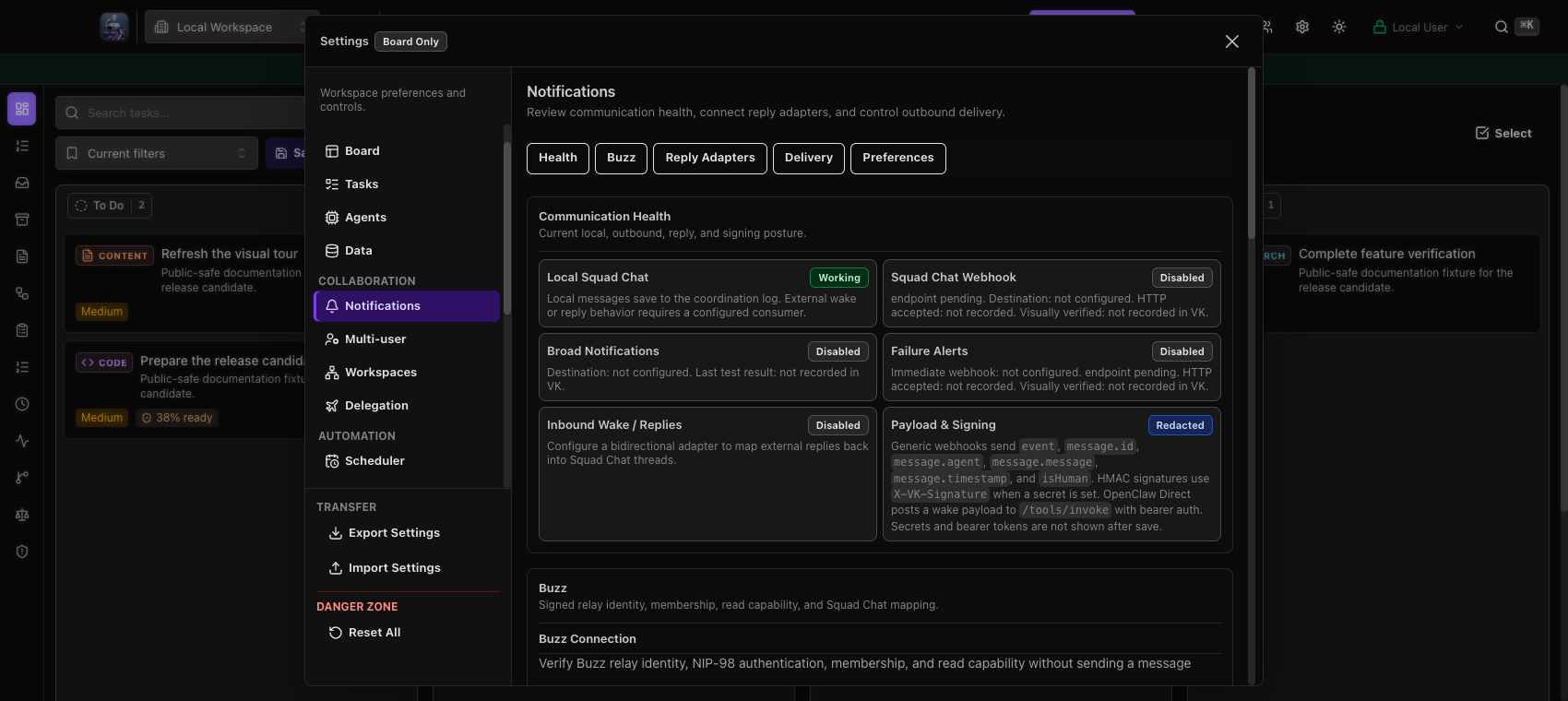 Notifications · 6.1.7
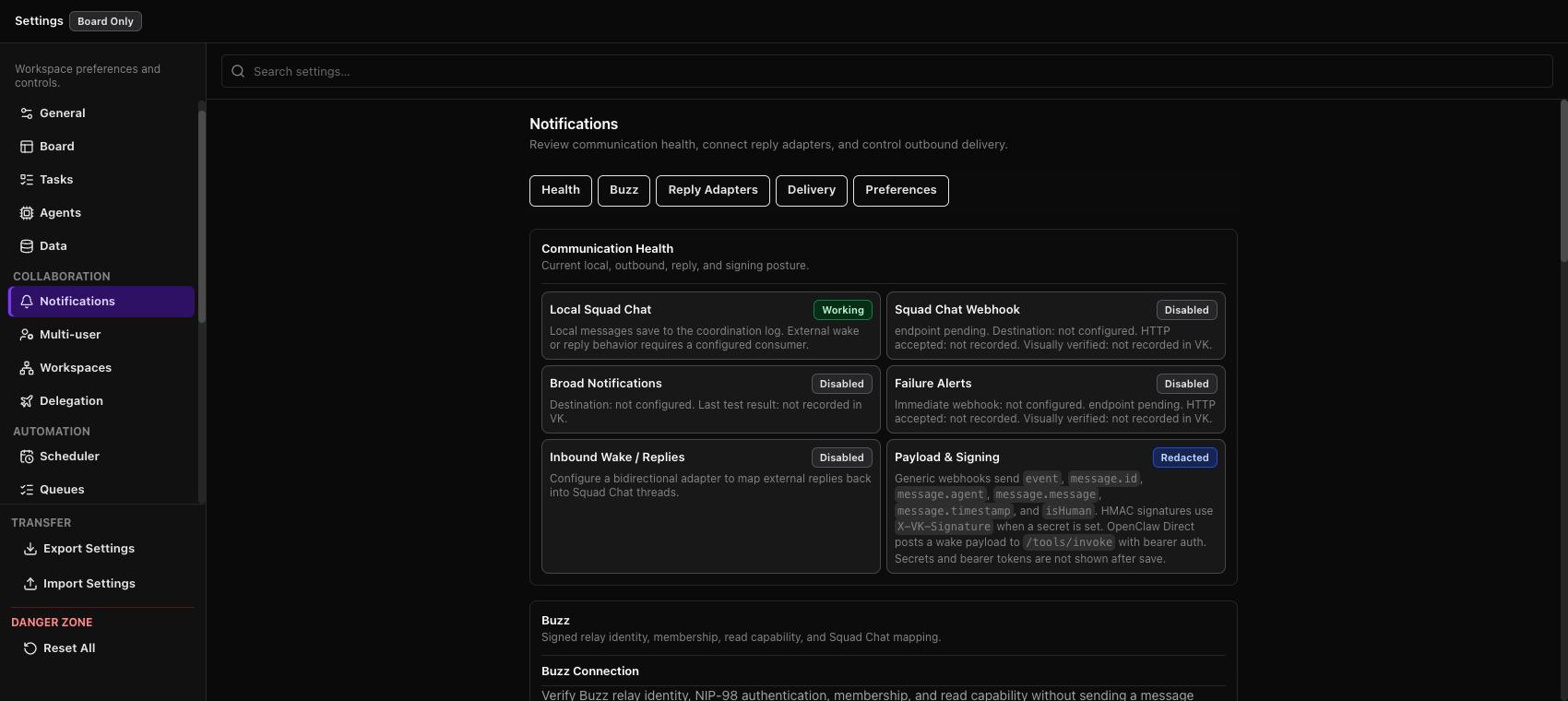 Notifications · 6.2.0
Command palette
The command list keeps its bounded palette and visible keyboard guidance. The board behind it reflects the different navigation-rail state; native command delivery was verified separately.
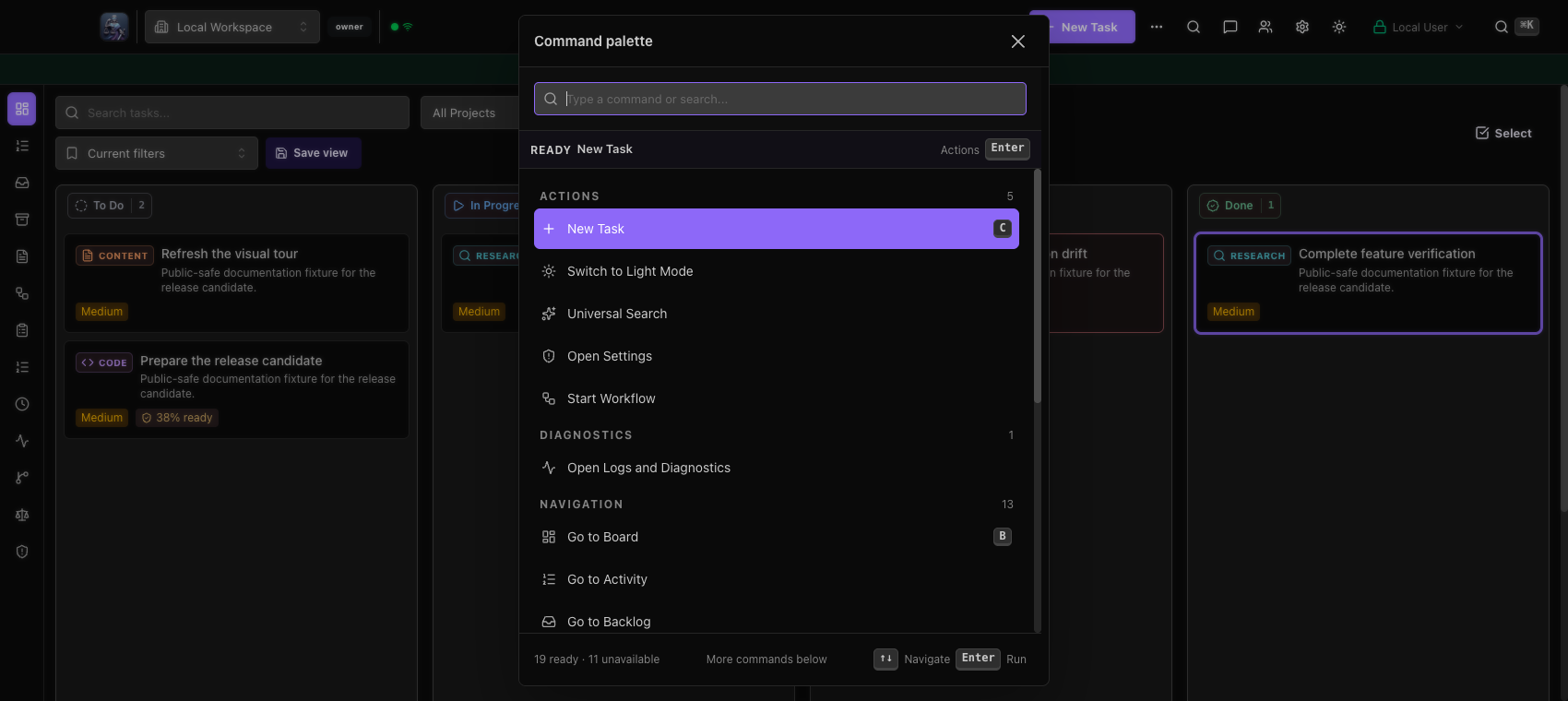 Command palette · 6.1.7
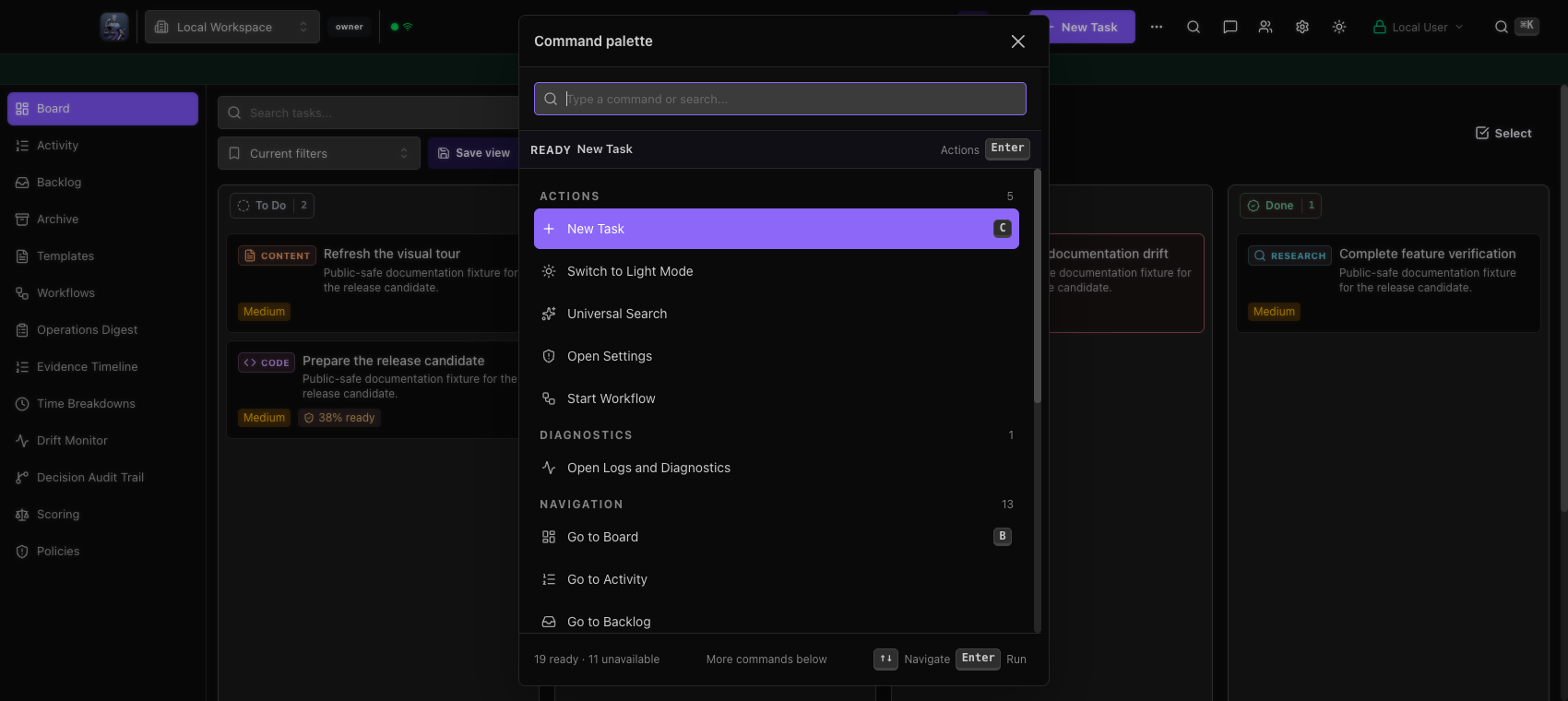 Command palette · 6.2.0
Workbench
Board Chat remains in the right dock and preserves the task board beside it. The same public-safe empty conversation is shown; the candidate has expanded navigation labels.
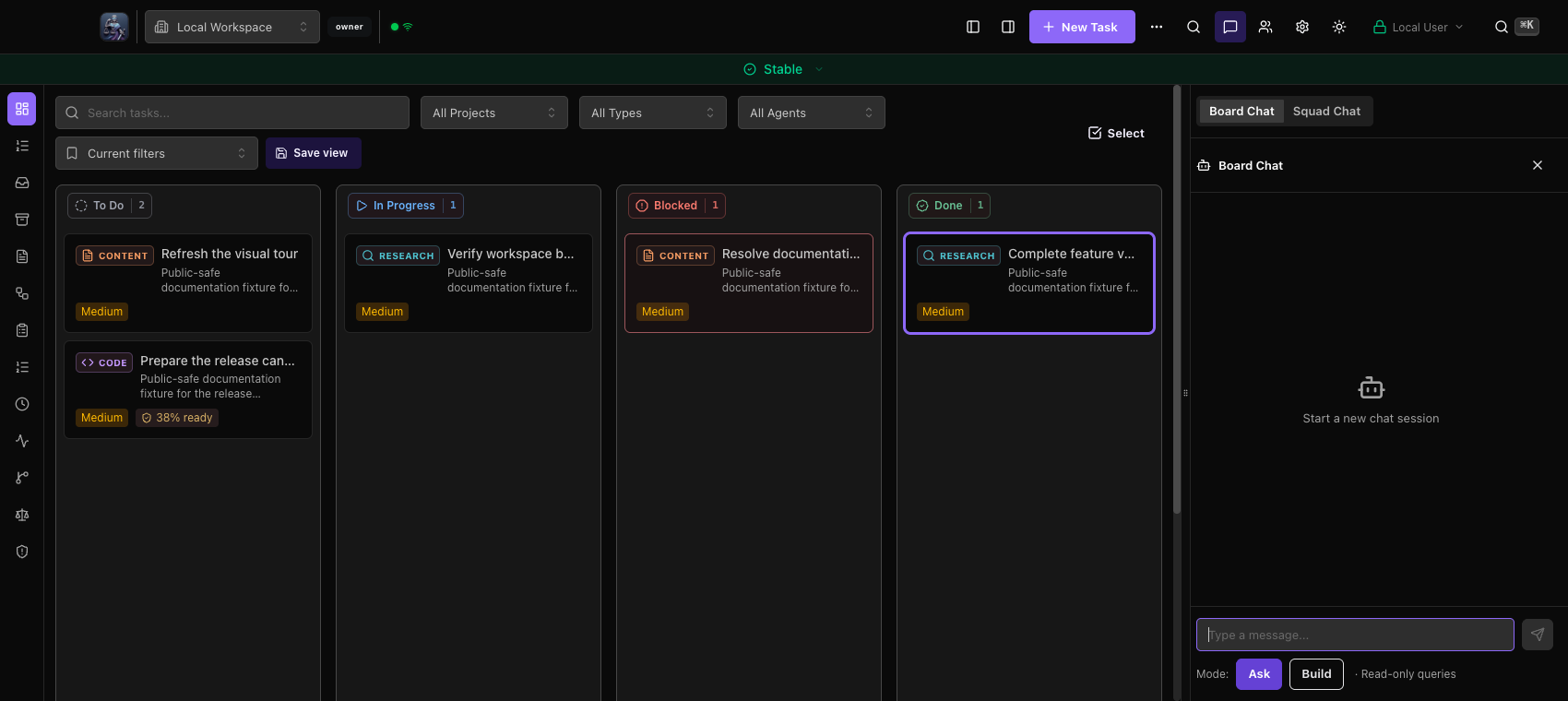 Workbench · 6.1.7
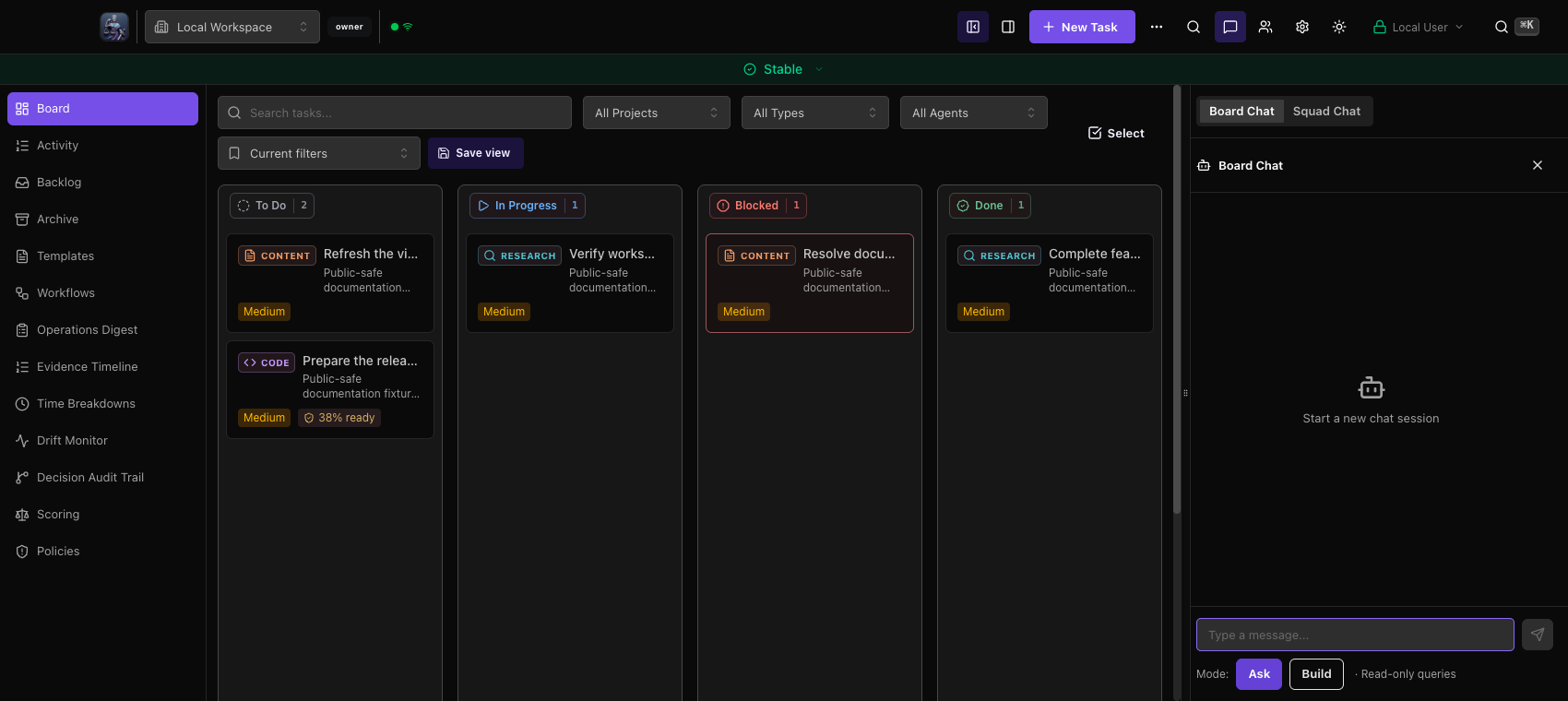 Workbench · 6.2.0
Squad Chat
Squad Chat remains selected inside the right dock, with the same empty conversation and Human sender. No external message was sent for this comparison.
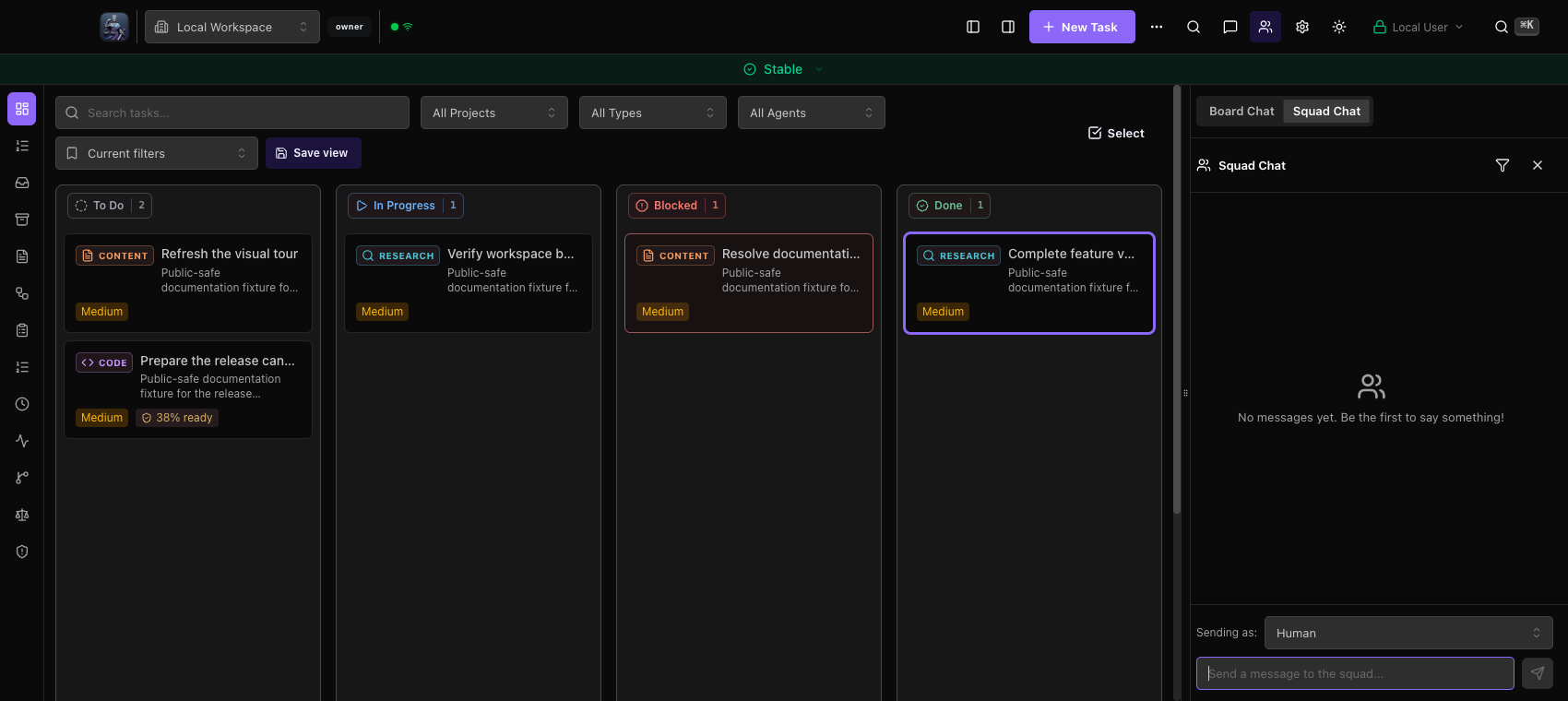 Squad Chat · 6.1.7
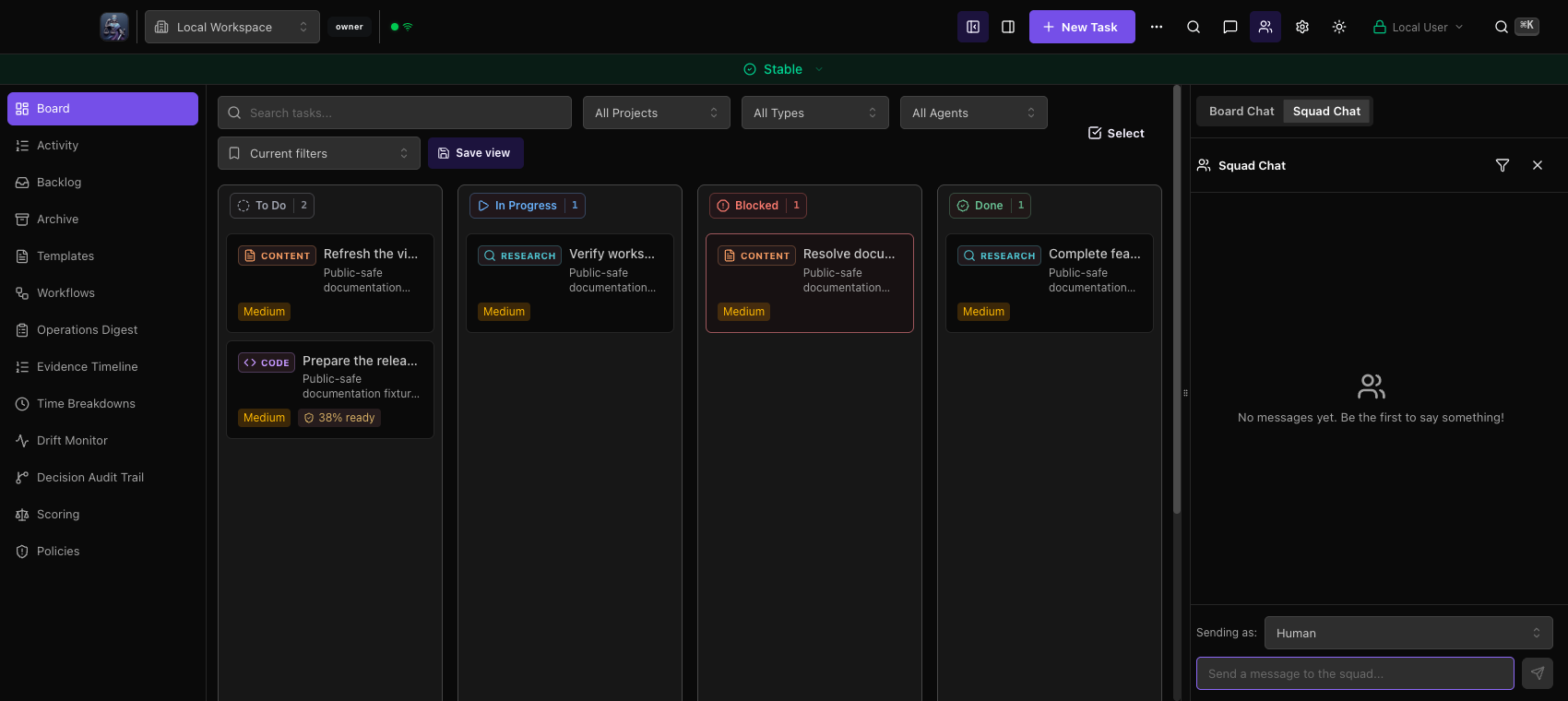 Squad Chat · 6.2.0
Mobile board
The dedicated mobile board keeps stacked columns, direct status controls and bottom navigation. This view does not show the separate compact filter controls, which were checked in the responsive board workflow.
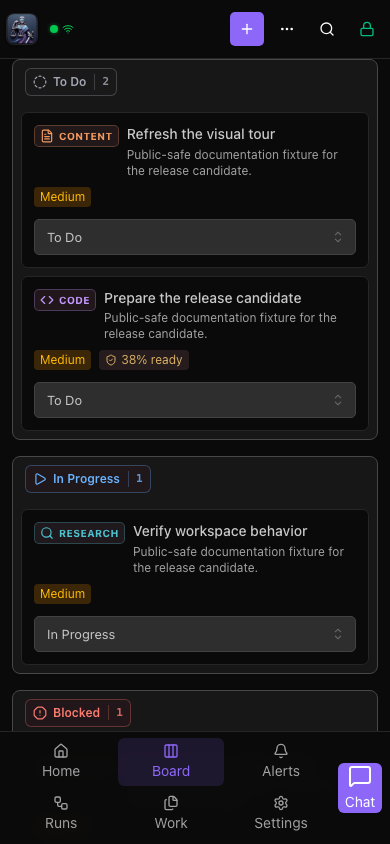 Mobile board · 6.1.7
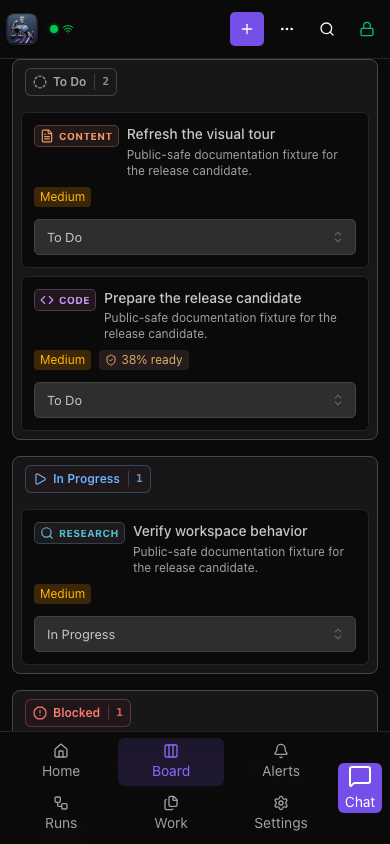 Mobile board · 6.2.0
Mobile task flow
Both browser recordings open the same task in Plan, select Plan, switch to Overview and return to the board. The candidate updates the task surface while retaining the mobile mode selector.
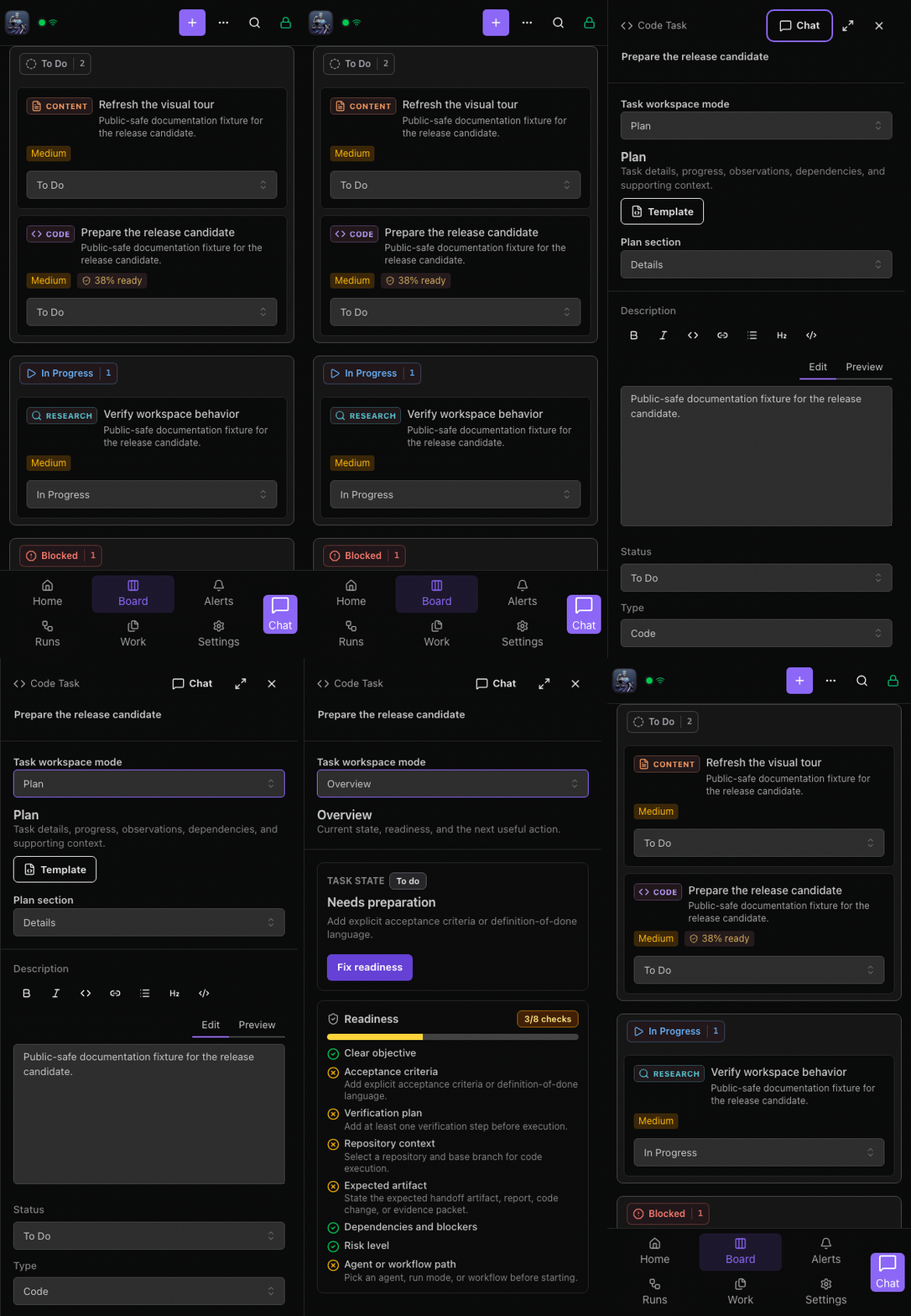 Mobile task flow · 6.1.7
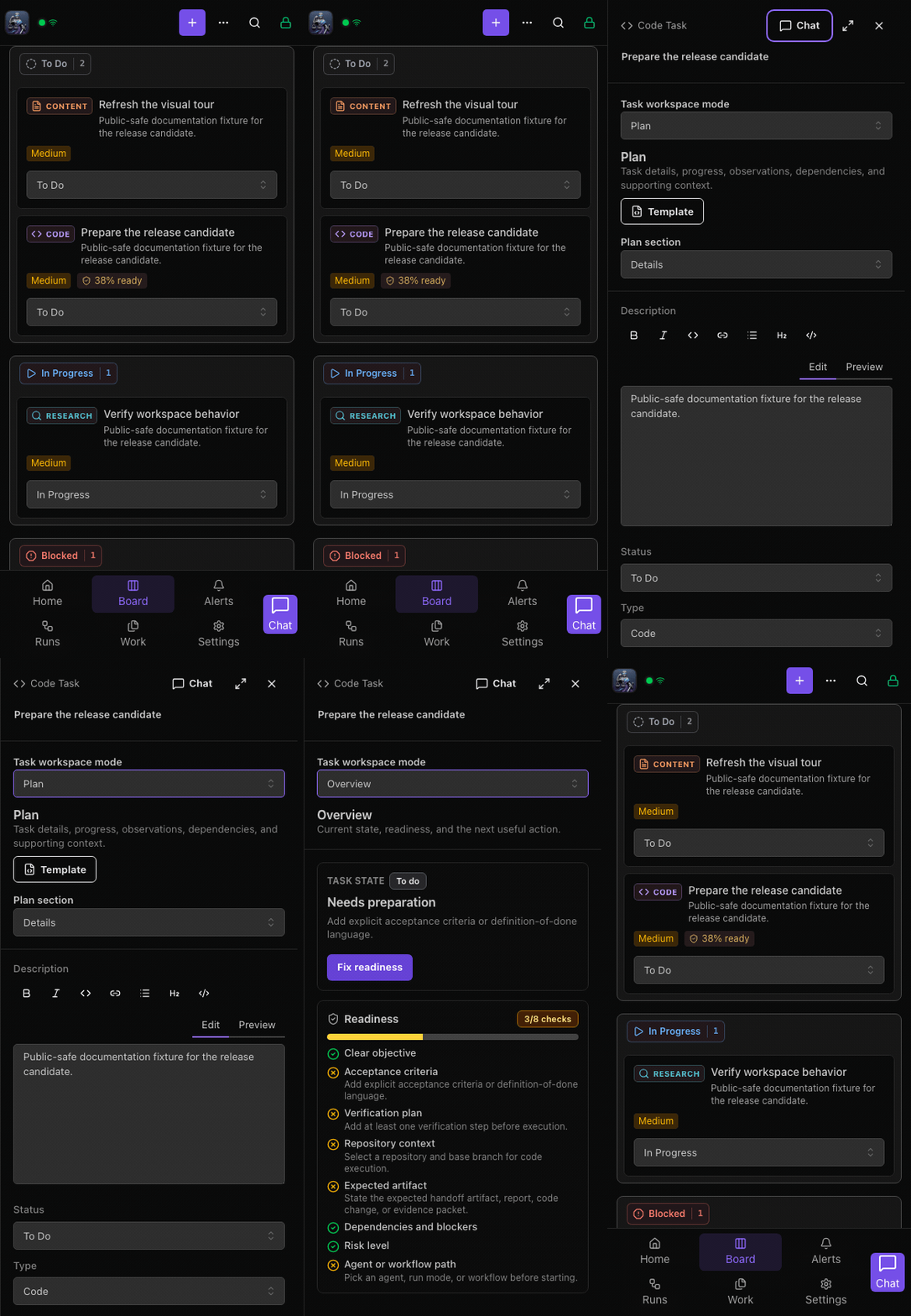 Mobile task flow · 6.2.0
Mobile task workspace
At the same 390×844 browser viewport, Plan retains its mode and section selectors, description editor and status fields. The candidate changes the surface treatment without replacing the mobile navigation pattern.
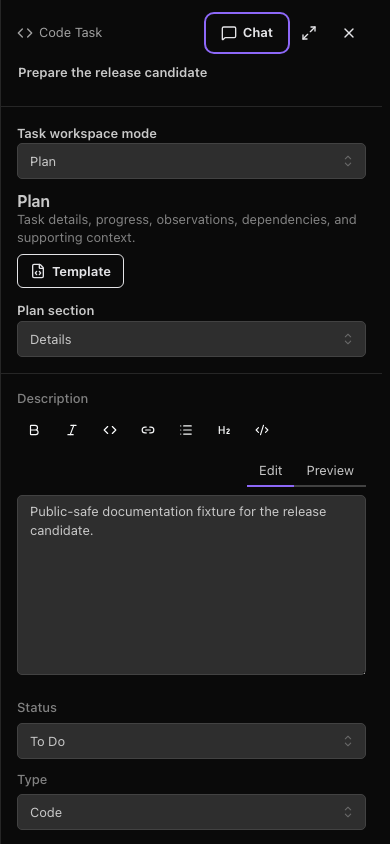 Mobile task workspace · 6.1.7
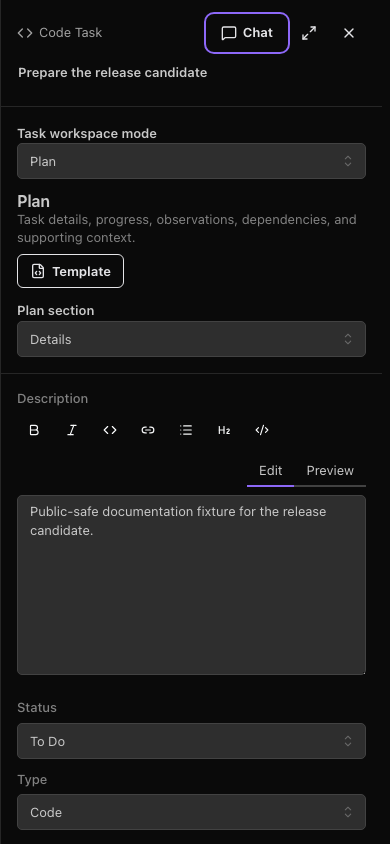 Mobile task workspace · 6.2.0
Mobile Settings
Browser Settings remains a dialog at 390×844. The candidate adds Settings search and the appearance selector; this is distinct from the modeless Mac Settings window.
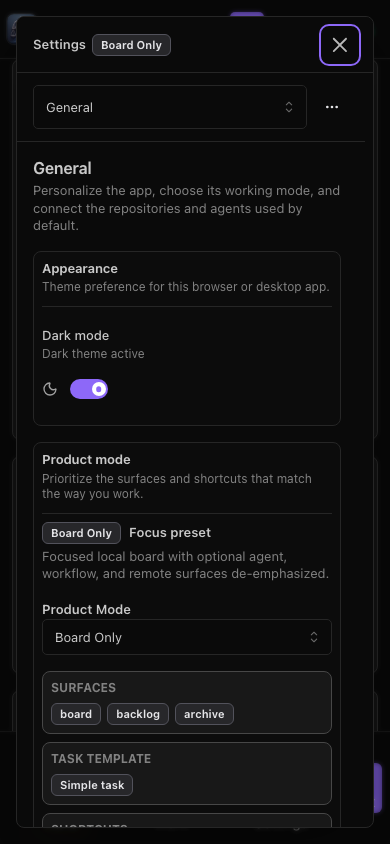 Mobile Settings · 6.1.7
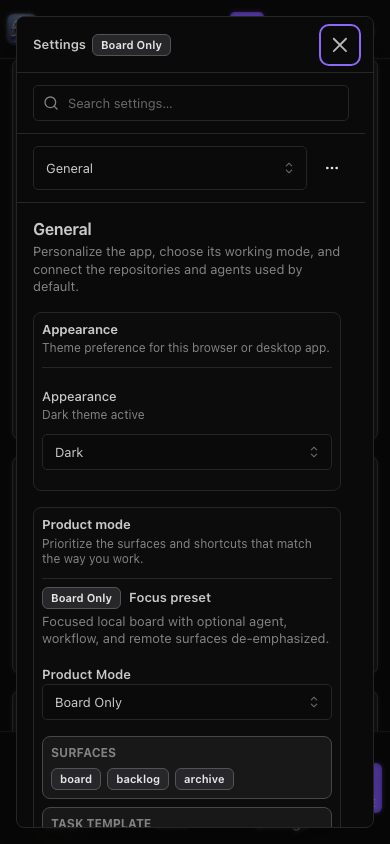 Mobile Settings · 6.2.0
Drawer: Overview
The active mode and task context remain visible in this presentation. Task content differs from the original showcase fixture; compare layout and navigation, not the displayed run outcome.
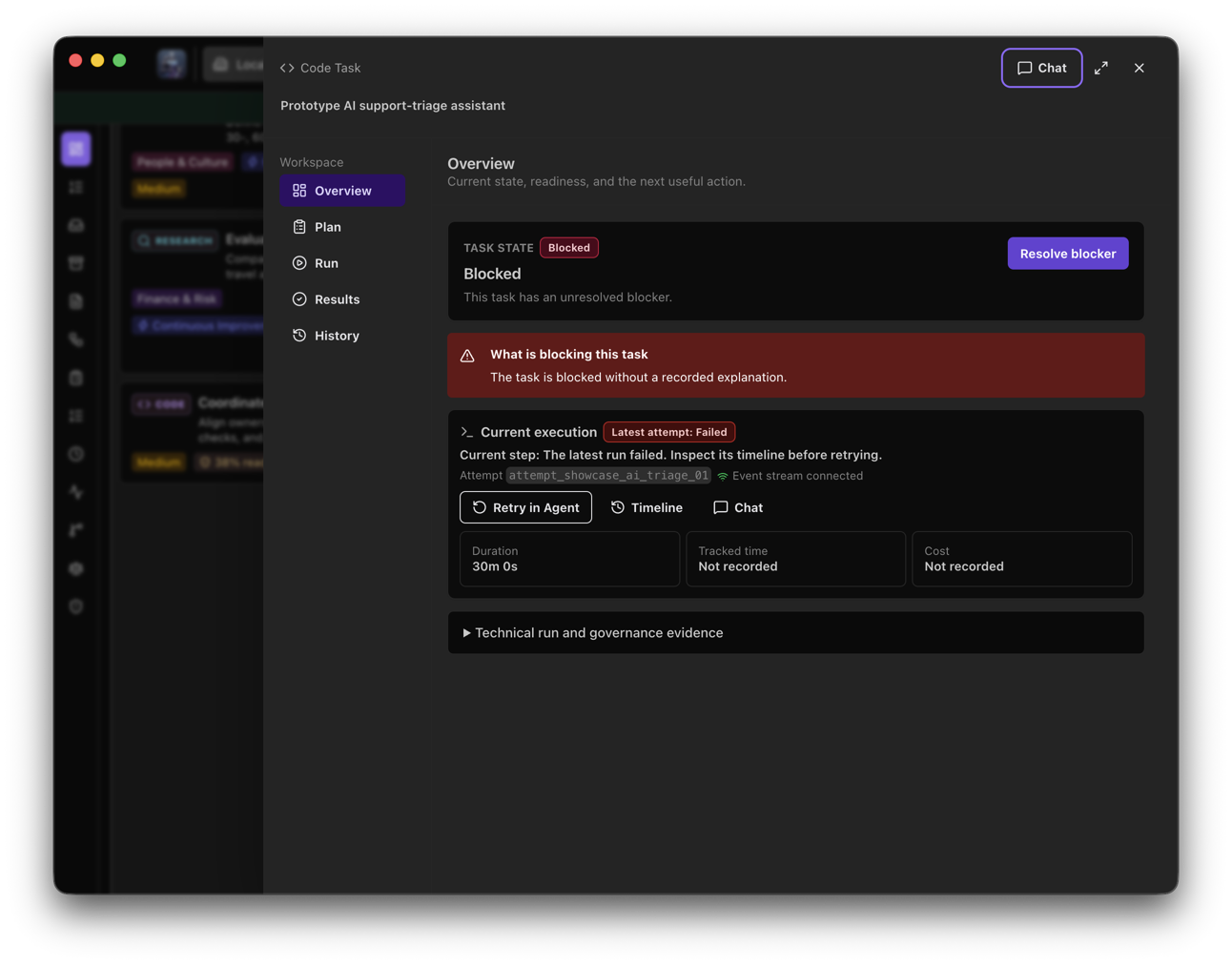 Drawer: Overview · 6.1.7
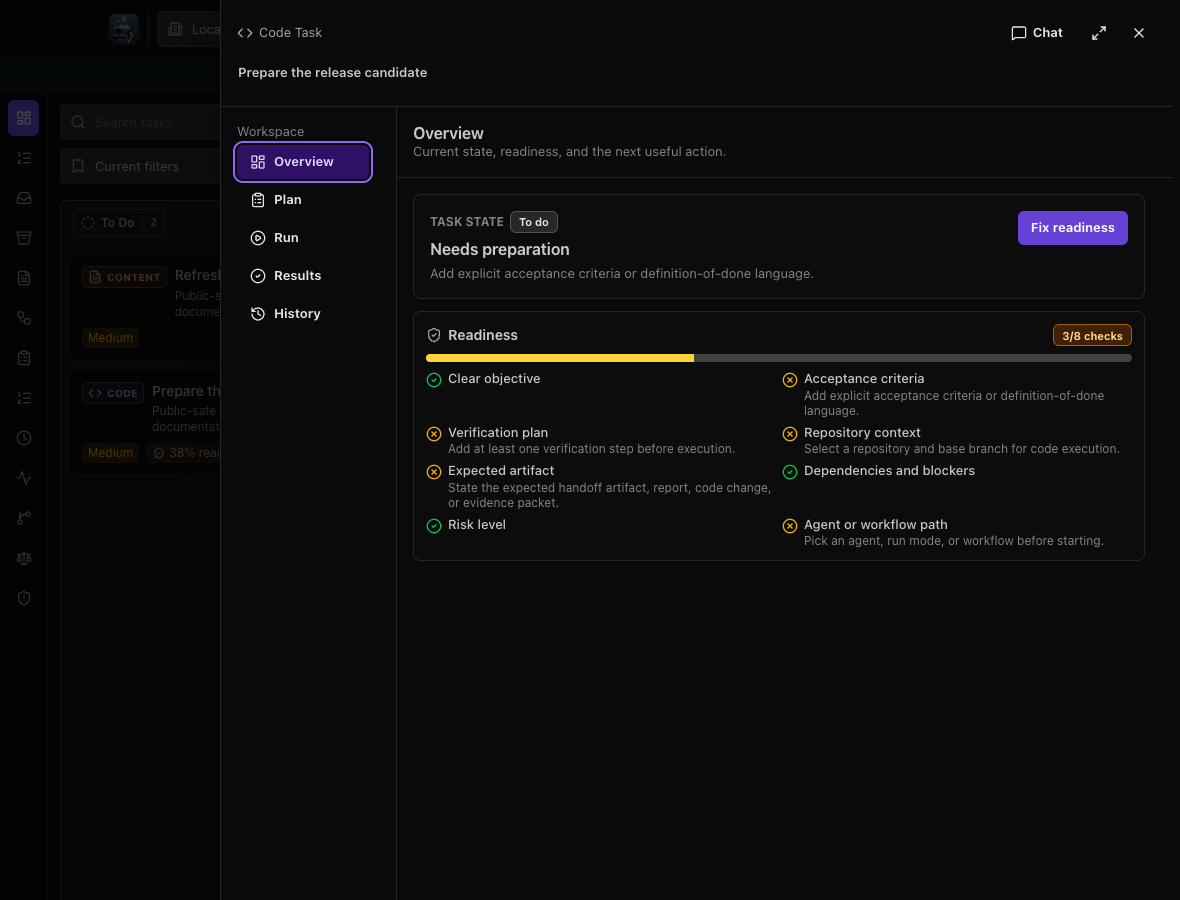 Drawer: Overview · 6.2.0
Drawer: Plan
The active mode and task context remain visible in this presentation. Task content differs from the original showcase fixture; compare layout and navigation, not the displayed run outcome.
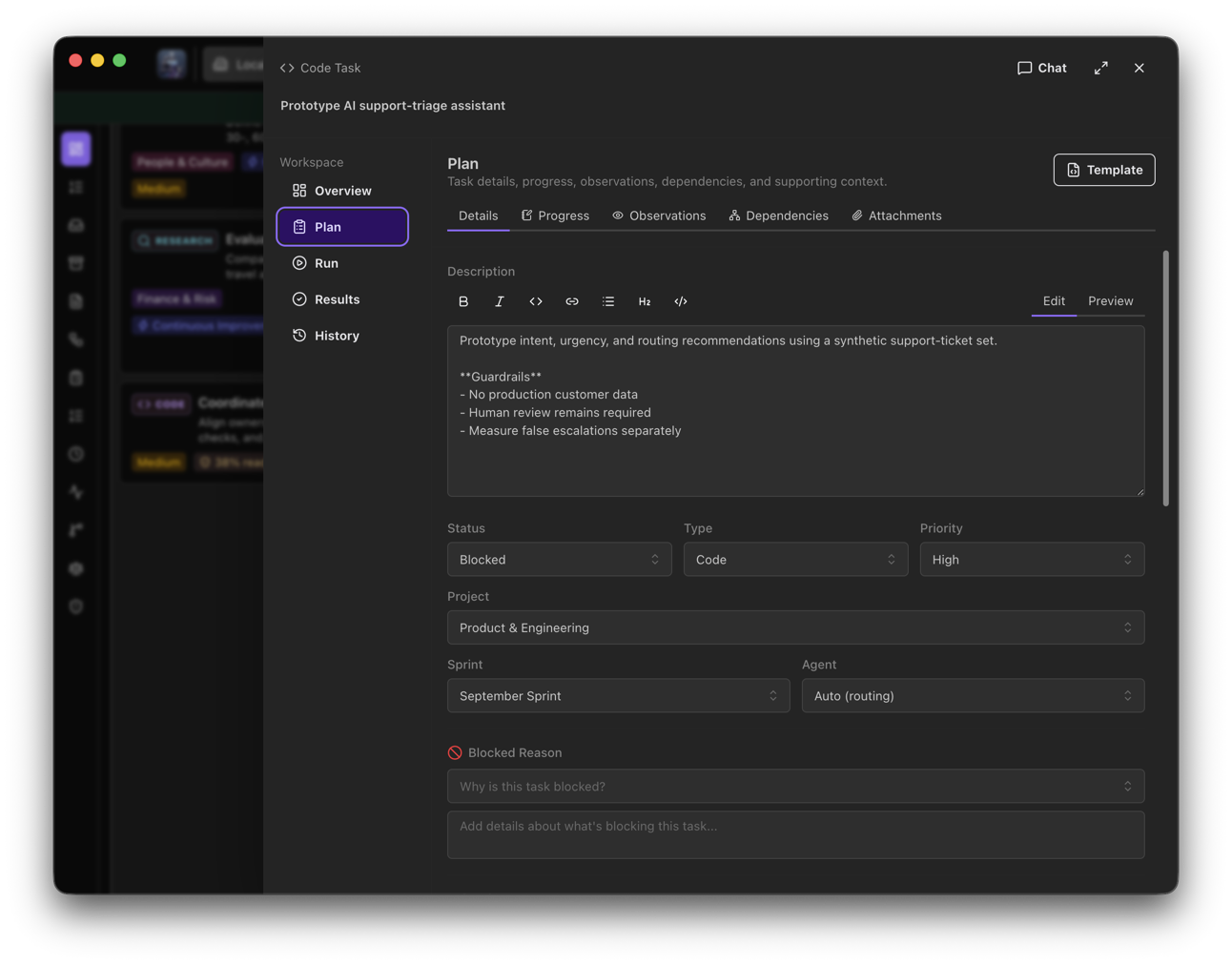 Drawer: Plan · 6.1.7
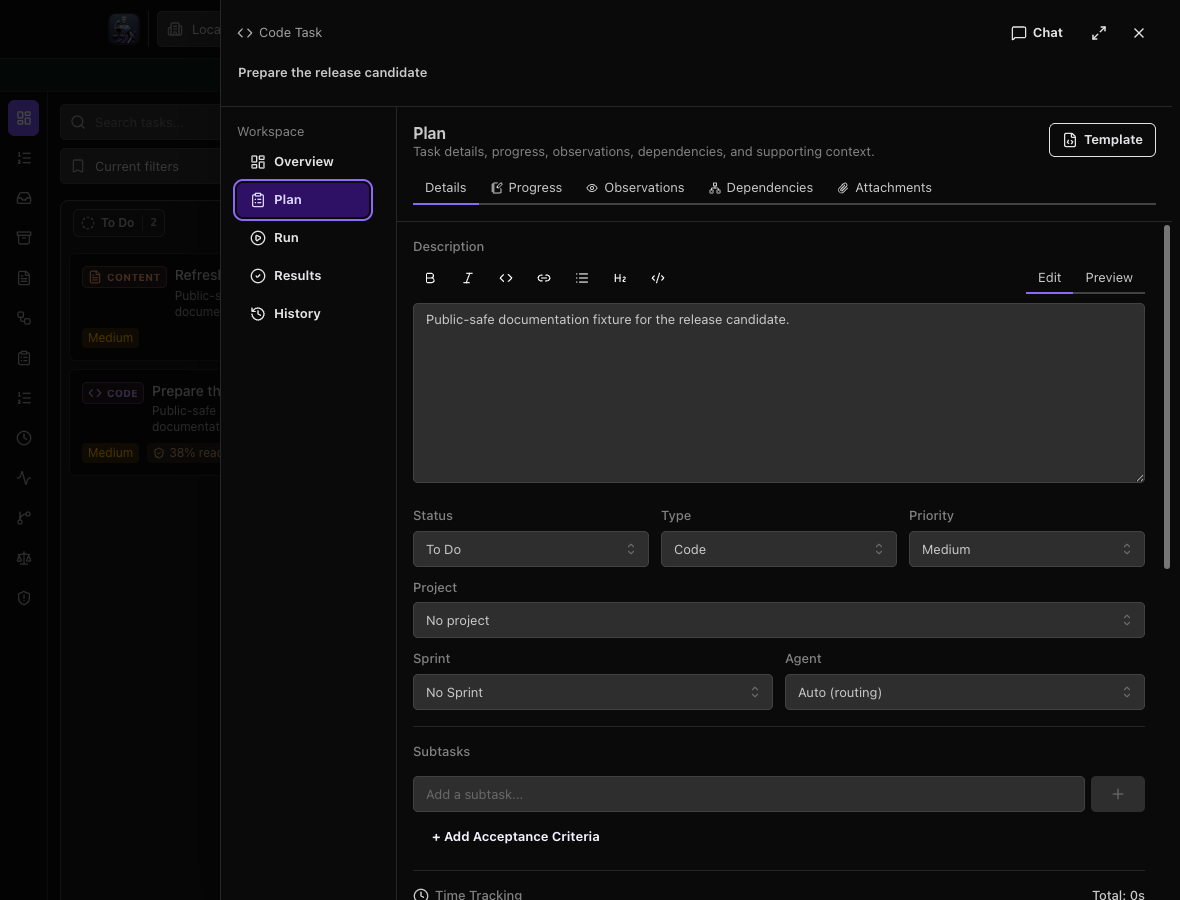 Drawer: Plan · 6.2.0
Drawer: Run
The active mode and task context remain visible in this presentation. Task content differs from the original showcase fixture; compare layout and navigation, not the displayed run outcome.
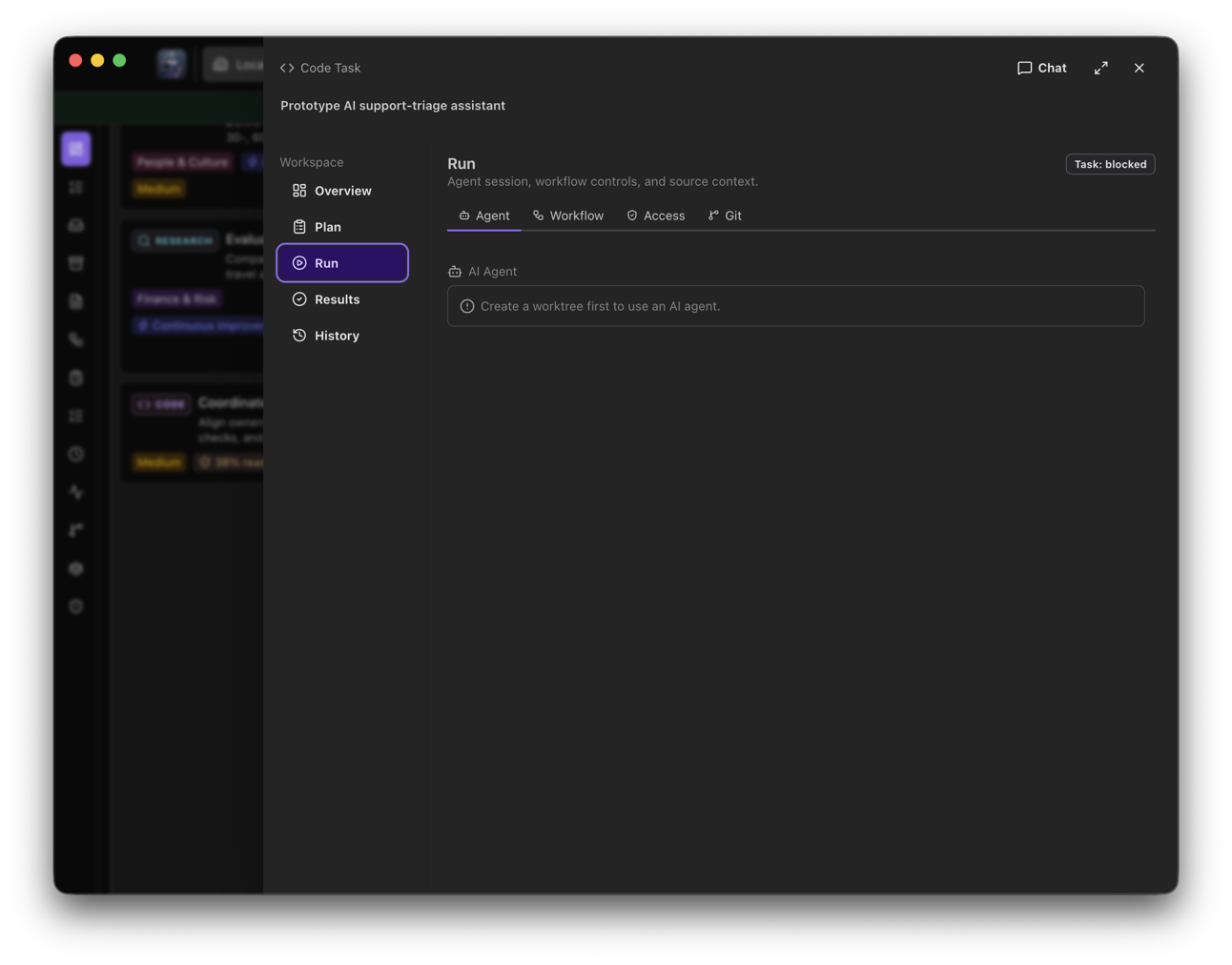 Drawer: Run · 6.1.7
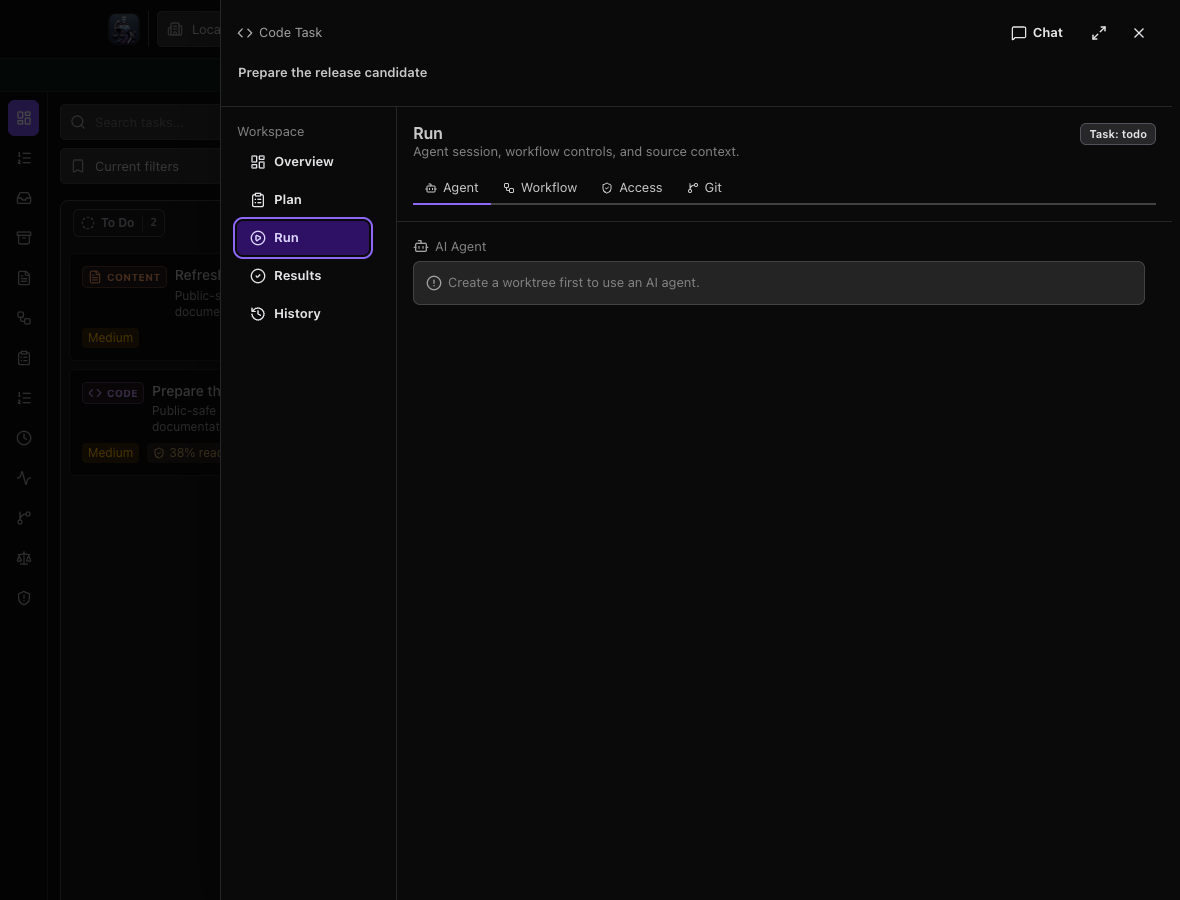 Drawer: Run · 6.2.0
Drawer: Results
The active mode and task context remain visible in this presentation. Task content differs from the original showcase fixture; compare layout and navigation, not the displayed run outcome.
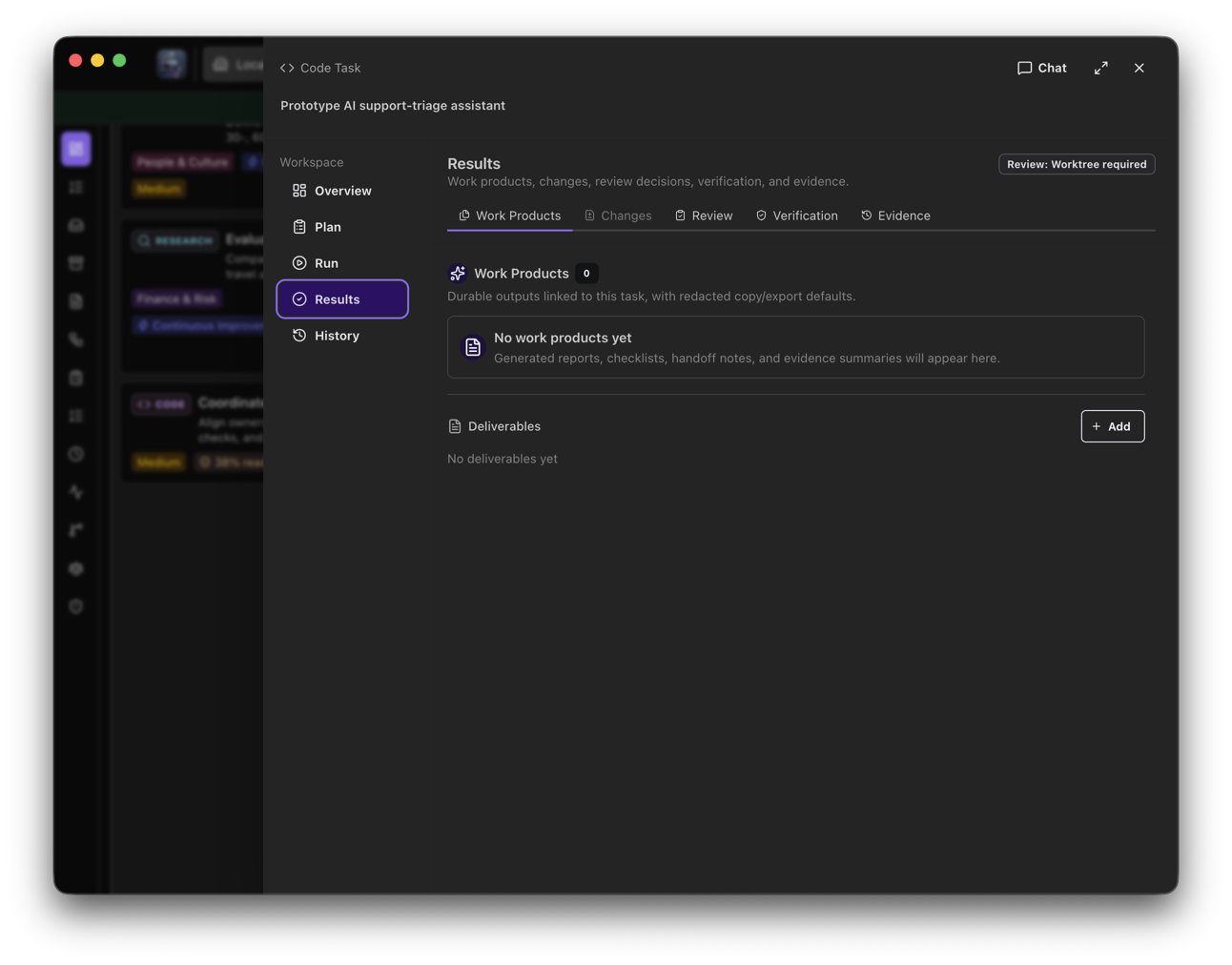 Drawer: Results · 6.1.7
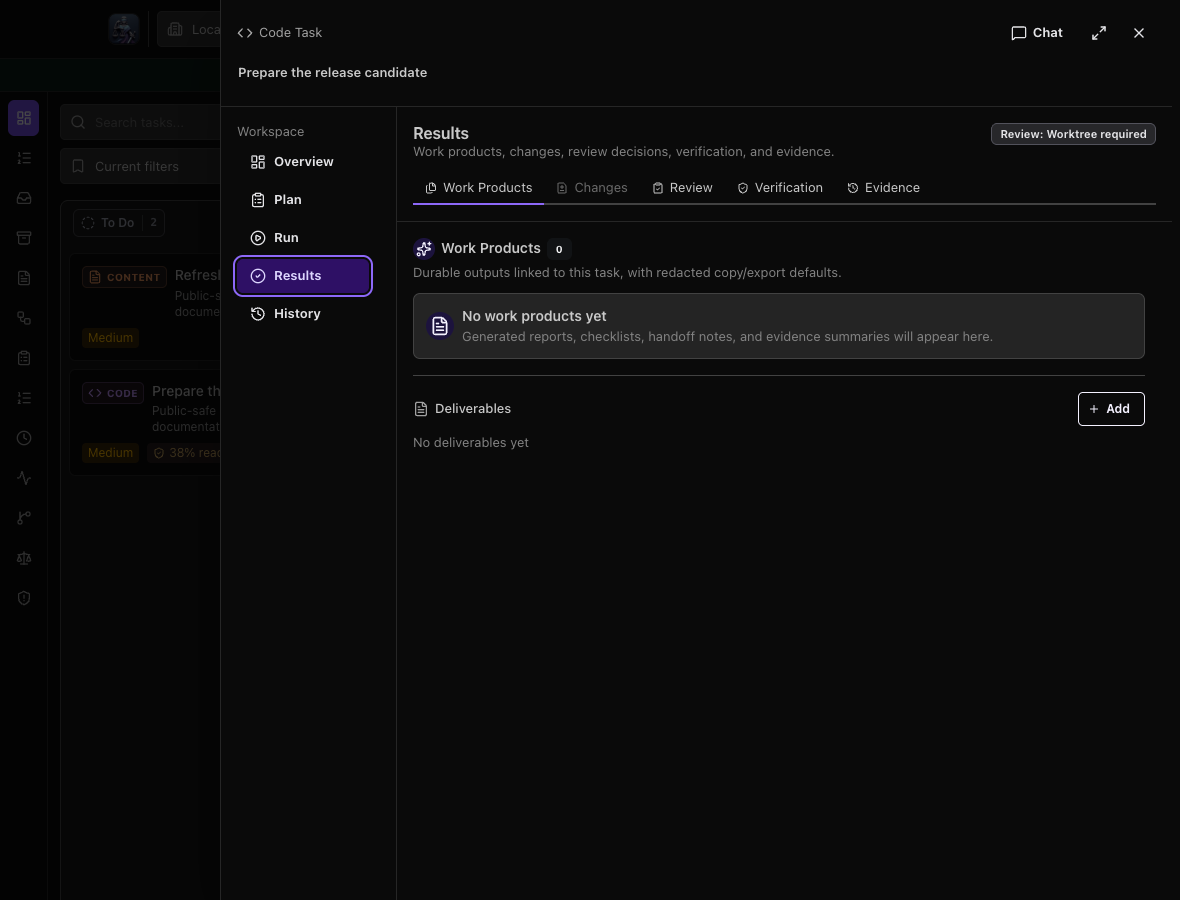 Drawer: Results · 6.2.0
Drawer: History
The active mode and task context remain visible in this presentation. Task content differs from the original showcase fixture; compare layout and navigation, not the displayed run outcome.
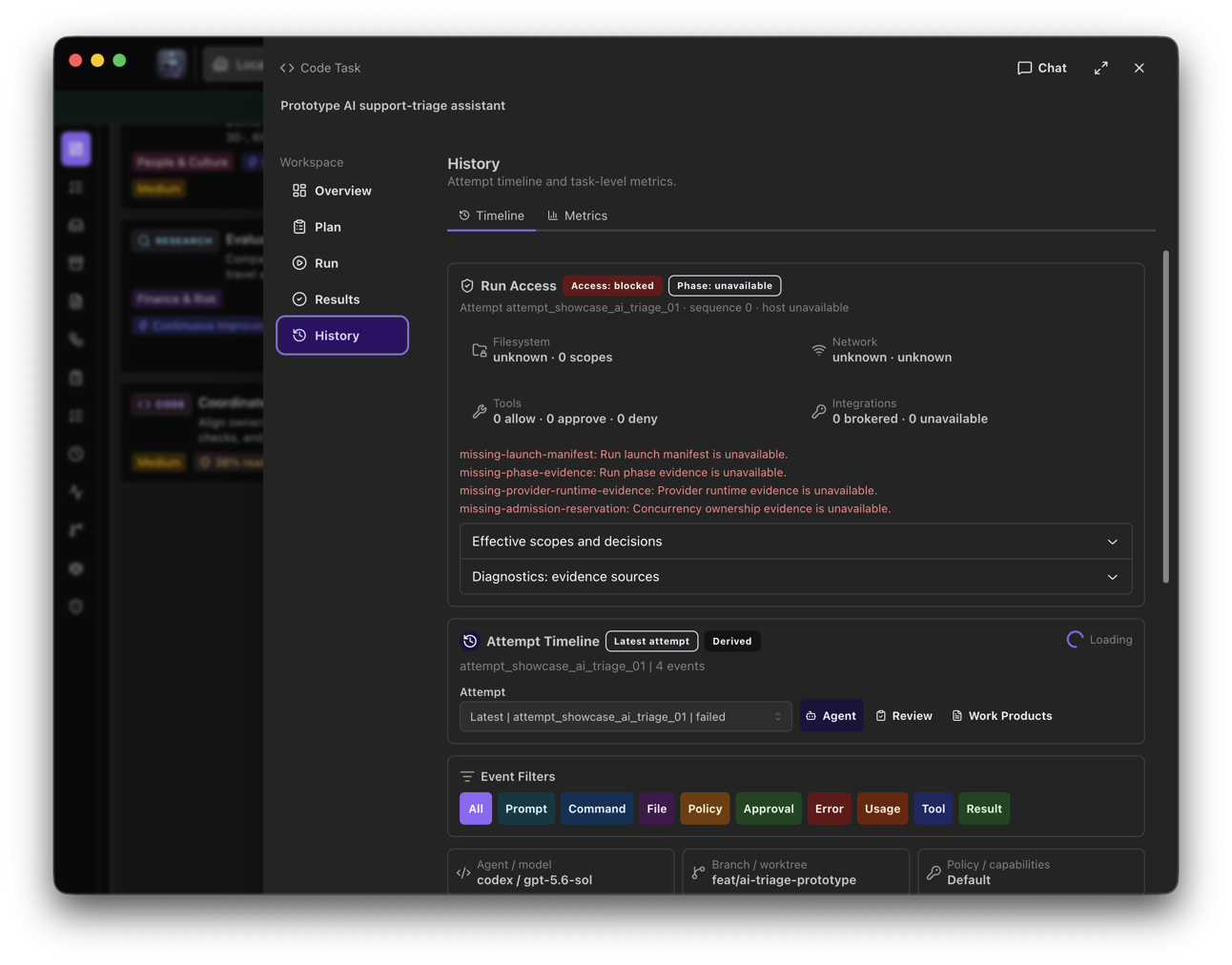 Drawer: History · 6.1.7
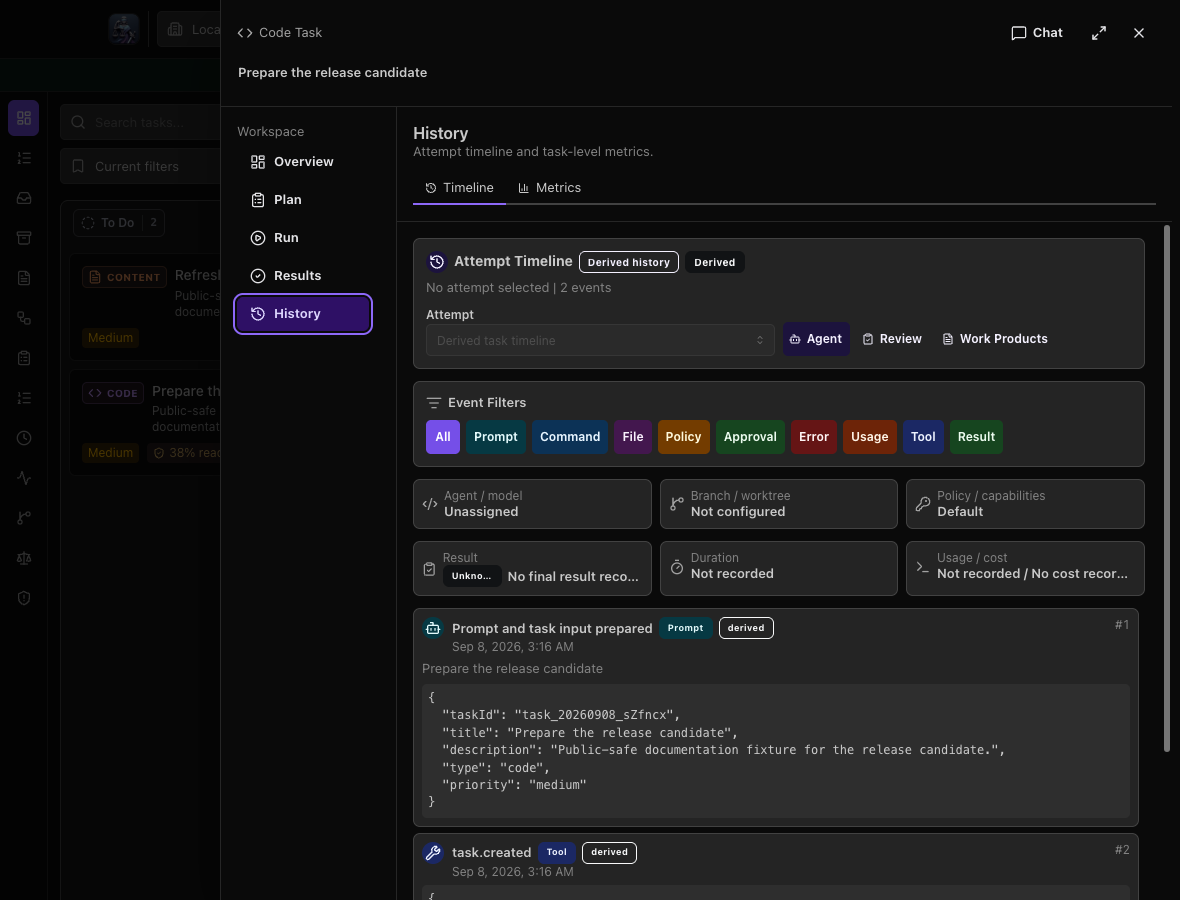 Drawer: History · 6.2.0
Expanded: Overview
The active mode and task context remain visible in this presentation. Task content differs from the original showcase fixture; compare layout and navigation, not the displayed run outcome.
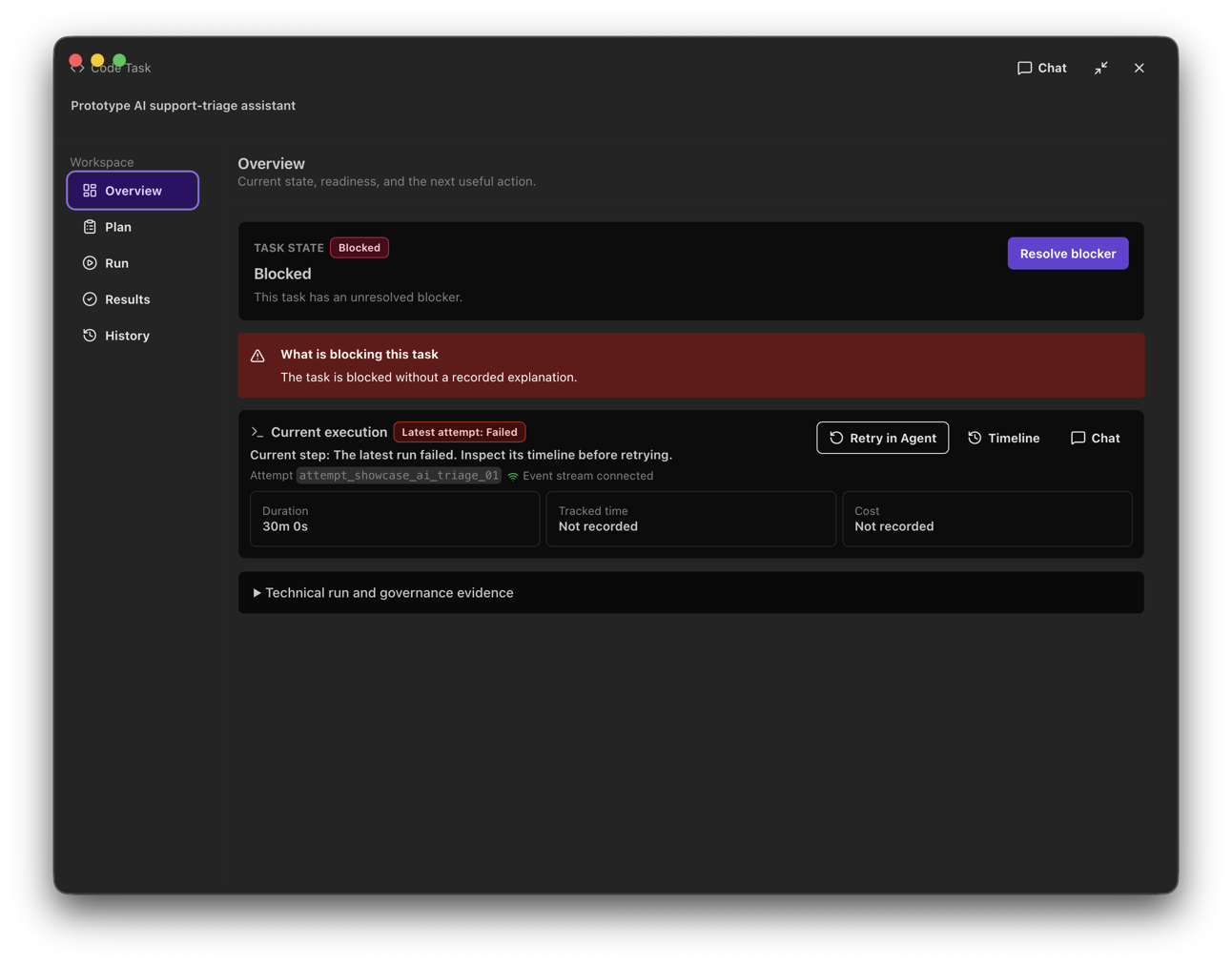 Expanded: Overview · 6.1.7
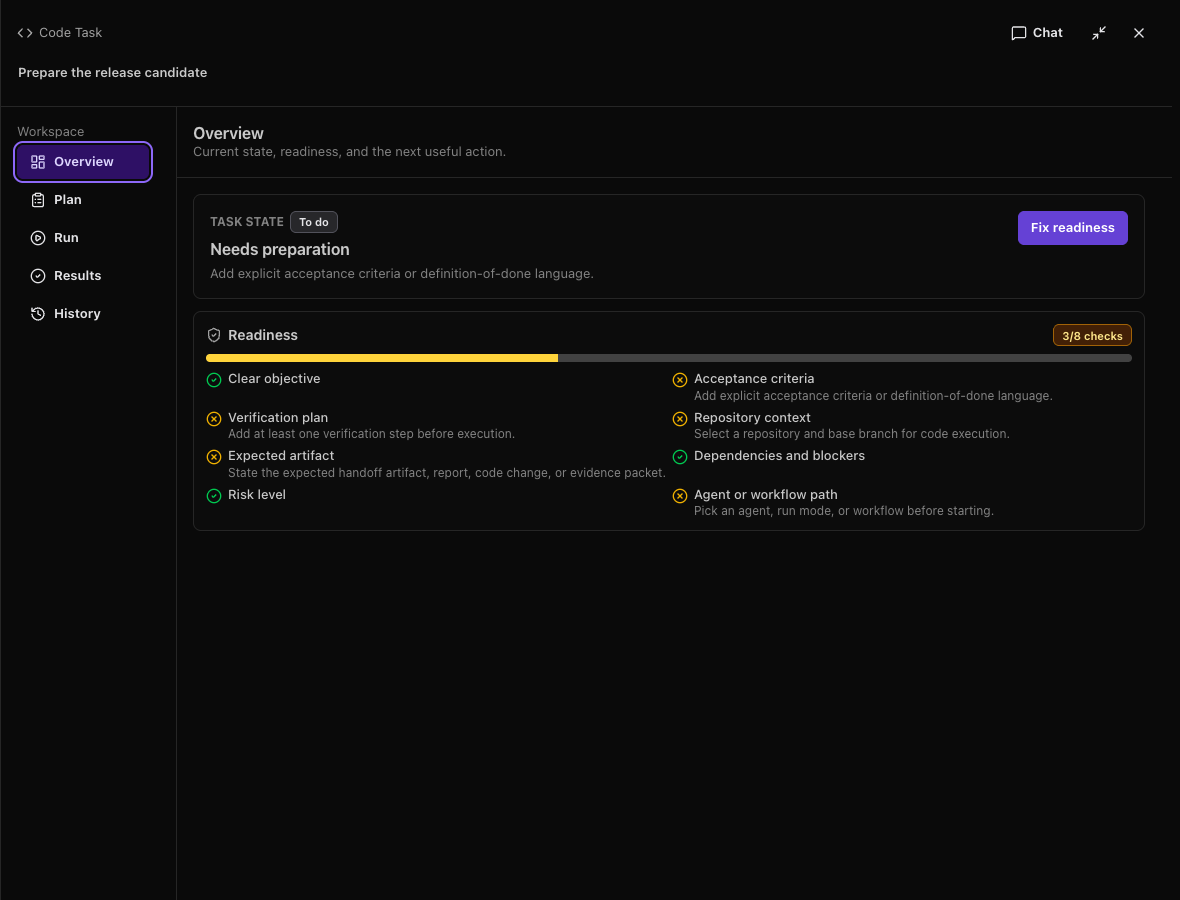 Expanded: Overview · 6.2.0
Expanded: Plan
The active mode and task context remain visible in this presentation. Task content differs from the original showcase fixture; compare layout and navigation, not the displayed run outcome.
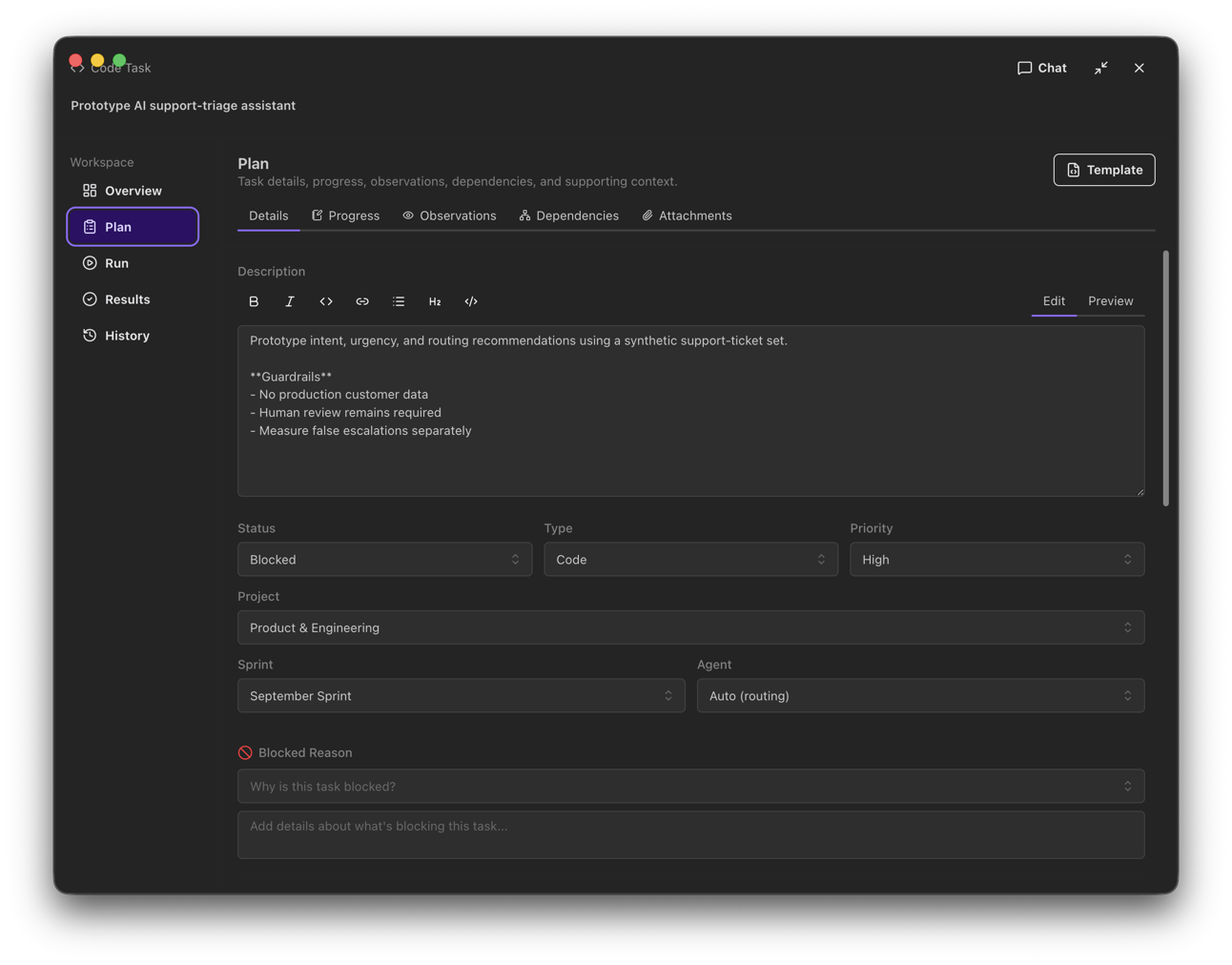 Expanded: Plan · 6.1.7
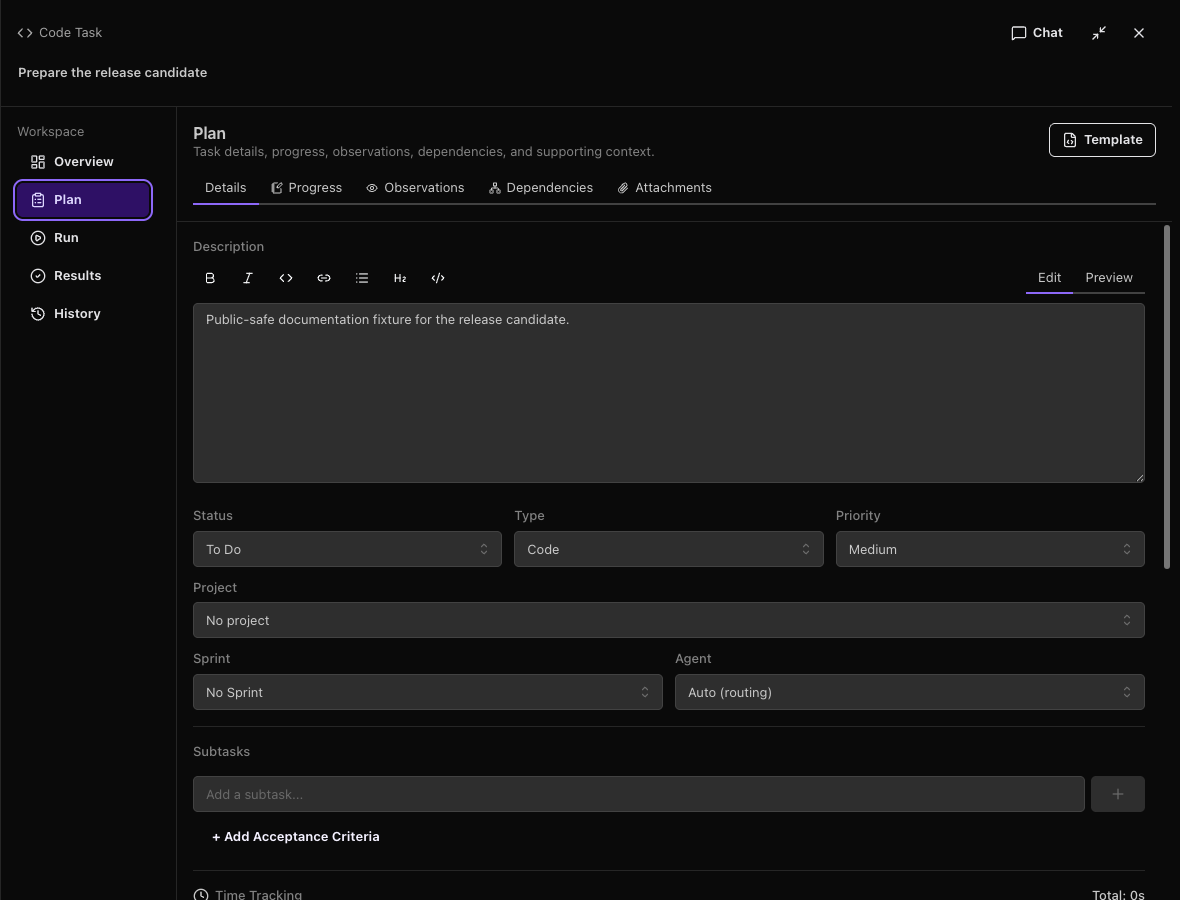 Expanded: Plan · 6.2.0
Expanded: Run
The active mode and task context remain visible in this presentation. Task content differs from the original showcase fixture; compare layout and navigation, not the displayed run outcome.
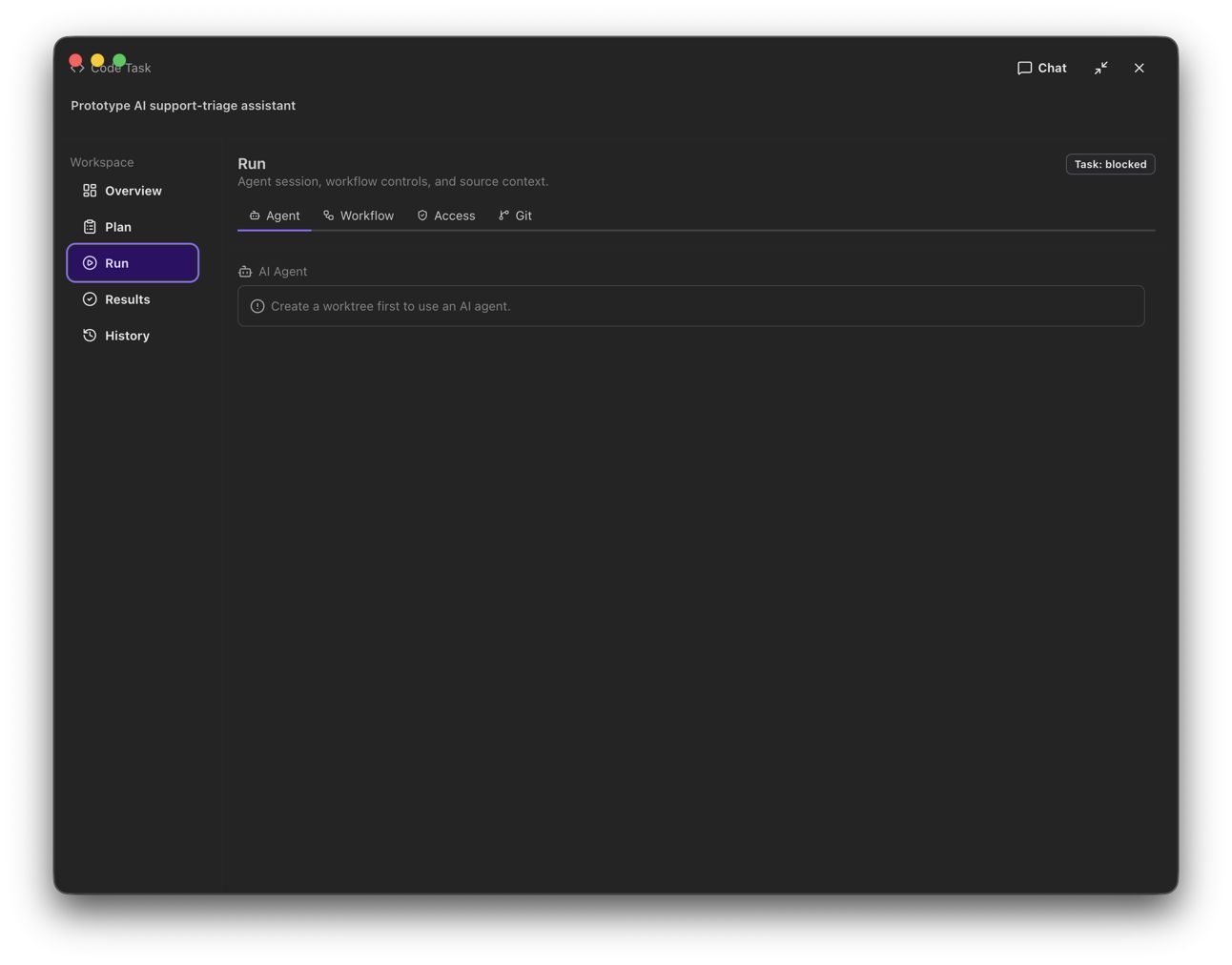 Expanded: Run · 6.1.7
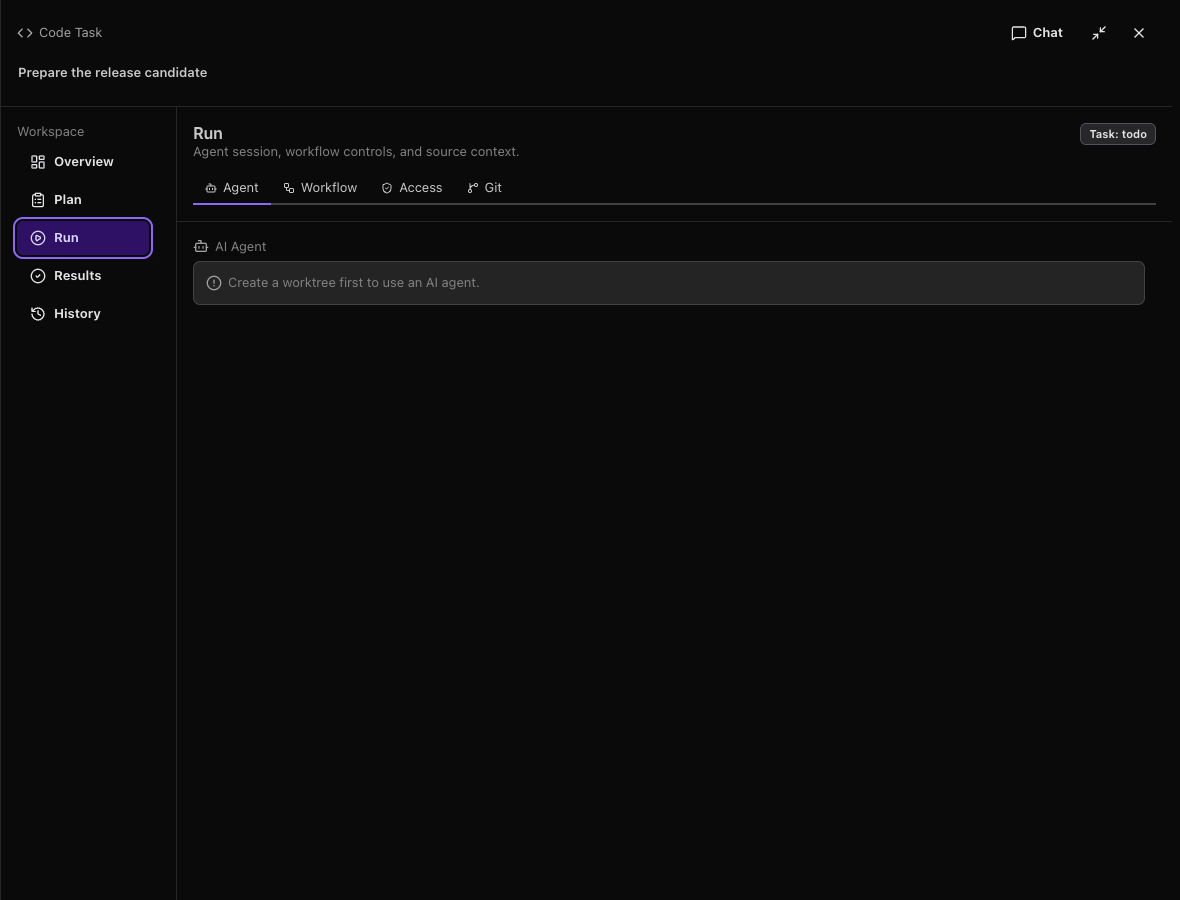 Expanded: Run · 6.2.0
Expanded: Results
The active mode and task context remain visible in this presentation. Task content differs from the original showcase fixture; compare layout and navigation, not the displayed run outcome.
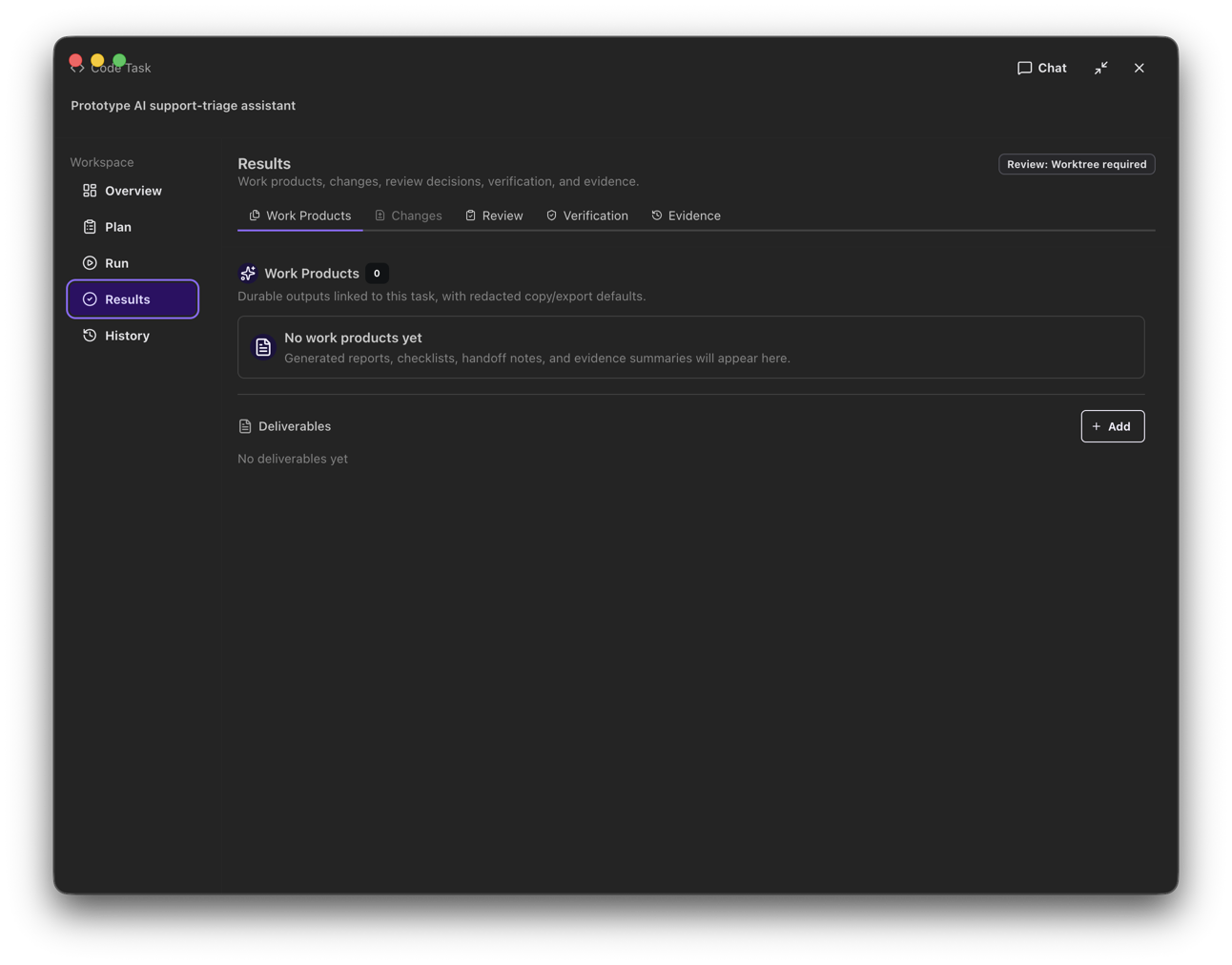 Expanded: Results · 6.1.7
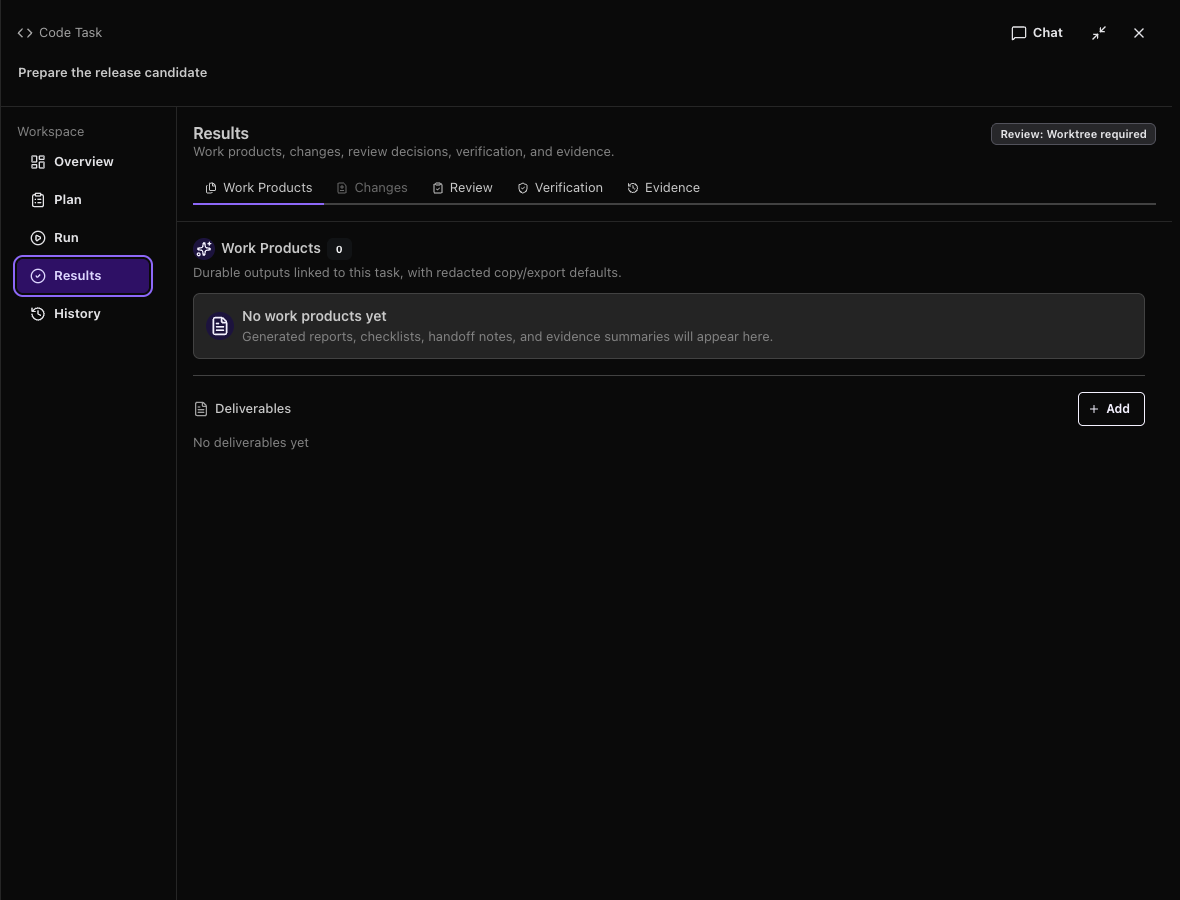 Expanded: Results · 6.2.0
Expanded: History
The active mode and task context remain visible in this presentation. Task content differs from the original showcase fixture; compare layout and navigation, not the displayed run outcome.
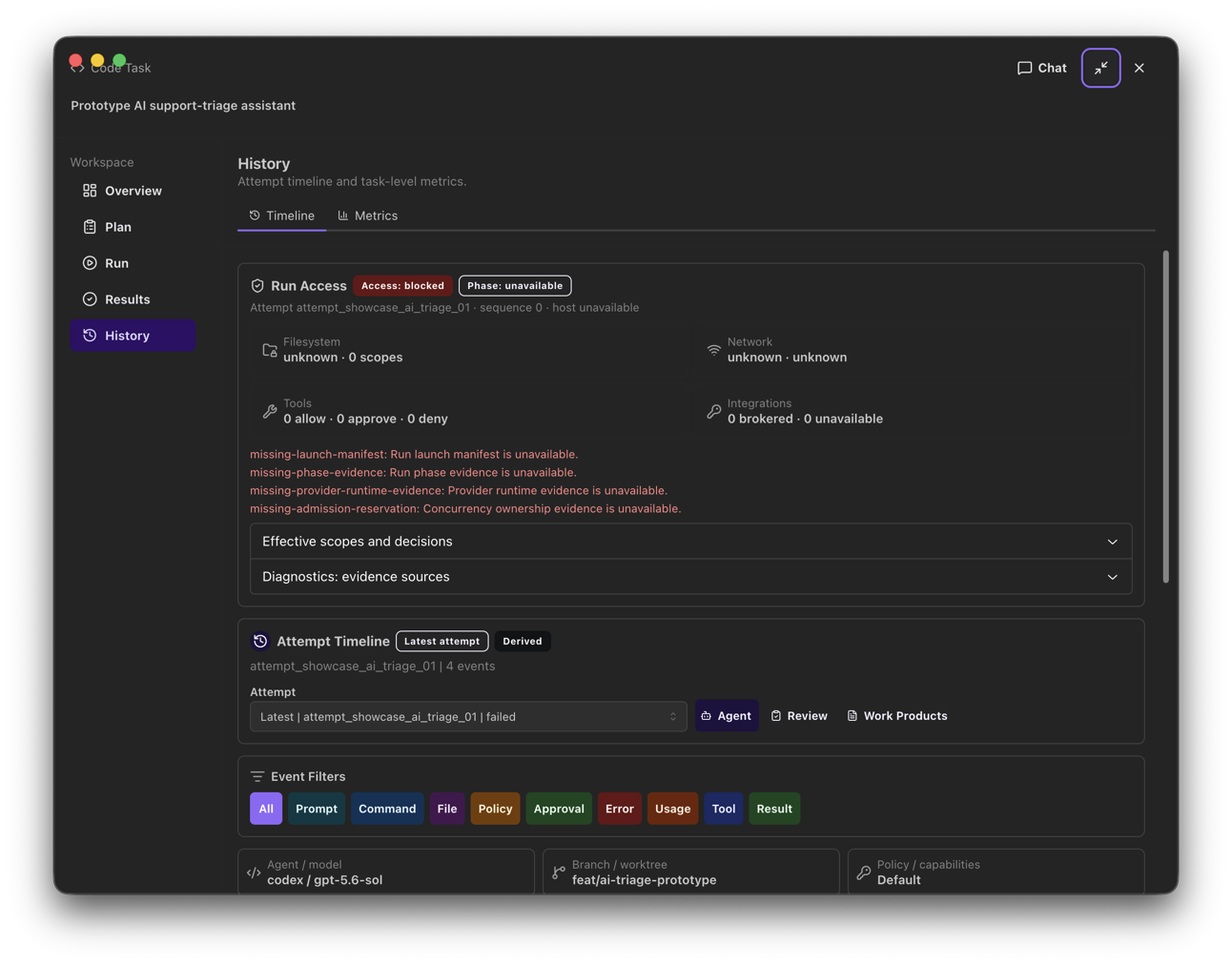 Expanded: History · 6.1.7
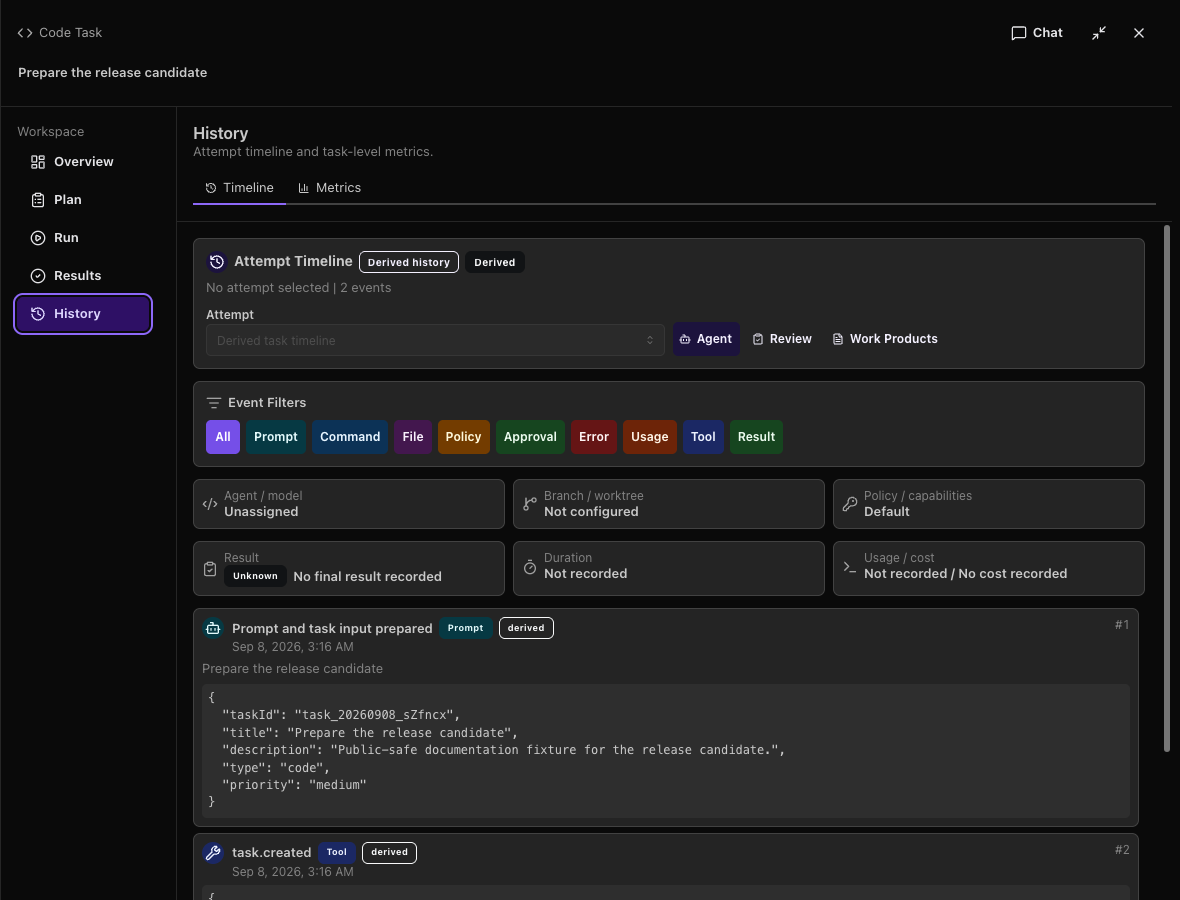 Expanded: History · 6.2.0
Board with 5,000 tasks
Both packages used the same synthetic task generator, 1360×900 content size and dark theme. The baseline was captured on the local macOS 26.6.2 host; the signed candidate was captured on the macOS 15.7.9 signing runner. Hardware and host conditions differ, so this is not a performance benchmark. The candidate scrolls the selected offscreen task into view after keyboard movement; the baseline retained the first rows. Card truncation remains deliberate. The image shows selection and layout; performance and persistence claims come from the separately recorded packaged journey.
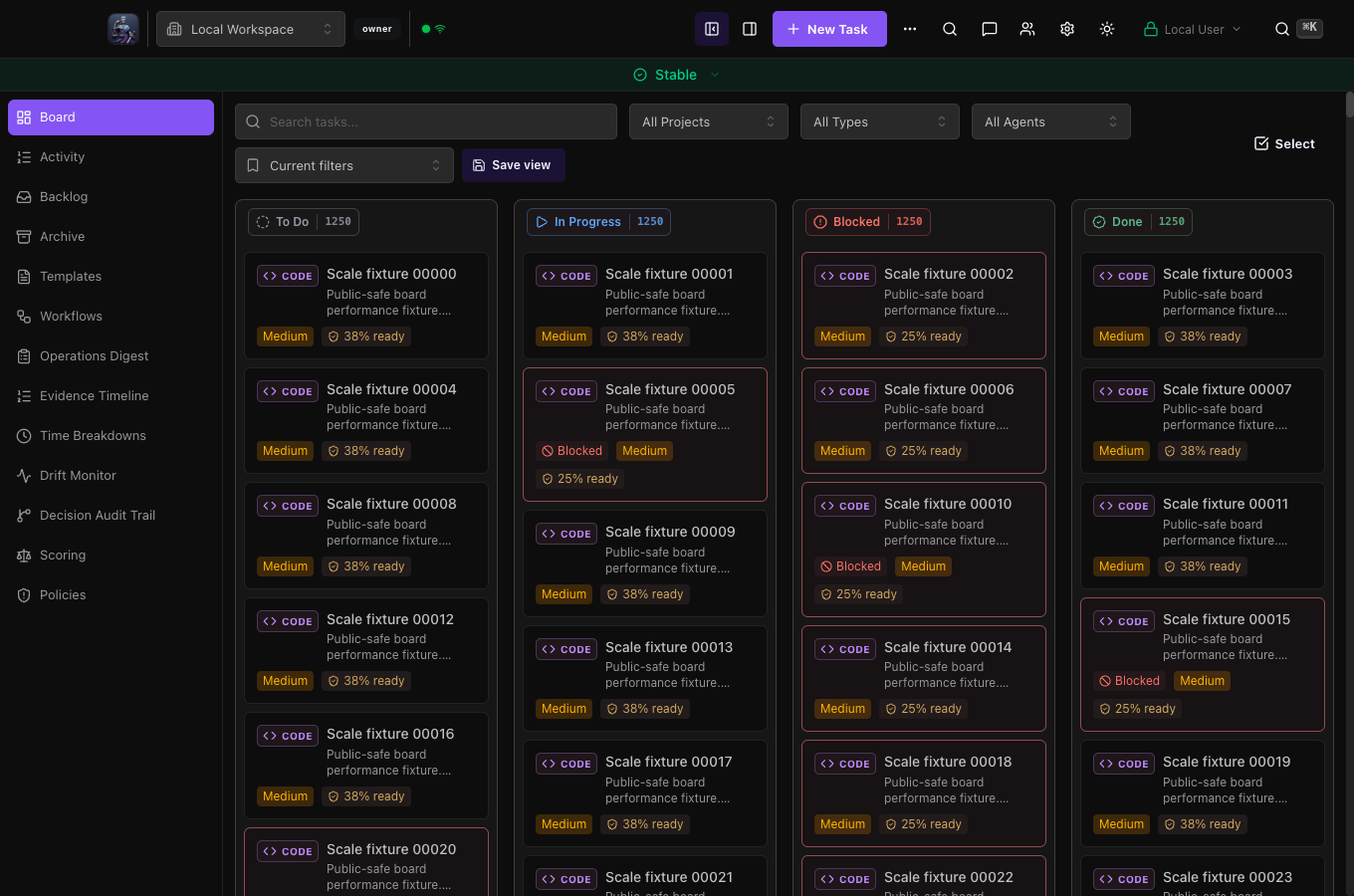 Board with 5,000 tasks · 6.1.7
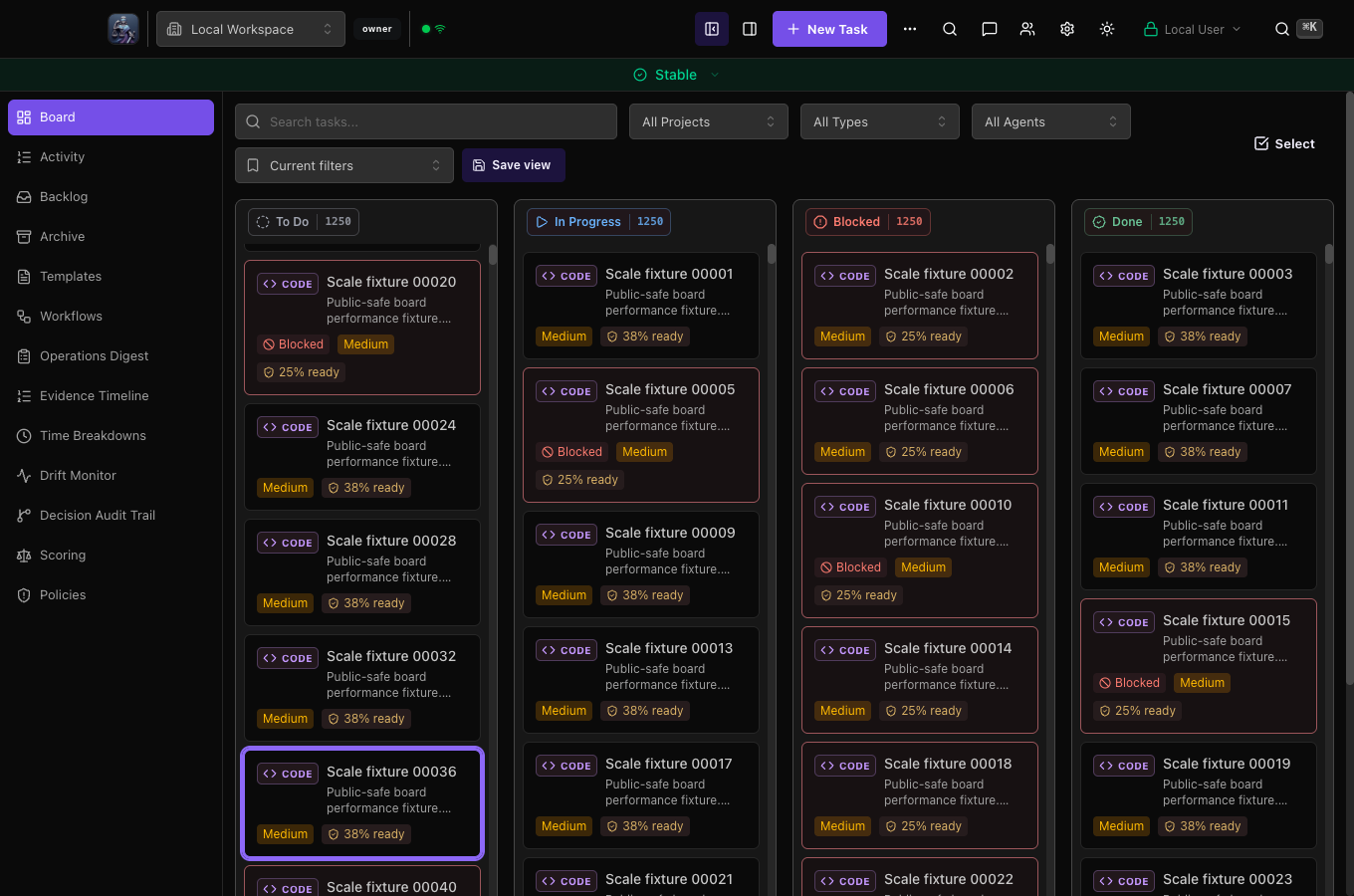 Board with 5,000 tasks · 6.2.0