
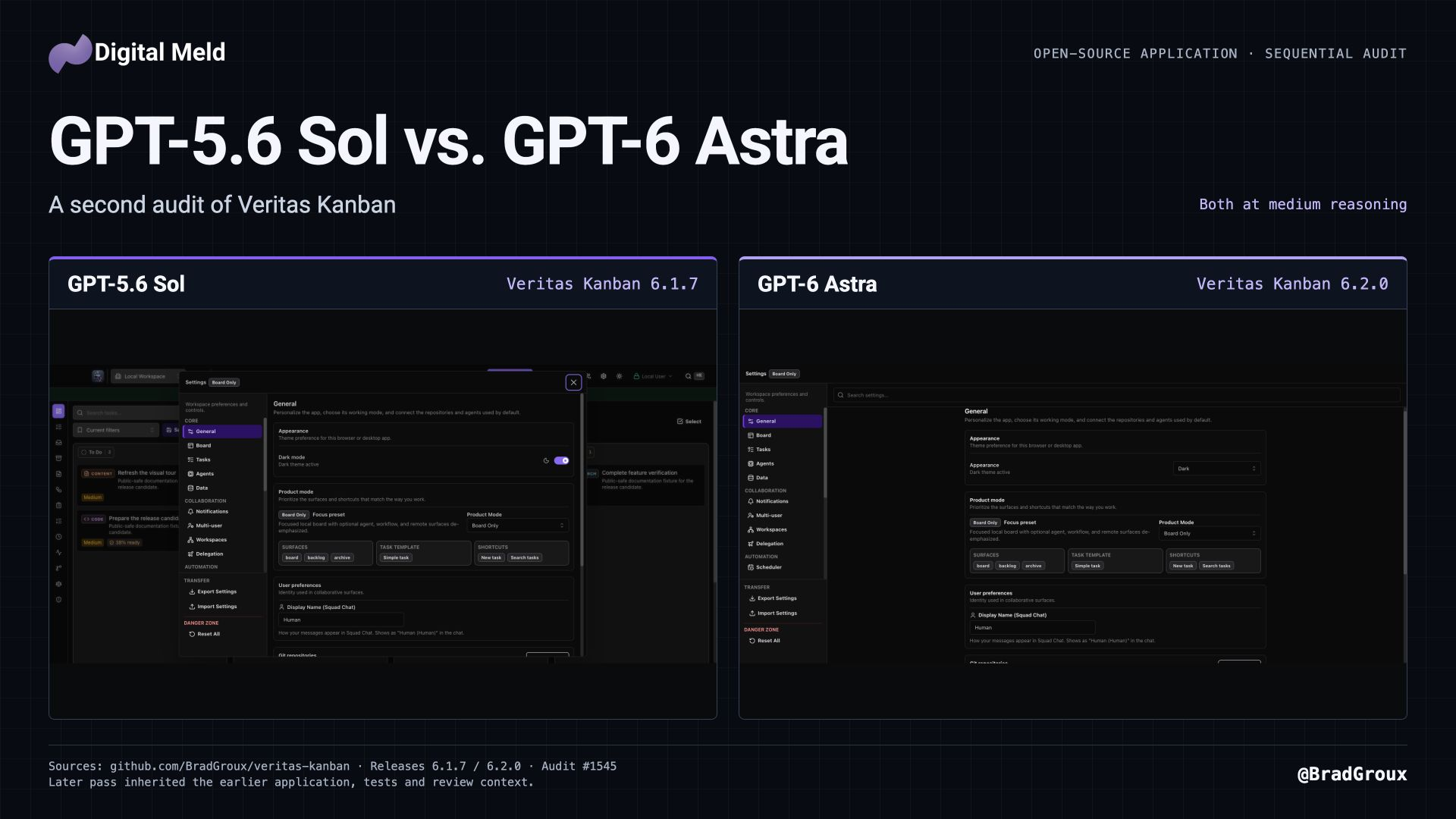
I had just finished developing Veritas Kanban 6.1.7 and putting it through a full audit with GPT-5.6 Sol when GPT-6 Astra became available. I asked Astra to audit the application again. I used medium reasoning for both passes and kept the earlier build and its screenshots so I could compare the results.
Veritas Kanban is the open-source application I build for coordinating human and agent work. Tasks carry plans, conversations, runs, results, and rules governing what an agent can do.
Release notes: Veritas Kanban 6.1.7 · Veritas Kanban 6.2.0
What Sol had already helped fix
The work leading to 6.1.7 started with problems in the compiled Mac application. Chat left unwanted space below the board, task conversations behaved differently from other chat surfaces, and Settings and page layouts used inconsistent controls. Narrow windows and enlarged text exposed more of those inconsistencies.
Board, Squad, and Task Chat adopted a common surface, the bottom chat docking option was removed, and compact layouts retained conversation drafts. Page spacing, controls, and Settings became more consistent. The 6.1.7 release notes document that work.
In 6.1.7, task creation and template confirmations retain context while requests are pending or after they fail. Partially applied blueprints block blind retries after creating some tasks. The release fixes stale cleanup that removed a newly reopened task workspace, preserves template fields and workspace run-budget limits, and supports critical priority. The task record includes packaged Mac checks for Policy controls and all three chat surfaces, including focus restoration, draft retention, and enlarged text.
What Astra found on the next pass
The subsequent audit produced 25 actionable findings, covering security, data integrity, native Mac behavior, keyboard navigation, accessibility, and larger workspaces.
Native New Task and Settings commands reported success without opening their controls. Version 6.2.0 connects those commands to the application and waits for acknowledgment. Packaged Mac checks verified that the commands opened the expected controls. The native-command finding records the original failure.
Changing Display Name and immediately switching Settings sections discarded the edit when the section closed before its delayed save ran. The repair preserves pending edits, retains failed saves for retry, and reports import success after the server saves the configuration. On Mac, quitting waits for pending settings writes and directs the user back to Settings if saving fails. In 6.2.0, Settings opens in a separate, reusable Mac window. The Settings fix documents the original reproduction and save requirements.
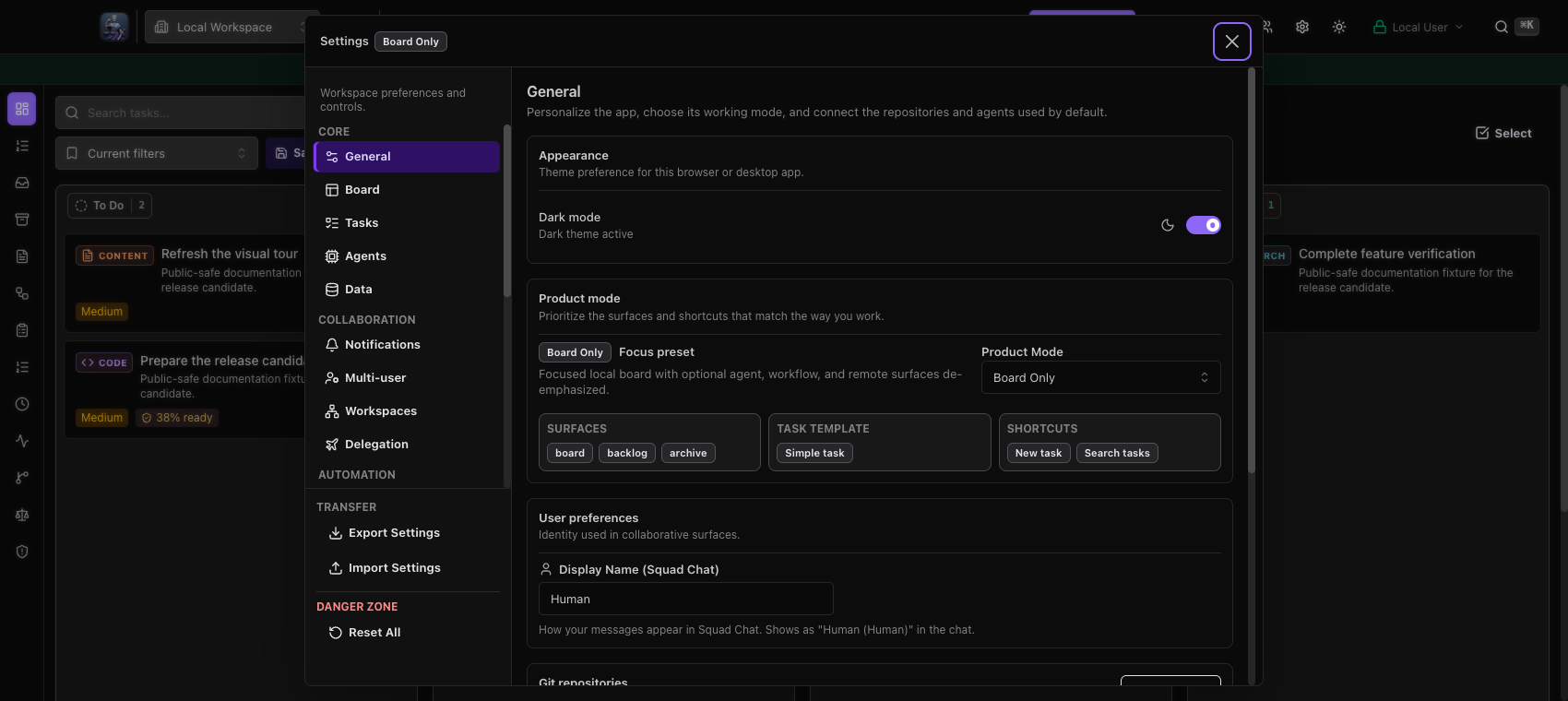
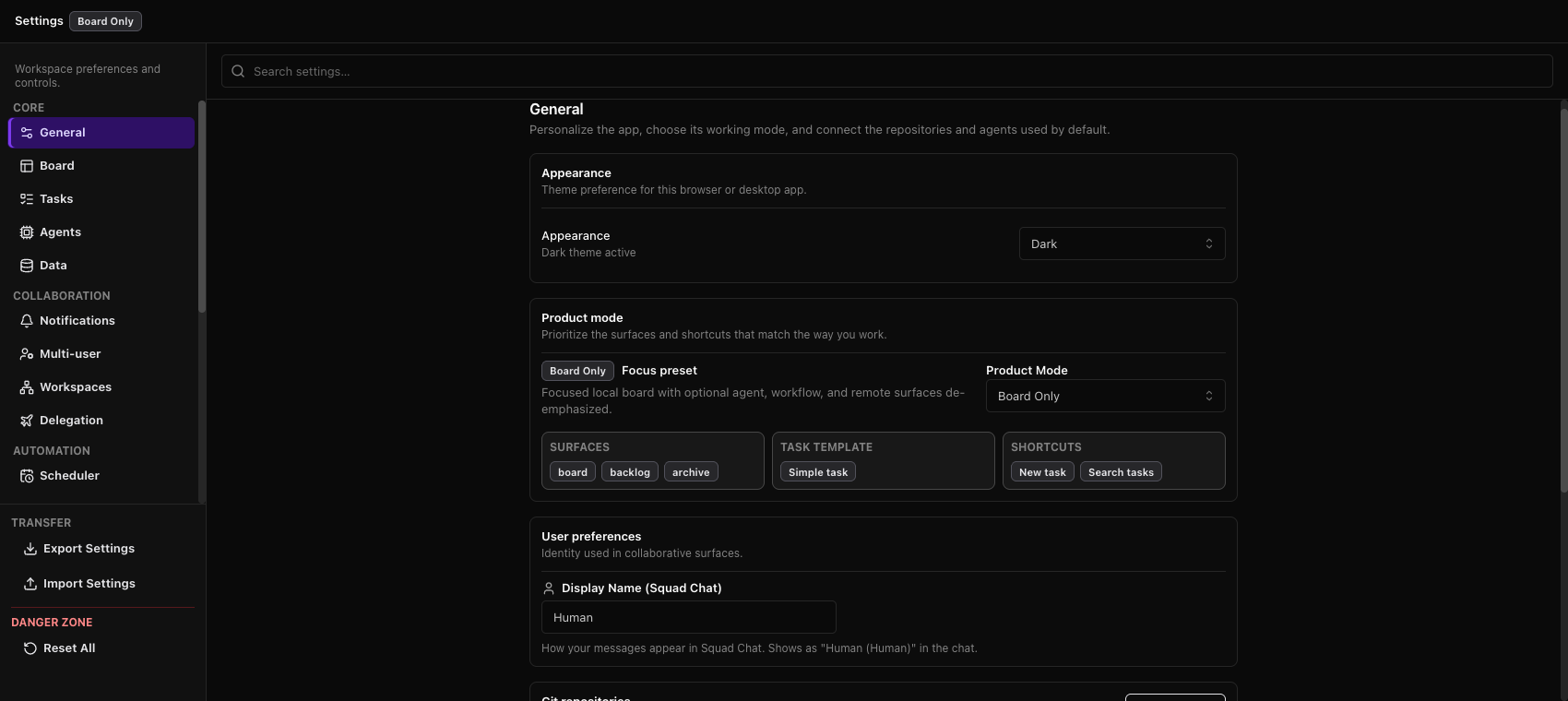
Packaged Mac captures of Settings in 6.1.7 and the separate Settings window in 6.2.0.
Board letter shortcuts intercepted modified commands, keyboard navigation differed from the visible card order, and shortcut help did not follow the configured columns. The fixes preserve modified commands and text composition, follow the displayed task order, and bring the selected task into view. Settings gained search and a System appearance option. Narrow board layouts keep secondary filters behind a Filters control.
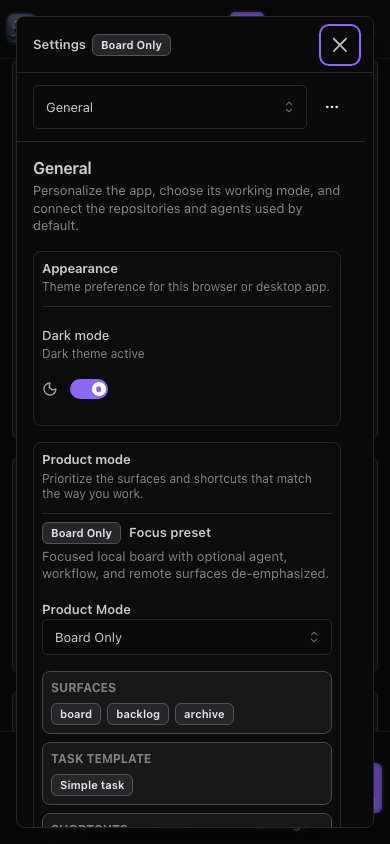
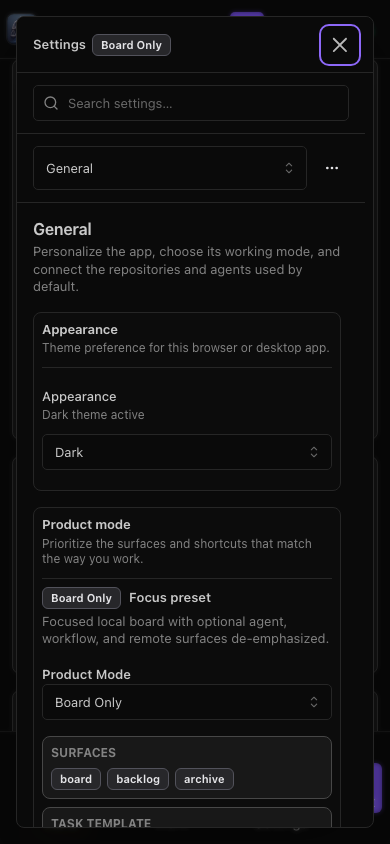
Both browser captures use a 390 × 844 viewport. Mobile Settings remains a dialog; 6.2.0 adds search and appearance selection.
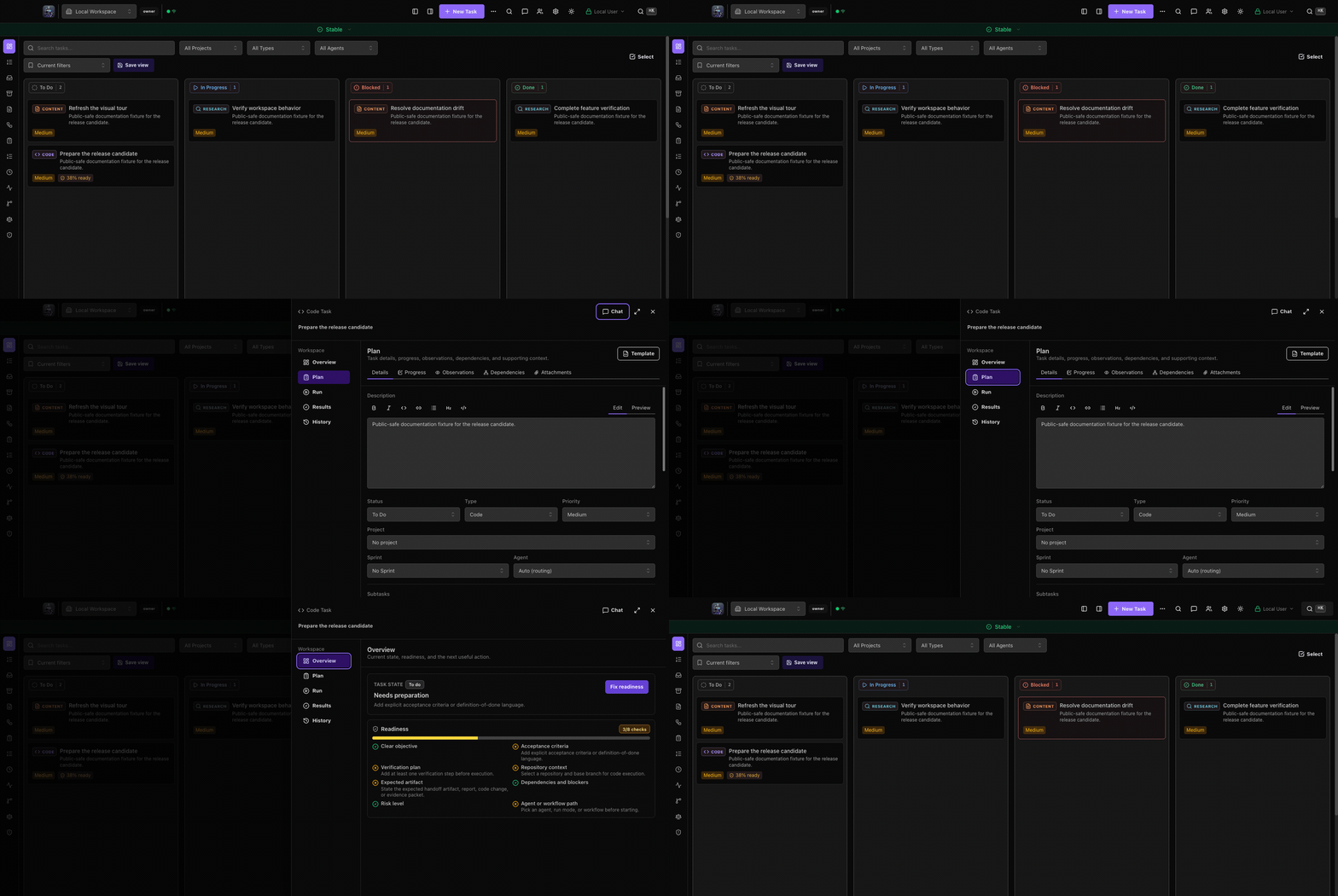
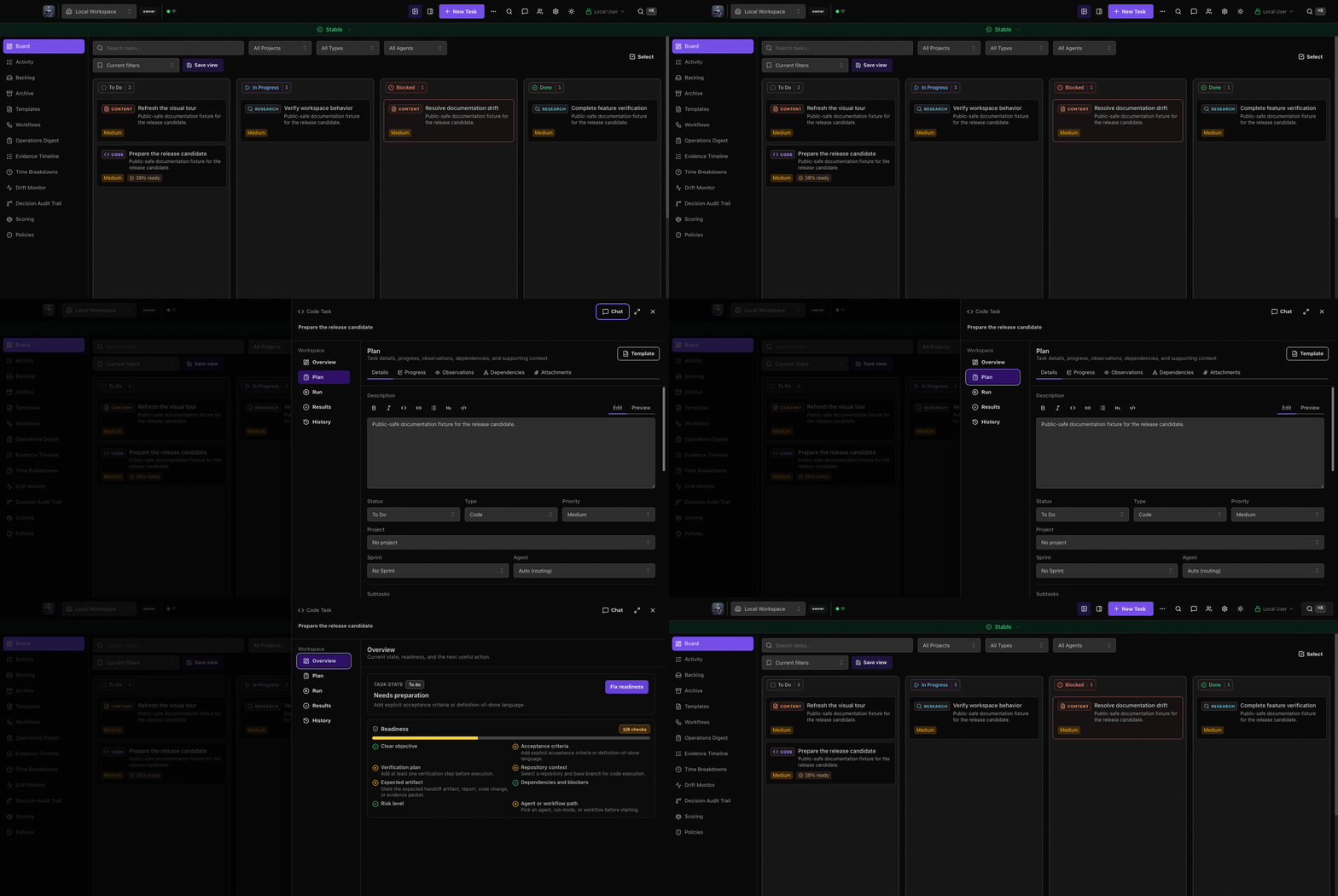
Both retained recordings follow the board into the task workspace, switch views, and return to the board.
What changed on a large board
The audit found that loading full task records and mounting every card made the board do unnecessary work as the workspace grew. In 6.2.0, the board loads compact card records, retrieves full details when a task opens, and renders the visible portion of long columns with nearby cards. The large-board issue ties the optimization to its acceptance criteria.
Acceptance checks on synthetic boards of 100, 1,000, and 5,000 tasks verified full-description search, keyboard navigation to offscreen tasks, complete descriptions when opening tasks, and task status and order after moving a task and reloading. The checks included the packaged Mac application.
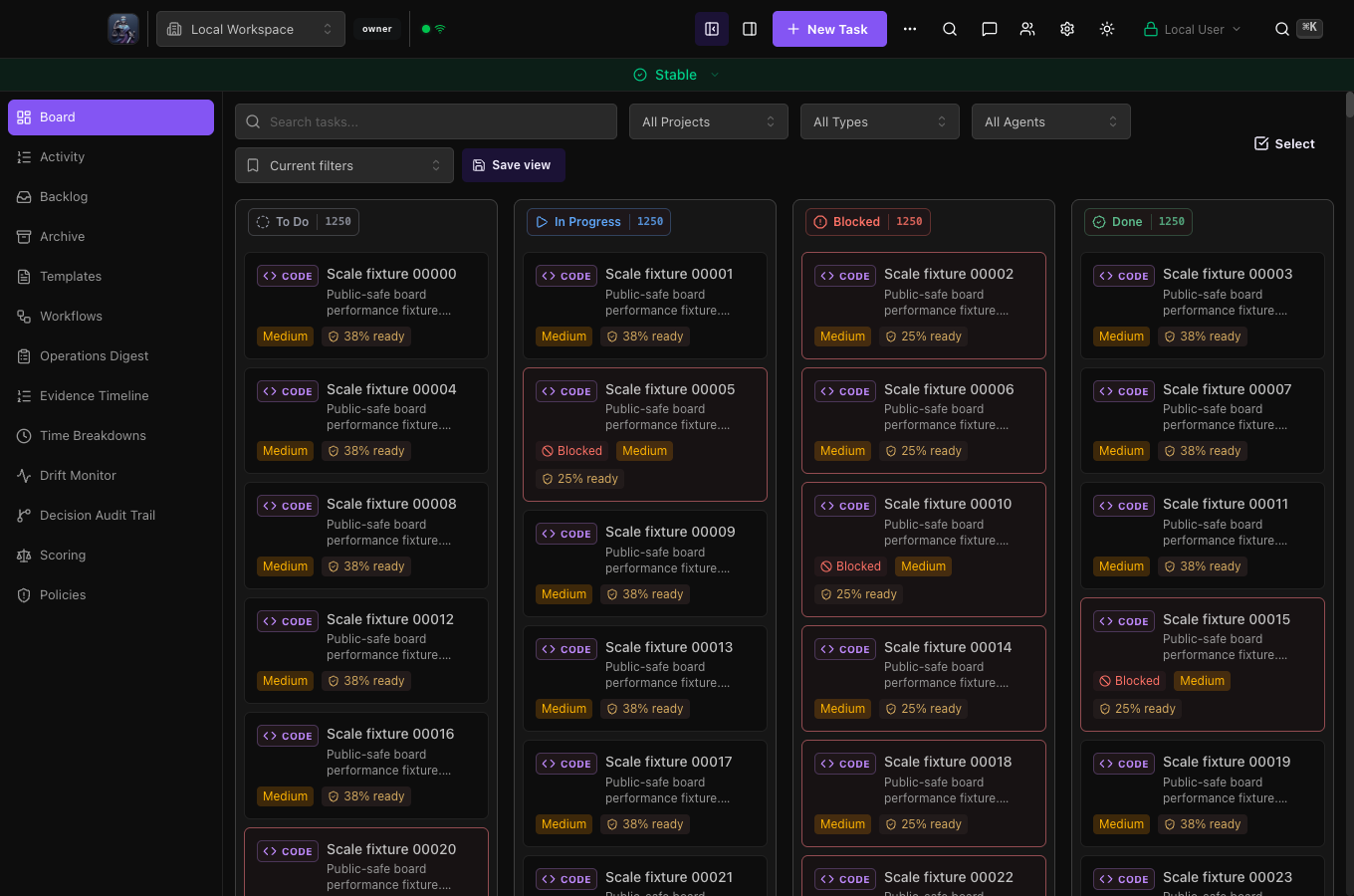
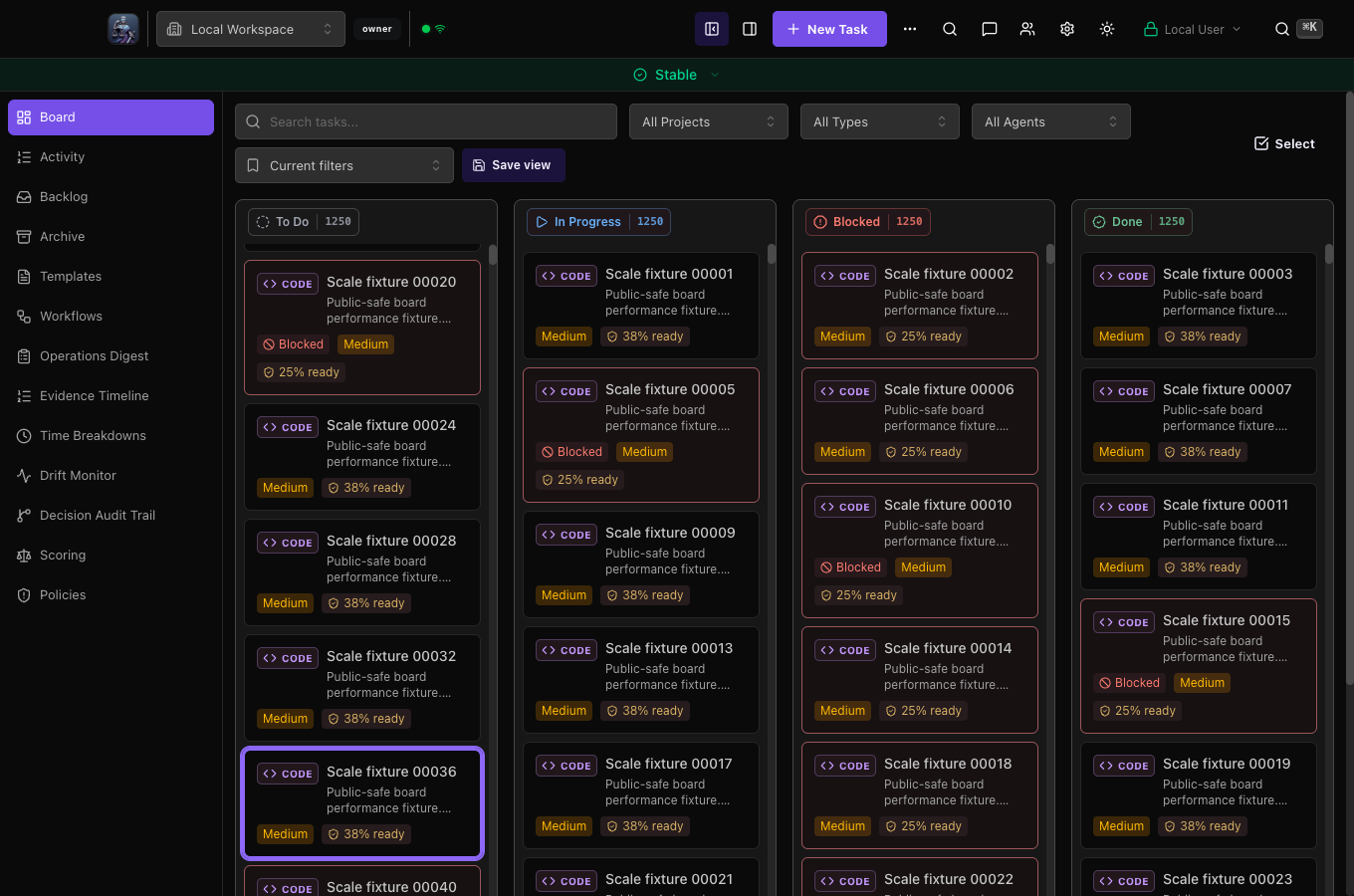
Both captures use the same synthetic generator, dark theme and 1360 × 900 content area. The baseline was captured on macOS 26.6.2; the signed candidate on a macOS 15.7.9 signing runner. The different hosts prevent a direct performance comparison from these captures.
The selected release package passed its recorded board checks. A later runner check of unchanged source recorded 128 ms input latency against a 100 ms target at 1,000 tasks, although all seven board interactions passed. The release-package result and later runner sample are recorded separately in the audit tracker.
Reliability and security fixes
In 6.2.0, CLI and MCP commands reject empty or ambiguous task identifiers, enforce API request deadlines, and retain structured API error information.
Four security findings were addressed in 6.2.0 and are now covered by published advisories. The public release notes describe corrections to permission matching, managed-run authority, routing resource limits, and desktop connection verification.
The audit tracker records 24 findings resolved through merged fixes and one test finding closed as not reproducible, with its original failure and verification limits retained. Packaged acceptance found three additional regressions that were repaired before release. Veritas Kanban 6.2.0 is released, with signed and notarized Mac downloads and a public comparison gallery.
What I take from the comparison
Sol helped me improve the application's layout, interaction consistency, and failure handling through 6.1.7. Astra's subsequent pass found additional defects in native integration, saved state, navigation, scale, and trust boundaries, then helped carry the repairs into 6.2.0.
Both passes used medium reasoning. Astra started from 6.1.7, including the code, tests, and documentation from the first pass.