
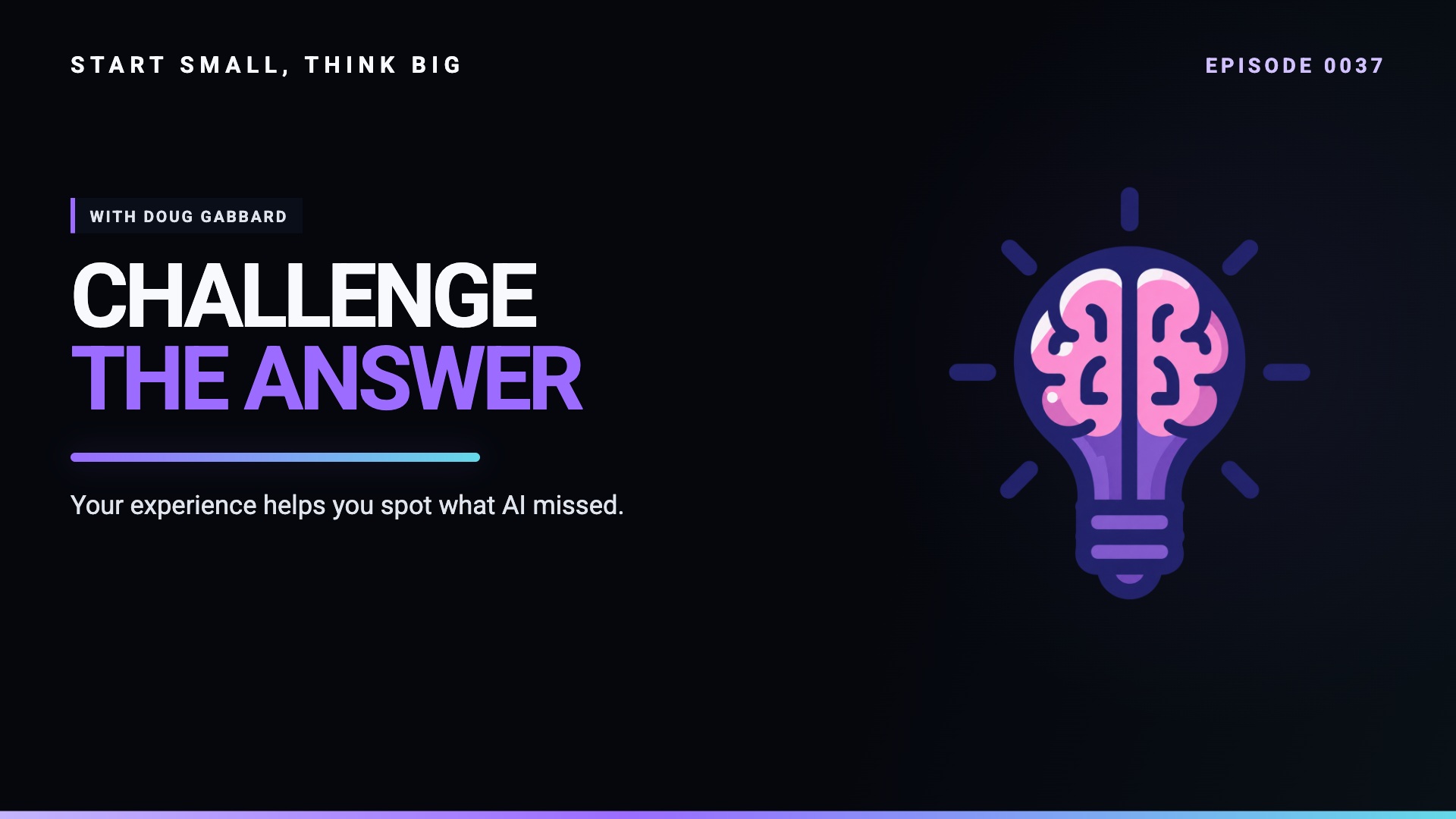
Watch the full episode on YouTube, watch or listen on Spotify, or read and follow the Start Small, Think Big newsletter.
Getting a useful answer from AI is not the same thing as knowing that the answer is right. That distinction runs through Episode 0037's conversation with Doug Gabbard, a Principal Cloud Solution Architect at Microsoft and the creator behind Practicing Photography.
Doug helped train Brad Groux when Brad joined Microsoft. He was someone Brad could turn to when he was stuck, and his approach went beyond knowing a command or remembering a setting. It was about understanding the problem well enough to recognize when the proposed fix would create another problem.
In Episode 0037 of Start Small, Think Big, Brad and Robert Groux talk with Doug about bringing that experience to AI. The examples range from Photoshop and photography backups to SharePoint knowledge agents and infrastructure scripts. The common thread is practical: use the tools, but stay responsible for the result.
Start with the point of friction
Doug's creative workflow offers a useful place to begin. He knows what he wants to make, but he does not always remember where to find the right control in a complex application. Rather than trying to describe an unfamiliar menu from memory, he can take a screenshot and explain the task.
That gives an assistant concrete context. Instead of asking a broad question about Photoshop or Lightroom, he can show where he is and what he is trying to accomplish. He still needs to test the instructions in the application, but the conversation starts closer to the actual problem.
This is a better first exercise than trying to automate an entire job. Find one repetitive or confusing step, provide the relevant context, and check whether the assistance improves the outcome. If it does, you have a useful workflow and a clearer understanding of how it works.
The same principle applies to writing. Doug describes beginning with his own script and ideas, then using AI to refine the material or adapt it into another format. The model helps with the transformation; it does not supply the experience that made the material worth sharing.
Make existing knowledge easier to find
Doug's work examples address another familiar kind of friction: the answer exists, but nobody remembers which SharePoint site or document contains it. He has built agents around departmental material and shared them with colleagues.
The value is not that an assistant knows everything. It is that the task and source material are narrower. A question about the department can be grounded in the department's documents rather than left to a general answer from the wider web.
Doug also describes locating an old document he had written himself. That is a useful reminder that knowledge management is not only about making other people's expertise accessible. It is also about recovering your own work when the details have faded.
For teams considering this approach, the practical questions are straightforward. Which questions recur? Where are the approved answers? Who maintains the source documents? Who is permitted to access them? An agent does not remove the need to answer those questions. It makes the quality of those answers more consequential.
Microsoft's Agent Builder quick start provides a starting point for creating, configuring, testing, and sharing an agent. Use the current product guidance for implementation details rather than treating this conversation as a click-by-click tutorial.
Specify the environment, not just the task
The risk becomes clearer when the conversation turns to infrastructure. An assistant might produce a script that performs the requested action but omits requirements that were never stated.
Doug gives examples of the missing context: security, the number of users or servers involved, error handling, and unexpected input. A tool built for one person's machine has a different job from a tool expected to run across an organization. Both might look successful in a small demonstration.
Robert points out how easily experienced technical people take this background knowledge for granted. The questions feel obvious after years of work, so it is tempting to assume that everyone—or every generated solution—has accounted for them.
That is why the conversation turns to requirements and standard operating procedures. Before delegating a task, state the outcome and the constraints. Describe what should happen when the happy path fails. Ask the assistant to identify missing requirements, then review those suggestions with the same care as the initial output.
The habit is useful beyond coding. An email, a research summary, or a customer workflow also has an audience, a purpose, constraints, and failure conditions. Making them explicit gives you something concrete to evaluate.
Ask for criticism without confusing it with truth
Doug's description of challenging ChatGPT became the episode's cold open. “I want hard answers,” he says. He is pushing past encouragement to ask what is wrong and what he has overlooked.
That is a good review habit, with an important limitation. A critical answer can still be incorrect. Doug recounts catching a wrong answer about a subject he knows deeply. His experience gave him a reason to challenge the output rather than accepting its confidence.
The practical loop is simple: provide the context, examine the answer, ask what is missing, and verify the result. Verification might mean testing a script in a safe environment, checking an authoritative source, or comparing an explanation with the behavior of the actual application.
The point is not to make the model agree with you, either. If the evidence supports a different answer, change the plan. Useful criticism helps expose a weak assumption; it does not decide the issue on its own.
Keep developing the skills around the tool
Doug's advice to students is as much about people as technology. “Yeah, people skills is number one,” he says. You need to know how to seek help, explain a risk, and work with people who do not share your technical vocabulary.
Those skills matter when an engineer has to tell a customer that a plan is likely to fail. The technical conclusion may be correct, but communicating it poorly can make it harder to act on. Understanding the person and the business problem is part of getting the work done.
Continuous learning belongs in the same category. AI can make it easier to explore an unfamiliar tool, but that does not make the underlying knowledge irrelevant. The more you understand, the better equipped you are to notice omissions, ask useful questions, and judge the response.
If you are getting started, choose a low-risk task you can evaluate. Show the assistant the context. Ask for the missing questions. Test what comes back. Build confidence through work you can inspect, not through how polished an answer sounds.
Five things to take into your next project
- Start with a real point of friction in work you understand.
- Provide relevant source material and clear constraints.
- Review security, scale, bad input, and failure handling explicitly.
- Ask for criticism, then verify it against evidence.
- Keep investing in technical foundations, communication, and learning.
AI can help you move faster. Your responsibility for the work does not get smaller when it does.
About Doug Gabbard
Doug is a Principal Cloud Solution Architect at Microsoft and a photographer who shares practical learning through Practicing Photography. Follow his website, YouTube channel, and LinkedIn profile.
Resources discussed
- Microsoft — Doug's employer and the enterprise context discussed.
- Adobe Photoshop — Screenshot-assisted creative learning.
- Adobe Lightroom — Photography workflow and learning.
- ChatGPT — Creative assistance, questions, and critique.
- Gemini — Another assistant discussed.
- Claude — Another assistant discussed.
- Microsoft Copilot — Work and enterprise assistance.
- SharePoint — Departmental sources for knowledge agents.
- Backblaze — Mentioned in Doug's backup experience.
- Azure Blob Storage — Doug's archive-storage project; check current pricing and retrieval terms.
- Synology — Network-attached storage in his photography setup.
- n8n — Internal automation discussed by Brad.
- Supabase — Internal infrastructure discussed by Brad.
- OpenClaw — Agent-assisted infrastructure work discussed by Brad.
- PowerShell — Scripts Doug uses and improves.
- Microsoft Sentinel — Security-analysis context in the discussion.
- Microsoft Agent Builder quick start — Official getting-started guide for creating, testing, and sharing an agent.
- Practicing Photography — Doug's photography learning site.
- Practicing Photography on YouTube — Doug's photography videos.
- Doug Gabbard on LinkedIn — Follow Doug's work.
Continue the conversation
Browse more Start Small, Think Big episodes, explore Digital Meld, and find the podcast and newsletter through our platform links.
Recorded February 19, 2026. Product availability, pricing, and policies discussed reflect the conversation at that time. Doug shares his own experience, not an official Microsoft announcement.
Recorded and edited using Riverside (affiliate link).
Affiliate disclosure: Some links above are affiliate links. Digital Meld may earn a commission if you purchase through them, at no additional cost to you.