On the 45-minute drive home from the airport after OpenAI DevDay, Digital Meld co-founder Brad Groux called AVA, his dot. Before he got home, he had planned the next day and moved work forward across several projects.
It rang like a regular phone call. Brad answered and talked through the work, just as he would with someone on his team.
Brad believes removing friction is the single most important thing for AI adoption. Since returning from San Francisco, he has been calling AVA while driving or walking his dog. Being able to talk through work wherever he is has changed how he uses AI.
Thank you to OpenAI for flying Brad to San Francisco and including him in DevDay 2026 on September 29. He spent September 28–30 meeting the OpenAI team and other attendees, going to sessions, and catching up with people over coffee and drinks.
Two weeks with AVA
Before DevDay, Brad kept his AI work carefully organized in Projects. Over more than two weeks with AVA, he has found himself starting with a phone call instead. The drive home from the airport showed him how much he could get done that way.
Dots are OpenAI’s always-on agents, powered by GPT-6 Astra. They have a cloud computer and can work in the apps a user connects. Brad can return to AVA to continue work across his projects without deciding which Project to open first.
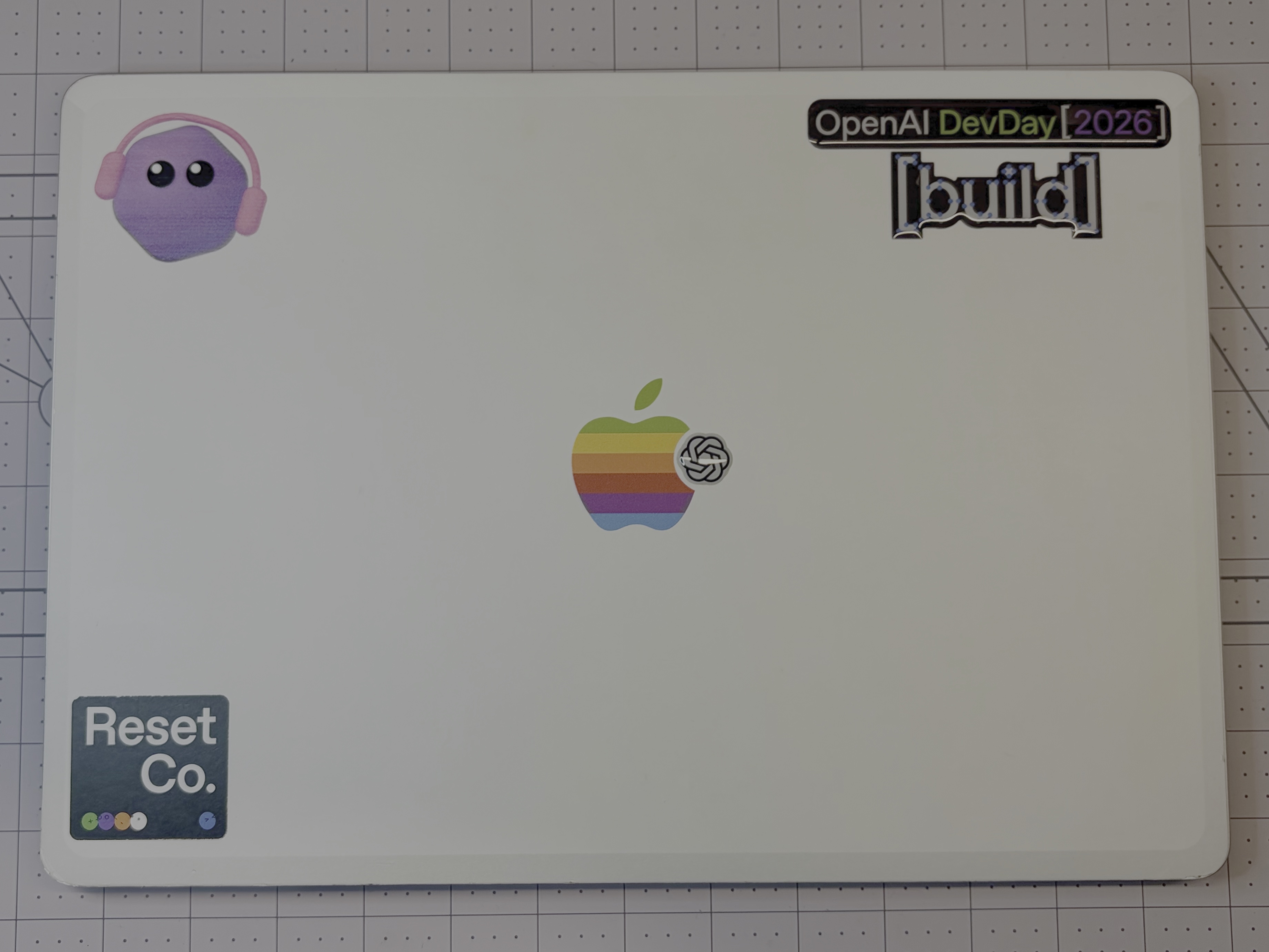
Attendees also designed their dots at DevDay, and OpenAI printed custom stickers of them. AVA is the purple character wearing headphones in the top left of Brad’s MacBook Air in the banner photo.
The sessions and what they mean for customer delivery
Brad recorded his sessions and photos in his trip updates. Here is what he attended and how we see those topics applying to our customers’ work.
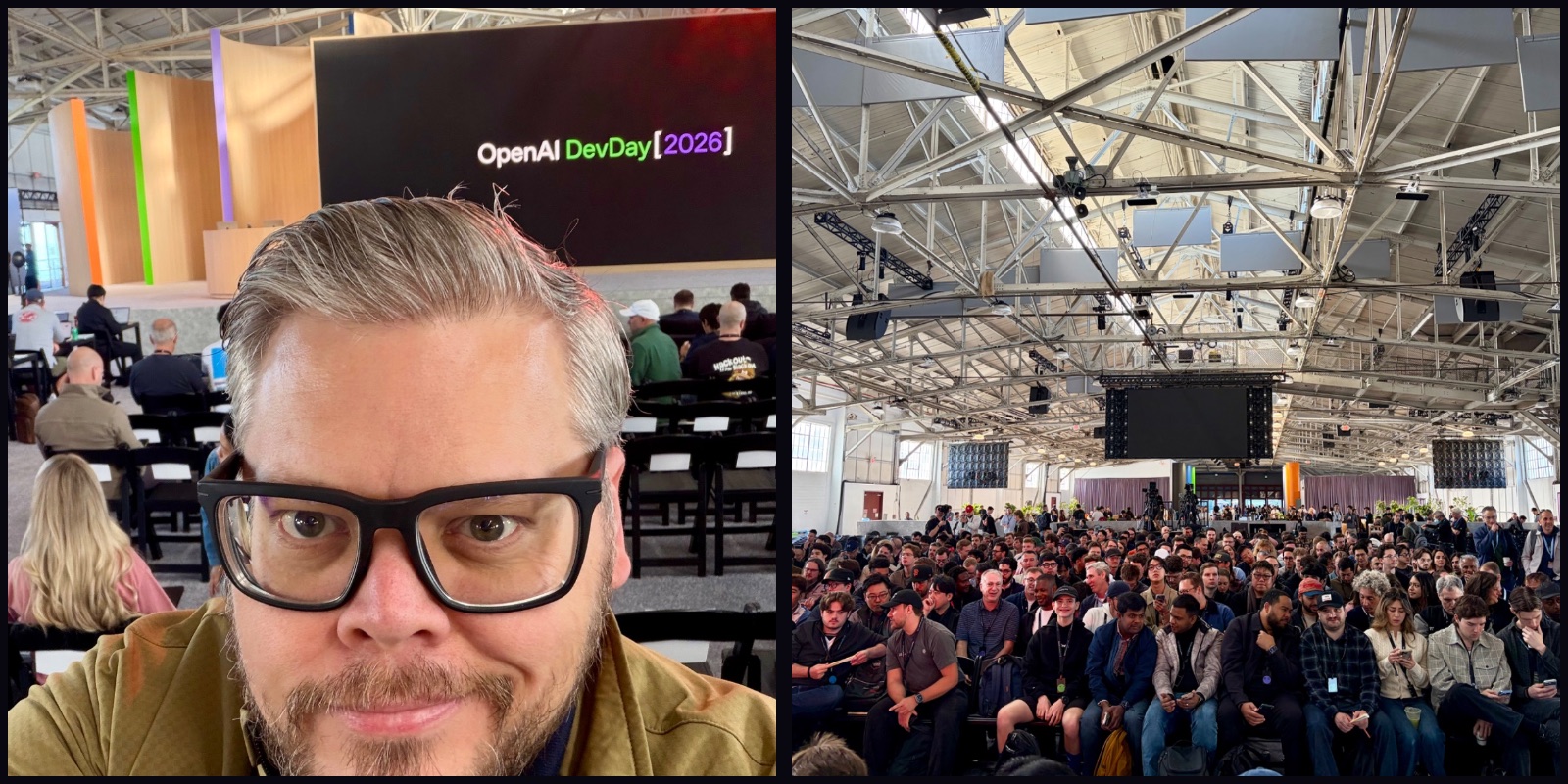
Opening Keynote
The keynote introduced dots, GPT-6.1 Sol, and tools for building applications and working with a team. For Digital Meld, the appeal is being able to connect those tools: discuss a task with an agent, work on the result with colleagues, and build a small application when the task calls for one.
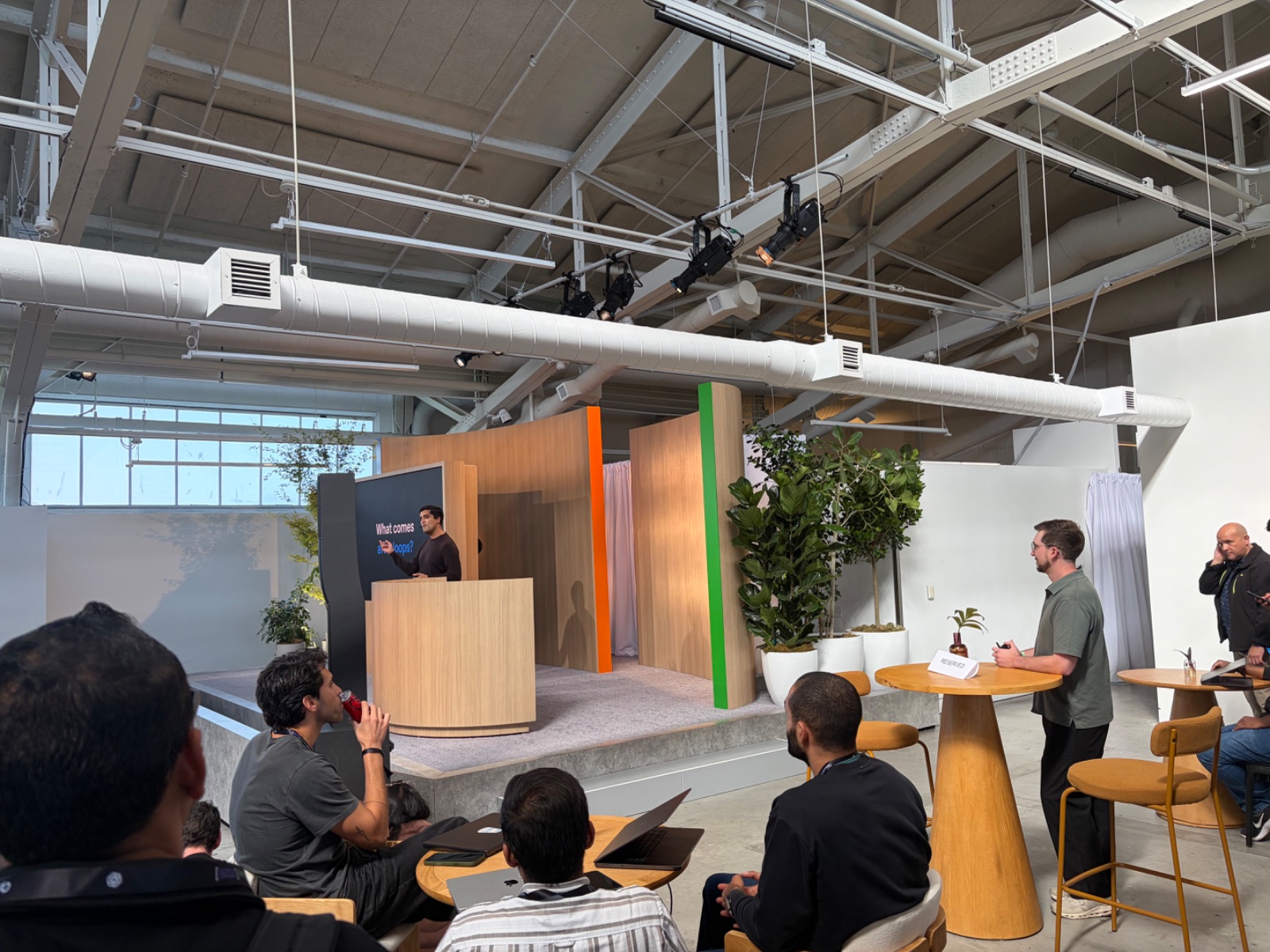
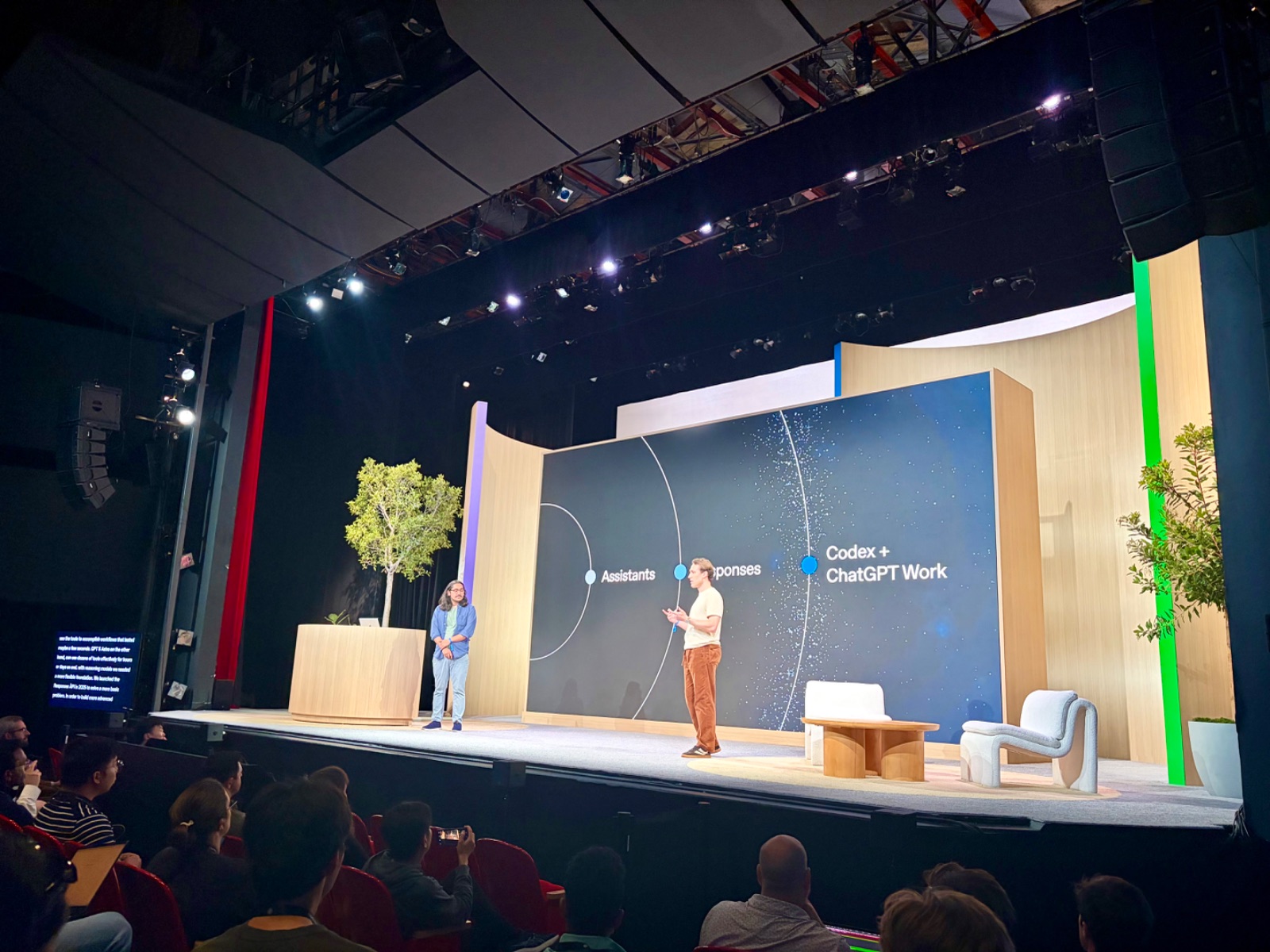
What Comes After Loops?: Deep Dive Into Agentic Architecture
Brad attended Raj Pathak and Eric Provencher’s session on agent architecture. For customer work, we would apply that topic to the handoffs between tasks. Preparing a proposal, for example, can involve research, pricing, and review. Each person or agent needs the same brief and a clear way to pass the work along.
Harness-as-a-Service: Building with the Agents API
Steve Coffey and Charlie Guo’s session covered building with the Agents API. Its computer-use capabilities let developers build agents that work across existing applications. For a customer whose process spans several systems, that gives us another way to connect the steps without building a new interface for every one.
Launchpad: Go-to-market with Dr. Ulrich Keller
The go-to-market discussion with Dr. Ulrich Keller was Brad’s most valuable time of the trip. Dr. Keller is helping connect him with OpenAI’s partner program and people on its go-to-market team.
Brad appreciated how much time Dr. Keller gave him. We are grateful for his help connecting Digital Meld with the people who can support our work with OpenAI.
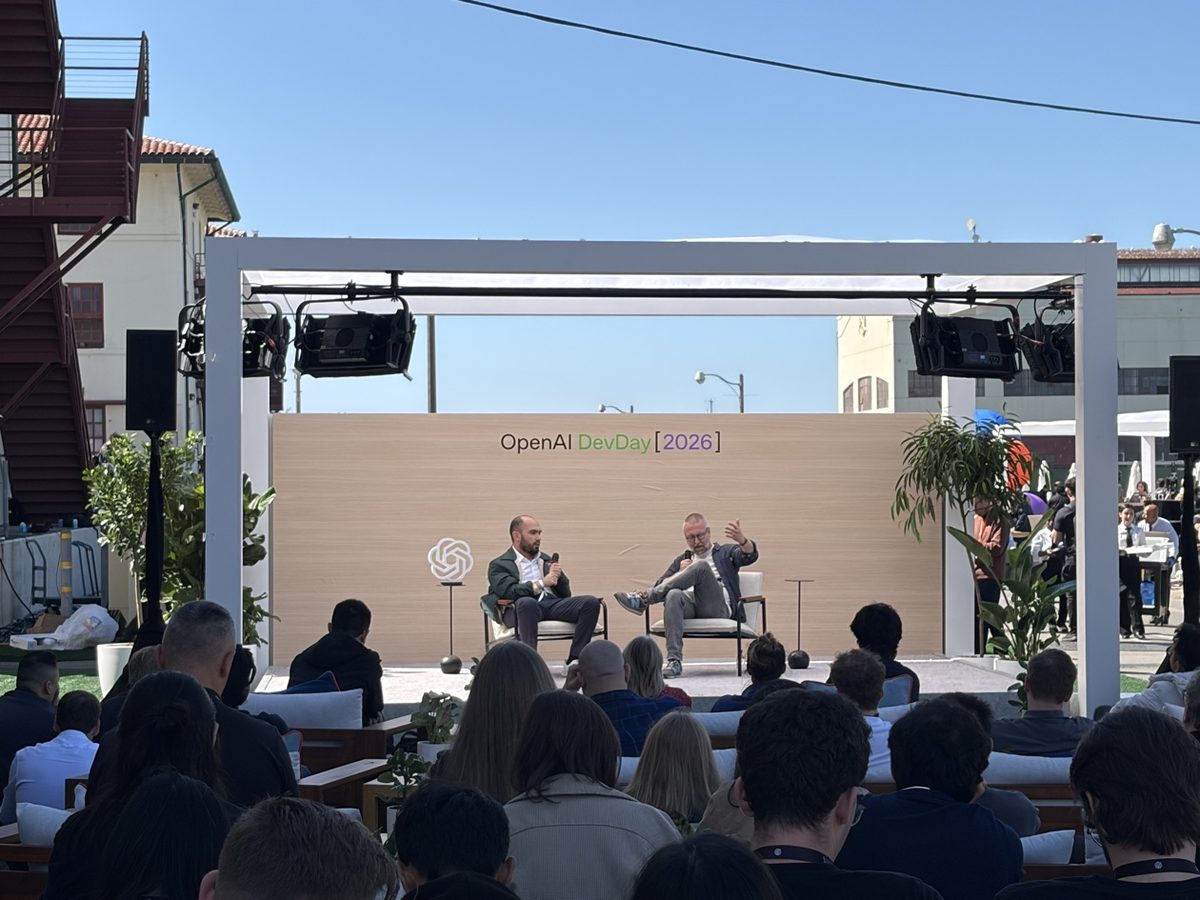
Higgsfield: Building Agents That Provision Their Own Compute
Craig Dennis and Alex Mashrabov’s session covered agents choosing models and provisioning compute, including throughput and failure modes. For a customer running media-processing jobs, we would use those ideas to choose capacity for the job, control spending, and recover from a failed run.
Codex Has Left The Laptop
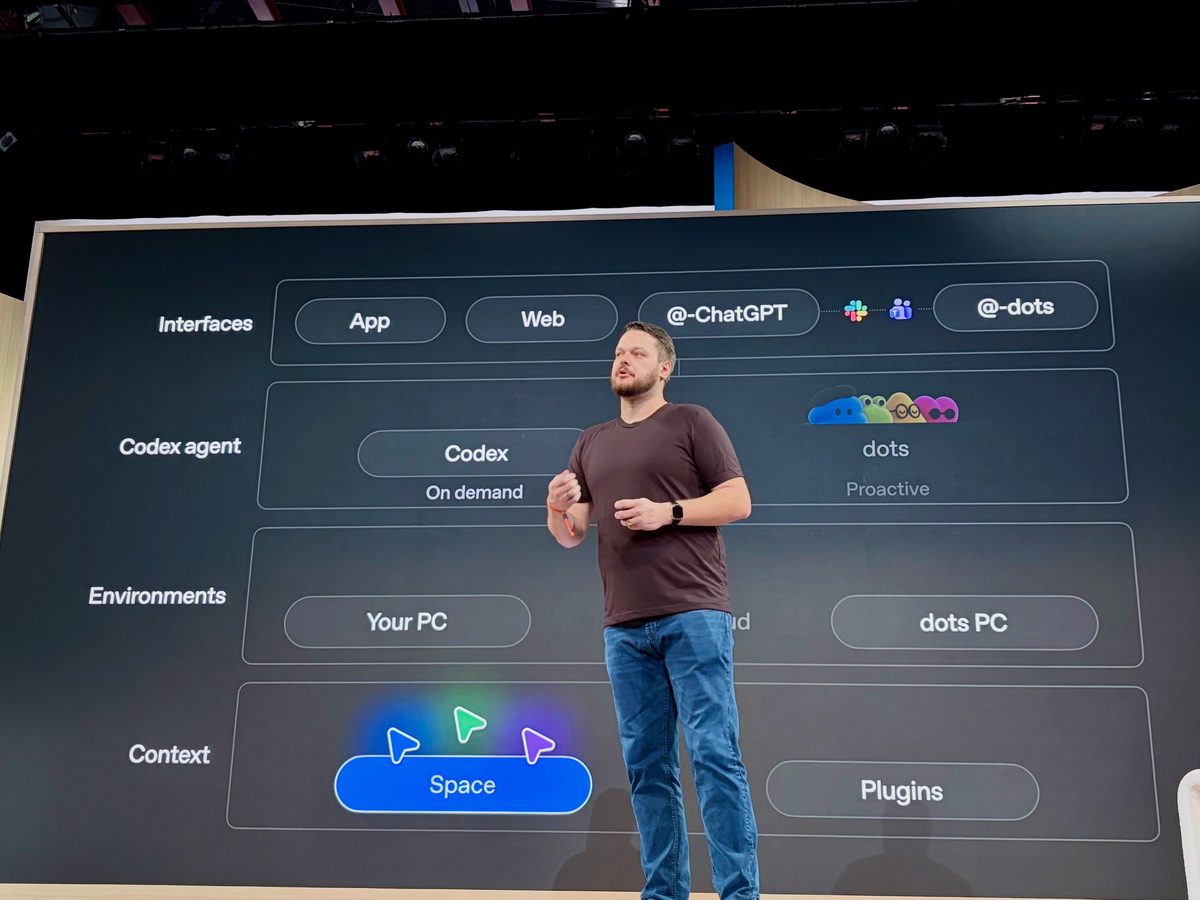
Brad photographed a slide showing Microsoft Teams alongside Slack. He posted that OpenAI should be shouting about Teams support from the rooftops. Digital Meld works with Microsoft customers, so being able to reach AI there is a direct way to make it easier to use. The session covered Codex across the CLI, app, and web.
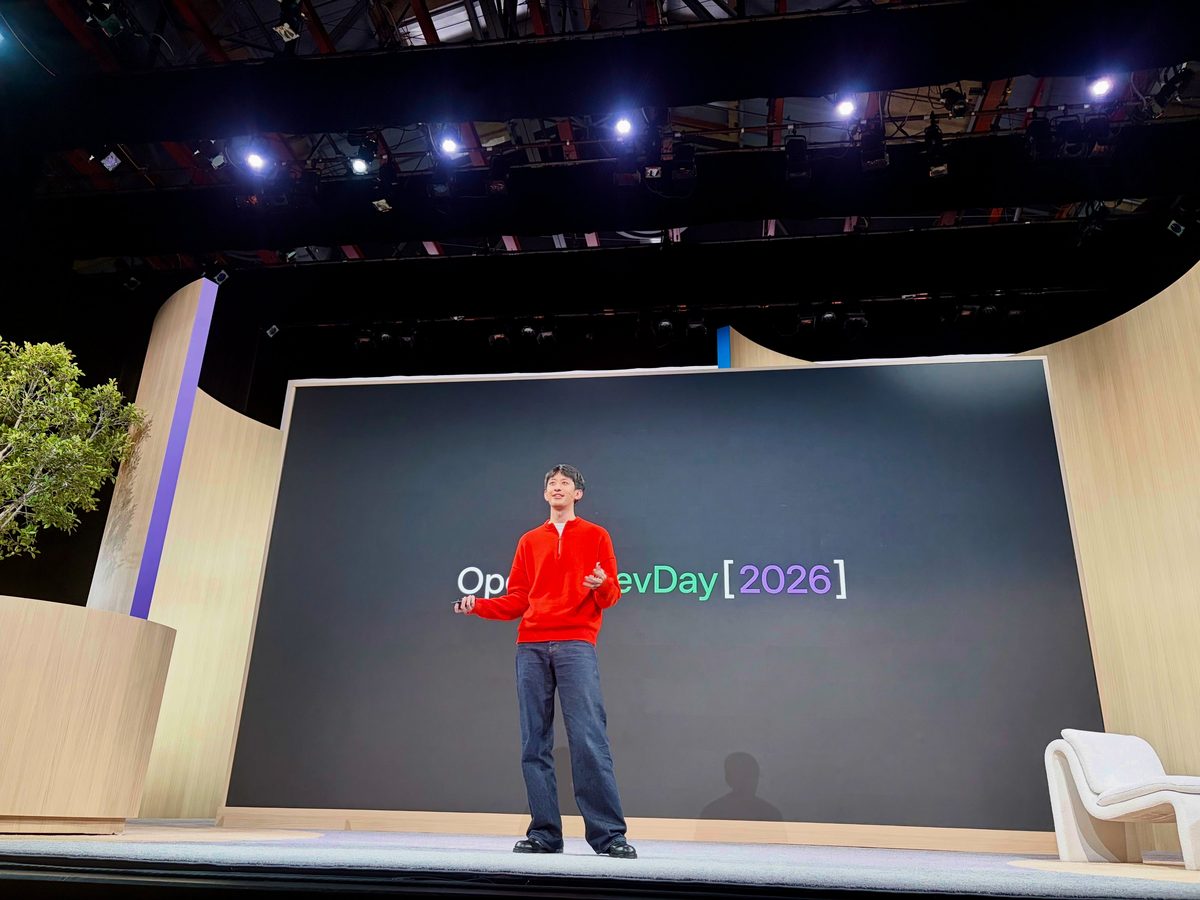
From Single Player to Multiplayer with Codex
Jason Liu’s session followed an overnight outage from the first Slack message to a reviewed fix and an update to the team. We see the same need in customer support and maintenance: carry the investigation through to a fix, then tell the people affected what happened.
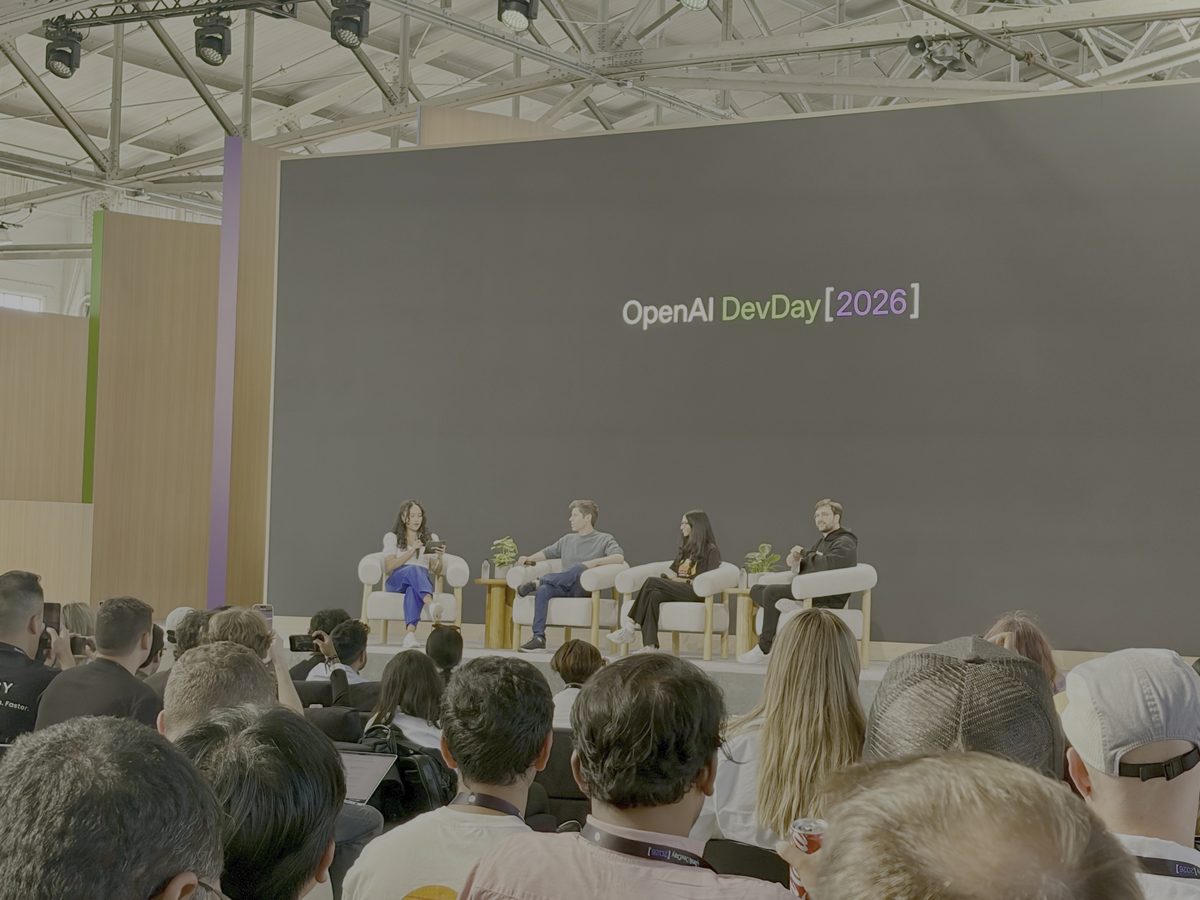
Closing Q&A
Brad finished the day’s sessions with Sam Altman and Thibault Sottiaux’s Q&A, then headed to the reception at Fort Mason.
What changed across the platform
ChatGPT Space and Pages let teammates work on shared documents with AI. Sites, available on eligible Business and Enterprise plans, let them build and share an application through conversation. A team could use those tools for a project brief, an operational tracker, or a form that gathers information consistently.
Plugin extensions add interactive panels and other interfaces to ChatGPT. MCP events let a change in a connected app start an automation. Together, they give us more ways to build around the software customers already use.
GPT-6.1 Sol improves coding, computer use, and professional work at lower standard token prices than Astra. That gives us another model to try when a customer needs to run the same task repeatedly.
The DevDay recap covered 25 announcements:
DevDay announcement guide
| Announcement | What it does |
|---|---|
| Dots | Takes on ongoing work in the apps you connect. |
| GPT-6.1 Sol | Improves coding, computer use, and professional work at lower standard token prices than Astra. |
| Ultrafast | Speeds up responses from Astra and, following the October rollout, GPT-6.1 Sol. |
| Private Intelligence | Adds privacy options for businesses, including a preview of Private Inference. |
| Codex in the cloud | Runs coding tasks in the cloud so work can continue across devices. |
| Refreshed Codex CLI | Adds voice input and a view for managing agents in the terminal. |
| Code Review | Lets developers inspect changes and discuss findings with Codex. |
| Codex Security Cloud | Scans repositories, investigates vulnerabilities, and prepares proposed fixes. |
| Decisions API | Classifies inputs and selects from defined answers; now in public beta. |
| Agents API with computer use | Lets agents interact with existing software to complete tasks. |
| Bedrock Managed Agents powered by OpenAI | Runs OpenAI agents within AWS. |
| Plugin extensions | Adds interactive panels, sidebar views, and file viewers to ChatGPT. |
| Improved plugin creation, submission, and discovery | Helps developers build plugins and people find them. |
| Sites hosting plugins | Lets teammates use plugins in a shared Site with their own connected accounts. |
| MCP events for automations | Starts an automation when something changes in a connected app. |
| ChatGPT Space | Brings a team’s documents and related work into a shared space. |
| Pages | Lets teammates and AI write, research, and edit a document together. |
| Collaborative slides | Announced shared slide editing for teammates and agents. |
| Teams and shared tasks | Lets teams share instructions and delegate recurring tasks. |
| @ChatGPT in Slack and Microsoft Teams | Lets people ask ChatGPT for help within a team conversation. |
| Meetings plugin | Saves meeting notes and action items in Space. |
| Shareable profiles | Collects Sites and plugins people can share and reuse. |
| Sign in with ChatGPT | Lets people use their ChatGPT account with participating tools. |
| New Pro tier | Adds Pro 500 with higher usage allowances and Ultrafast access. |
| OpenAI Marketplace | Lets eligible enterprise customers apply part of their OpenAI commitment to approved partner software. |
The updates continued after DevDay
OpenAI has kept shipping since Brad got home. GPT-6 with Intelligent UI adds visual and interactive answers in ChatGPT. The October 9 dots update lets people create a dot on their phone and delegate work to Codex. Sol Ultrafast rolled out after DevDay, and the Decisions API entered public beta.
The smaller changes are useful too: uploading a recording, scanning several pages of notes into one document, or using a suggested next instruction in Codex. They remove steps people would otherwise have to do before starting the work.
Updates since September 29
| Date | Update | Details |
|---|---|---|
| October 1 | Shopping try-on and favorites; multi-page camera scanning | Try on clothing virtually, save products, and scan multiple pages into a PDF. Release notes. |
| October 2 | Finances expands to Free and Go in the U.S. | Free and Go users in the U.S. can connect financial accounts. Release notes. |
| October 5 onward | Codex and Work usability improvements | Updates include faster responses, free Auto-Review, simpler API qualification, faster steering, larger Sol context, and desktop storage work. Dated announcements and original team posts. |
| October 6 | Audio uploads | Upload recordings for transcripts, summaries, and questions. Release notes. |
| October 6 | Decisions API public beta | Classify text and images or choose from predefined options. Announcement. |
| October 7 | GPT-6 with Intelligent UI | Answers can include comparisons, diagrams, and interactive tools. OpenAI announcement. |
| October 8 | GPT-6.1 Sol Ultrafast rollout | Adds a faster service tier for GPT-6.1 Sol. Announcement. |
| October 9 | Mobile dot creation and Codex delegation | Create a dot on a phone and ask it to start or follow up on Codex work. Product update. |
| October 9 | Composer predictions beta | Suggests a next message that the user can accept or edit. Release notes. |
| October 15 | GPT-Live-1.1 and additional voices | Adds voices and more natural accents across languages. Release notes. |
| October 15 | Sites creation limit change for Plus and Pro | Removes the fixed cap on the number of Sites. Release notes. |
| October 15 | Rosalind Academic Plan applications | Eligible U.S. university life-sciences labs can apply for sponsored access. OpenAI announcement. |
Other announcements during the same period include OpenAI’s October 2 GPT-6 model guide, the October 5 visual advertising and measurement update, and October 7 teen learning tools and planned College Planner.
The people behind the work
Thank you to everyone Brad met at DevDay, at the surrounding events, and over coffee and drinks. He found the trip extremely rewarding, both for what he learned and for the people he spent time with. Meeting the OpenAI team also helped him understand the pace of development. They were passionate about the work and dedicated to getting these products into people’s hands.
Digital Meld is an OpenAI Partner Network partner. Brad holds the ChatGPT Expert, Codex Expert, and OpenAI API Expert certifications and has submitted his application to the Codex Ambassador Program. He already shares his work through the AI Dev Days repository and talks. As he put it on Twitter, he had not realized he was already kind of doing it.
Thank you again to OpenAI for the invitation, and to Dr. Keller for his time and help.
Photos and updates from the trip
Browse Brad’s 26 public updates from September 28–30, including the meetups, sessions, reception, and journey home. Original updates remain available at where.bradgroux.com.